Pill Nav
PRON° 0157 · navigation
10 layers · 6 free
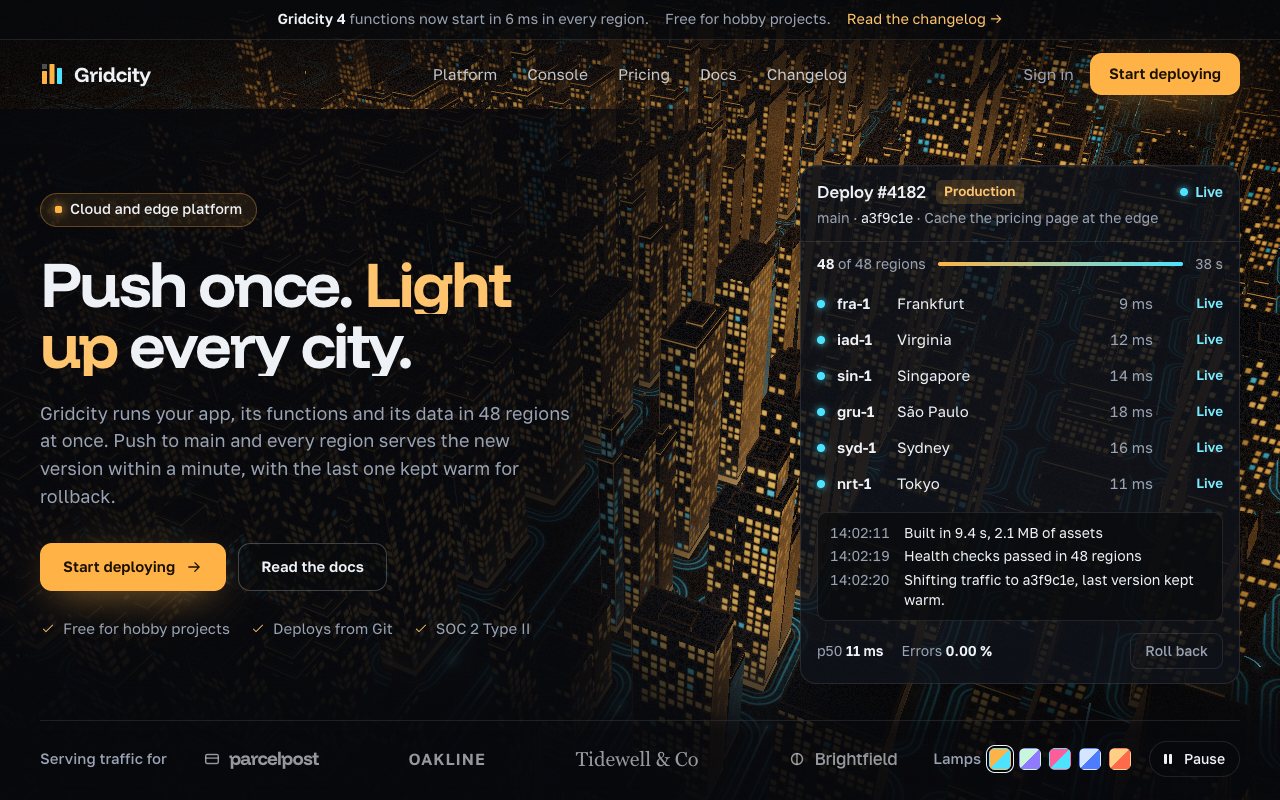
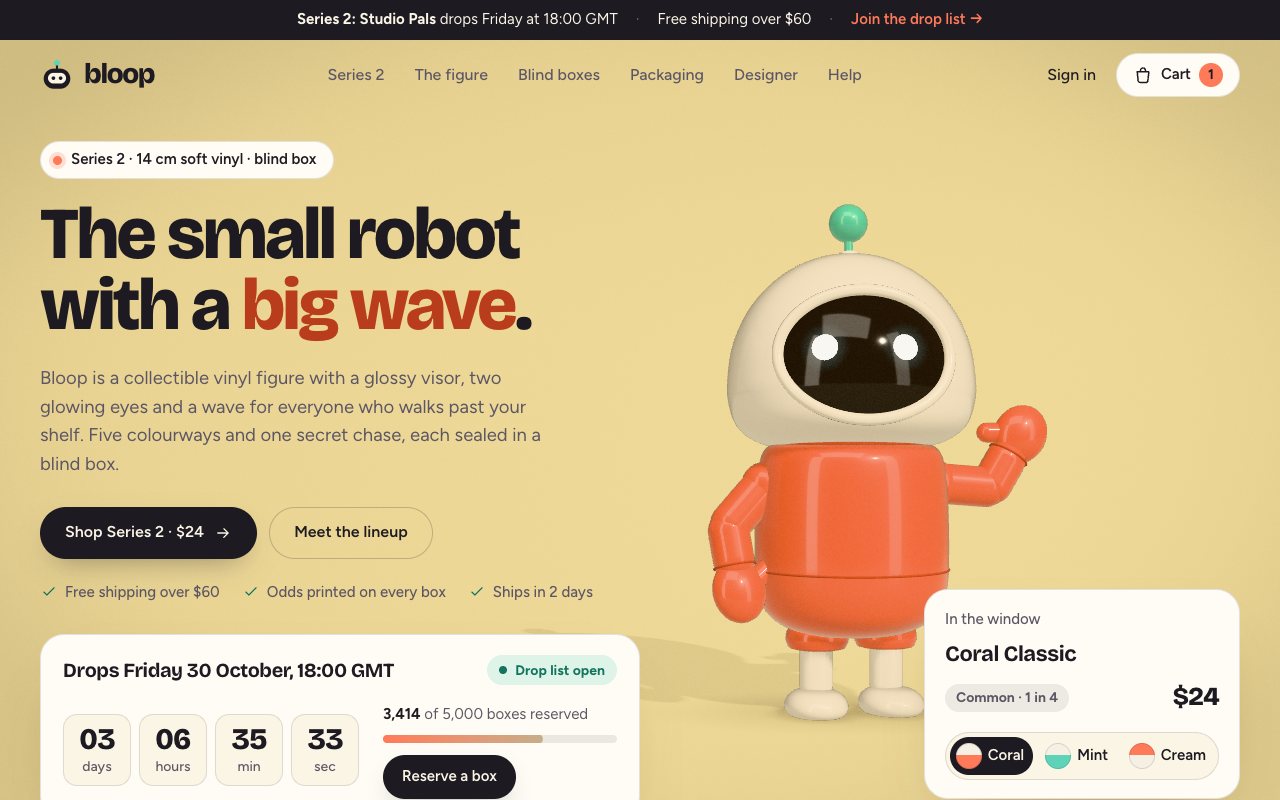
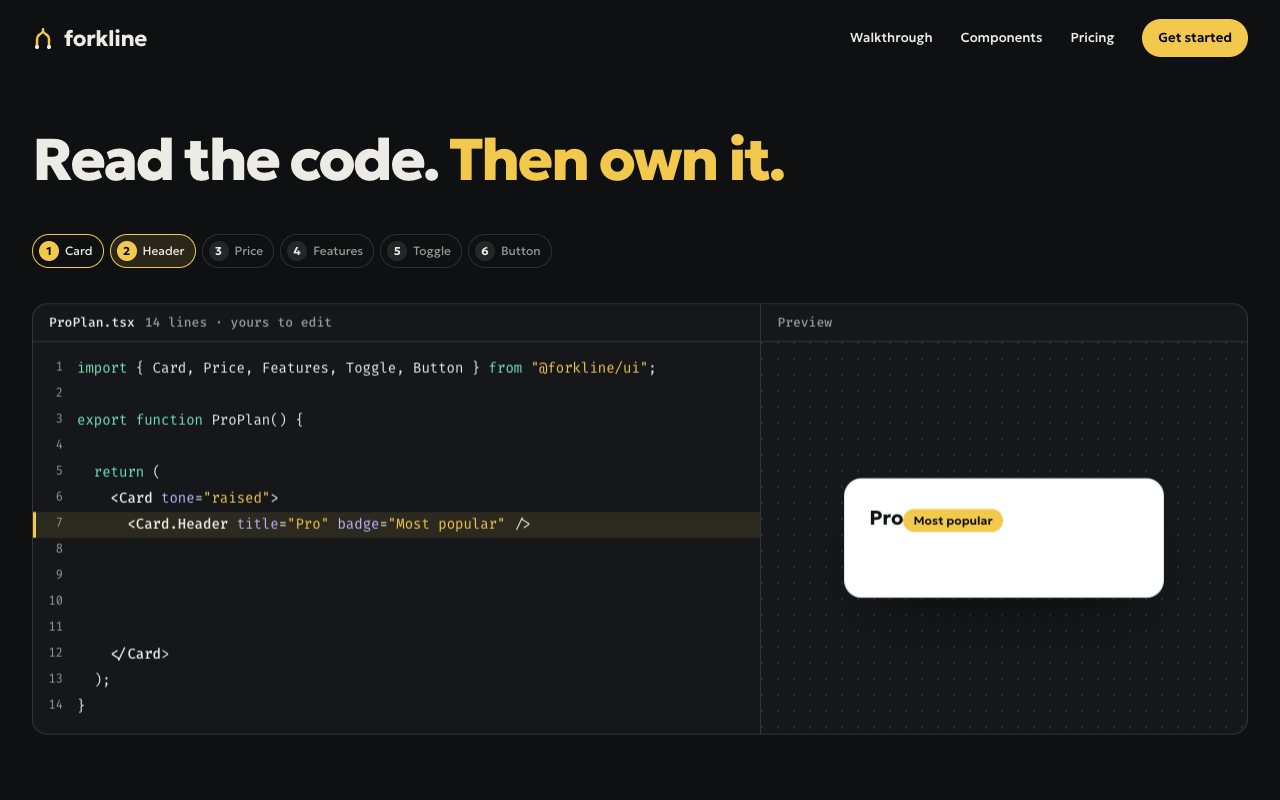
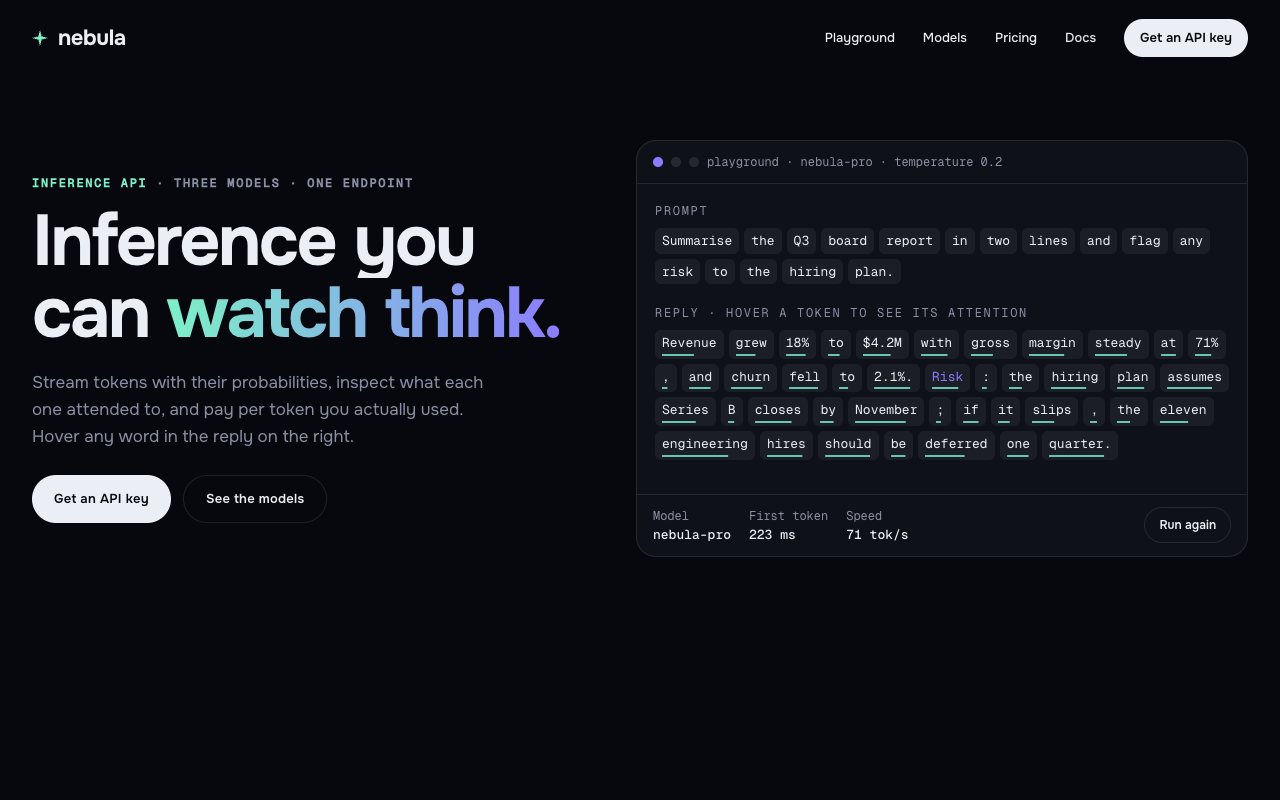
Cursor works best on a landing page when you give it one well-specified piece at a time inside your own repo, instead of asking for the whole page in one go. So this collection is a landing page in ten prompts, in reading order: a header that shrinks into a glass pill, a hero that types its own headline, a logo row, tabbed features, KPI counters, a filterable testimonial wall, a monthly and yearly pricing switch, a searchable FAQ, a closing call to action and a footer that reveals itself.
Each prompt quotes the section's markup, styles and script verbatim with the colour tokens, so Cursor reproduces the design rather than guessing at it. Pick Next.js and you get a client component under components/sections/ with a CSS module or Tailwind v4 classes, the script in useEffect with cleanup and your copy as props; React, Vue and Astro work the same way. Paste one prompt into Cursor's chat or agent with your project open, review the diff, then move to the next.
N° 0157 · navigation
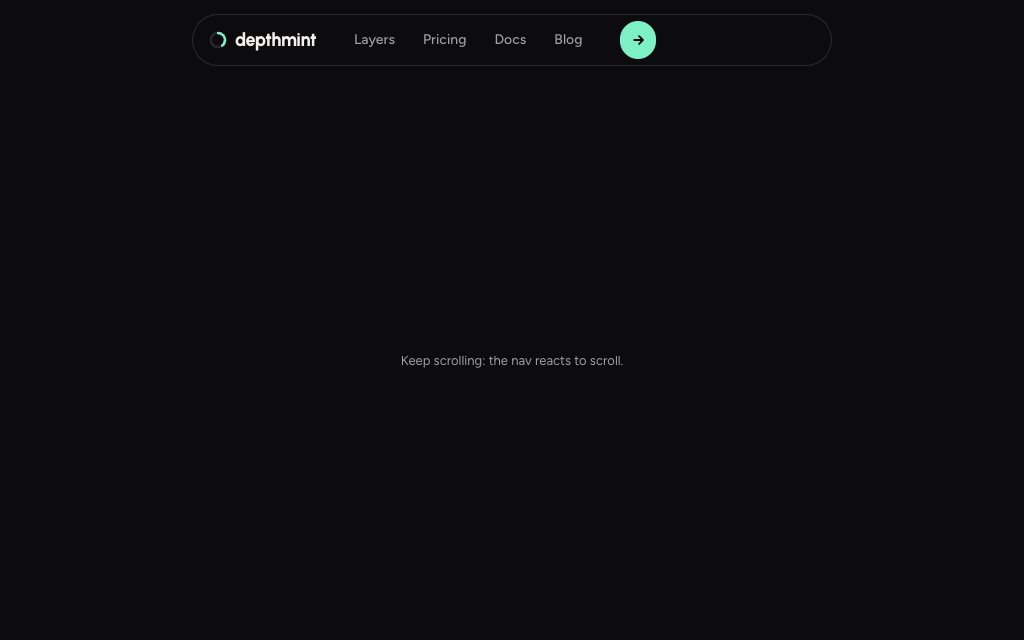
01 Header: a full-width bar that shrinks into a floating glass pill once you scroll.
N° 0558 · hero
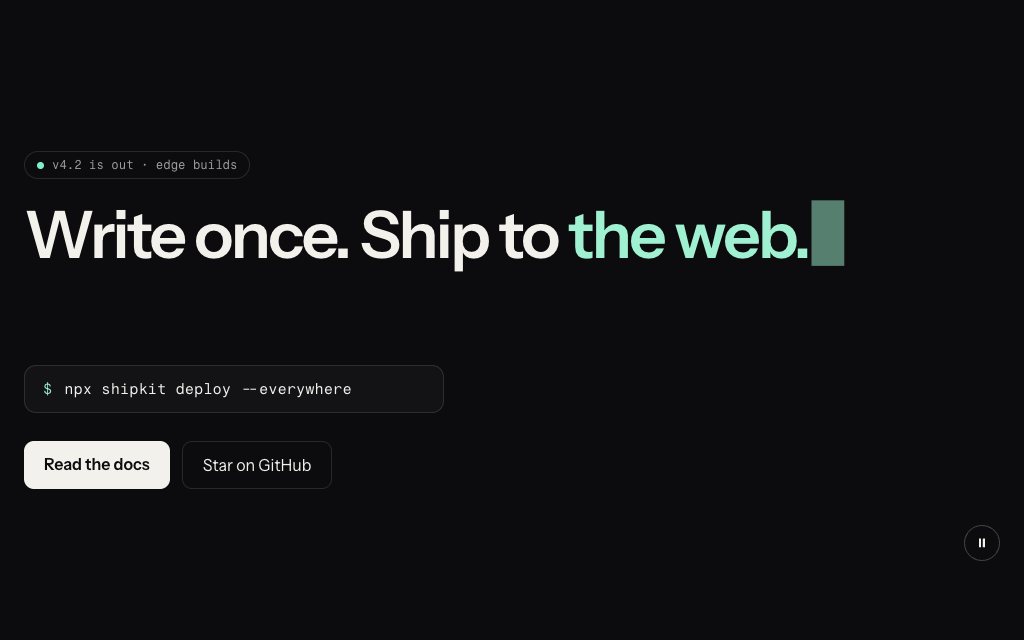
02 Hero: a headline that types itself, then selects and rewrites its last phrase.
N° 0177 · logos
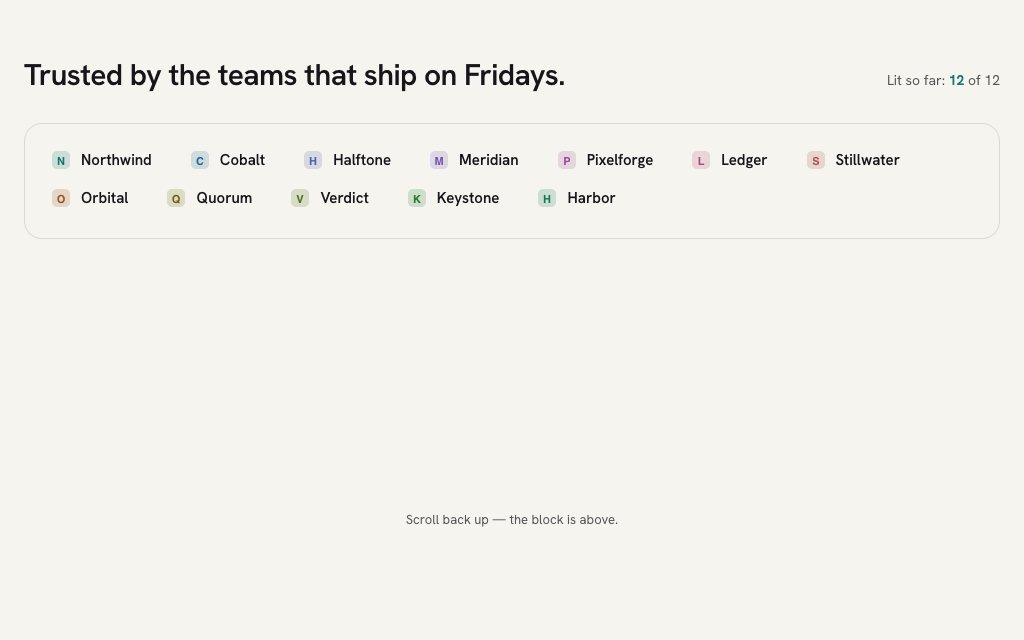
03 Logos: grey client marks that a band of colour sweeps across as the row scrolls in.
N° 0179 · features
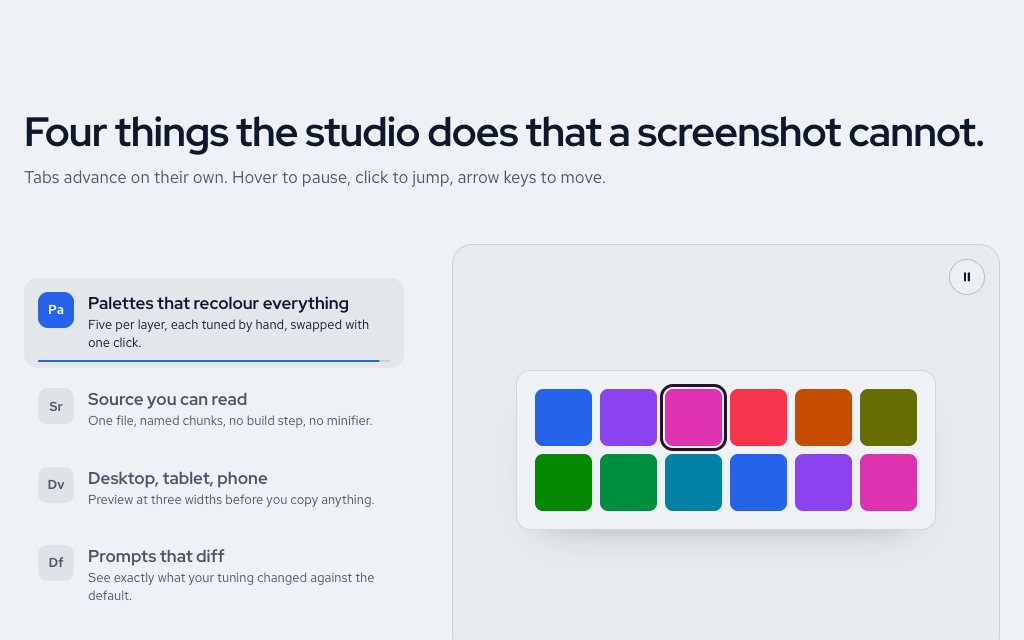
04 Features: vertical tabs whose progress bars fill before moving to the next.
N° 0537 · stats
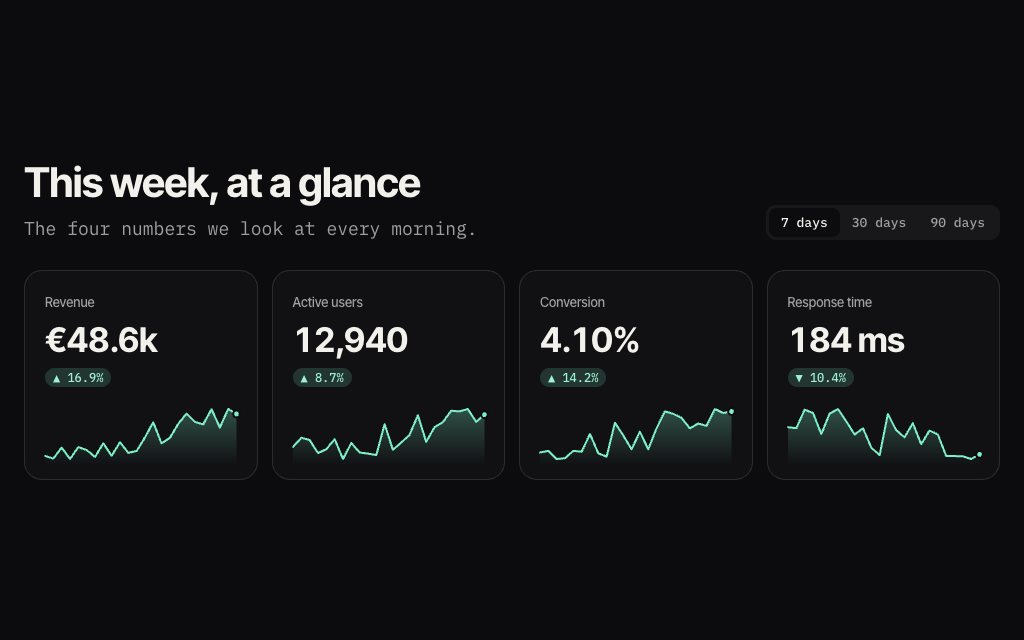
05 Stats: four KPI tiles counting up while sparklines draw underneath in step.
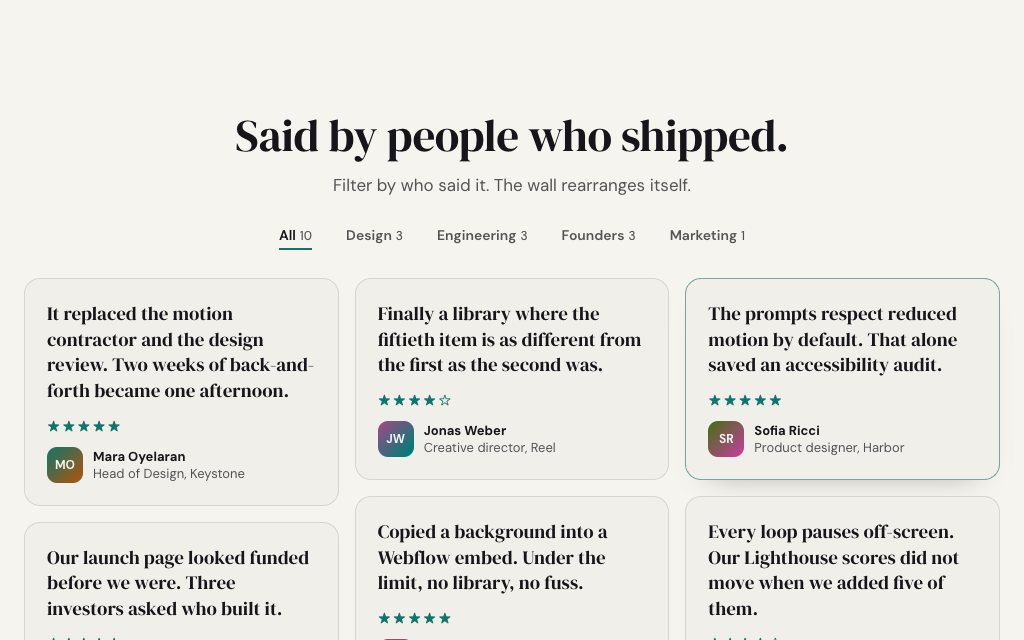
N° 0150 · testimonials
06 Testimonials: a masonry wall of quotes with role filters that re-flow the cards.
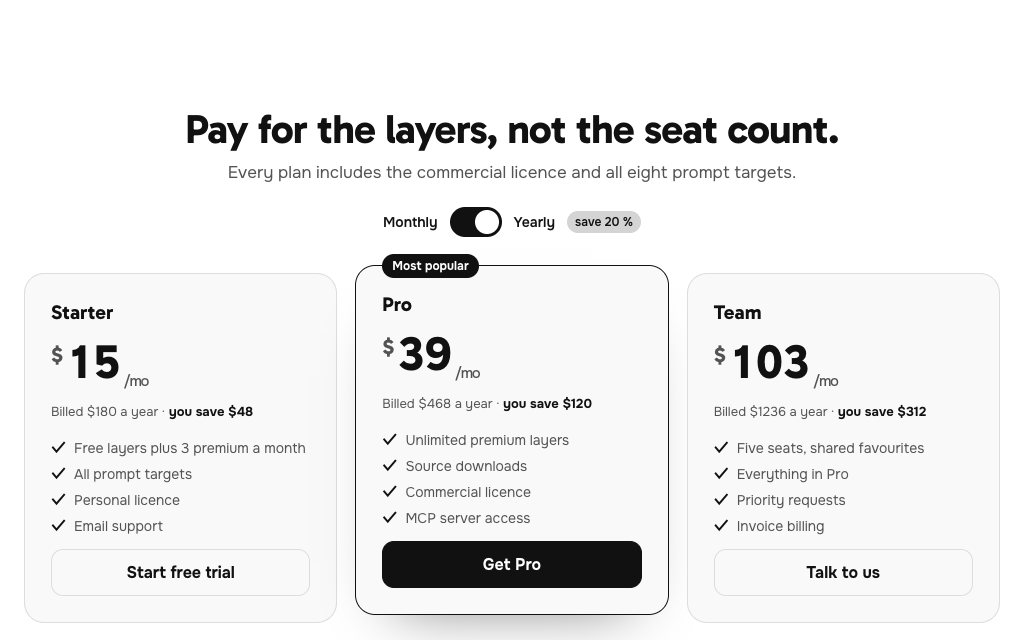
N° 0184 · pricing
07 Pricing: a monthly and yearly switch whose prices roll digit by digit.
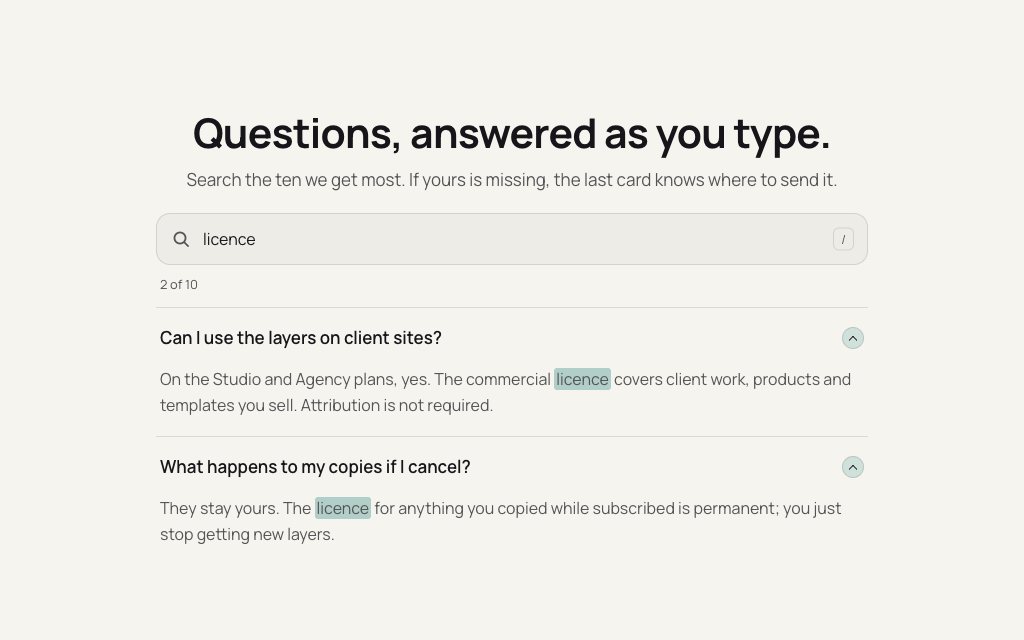
N° 0167 · faq
08 FAQ: a search box that filters the accordion and highlights matching words.
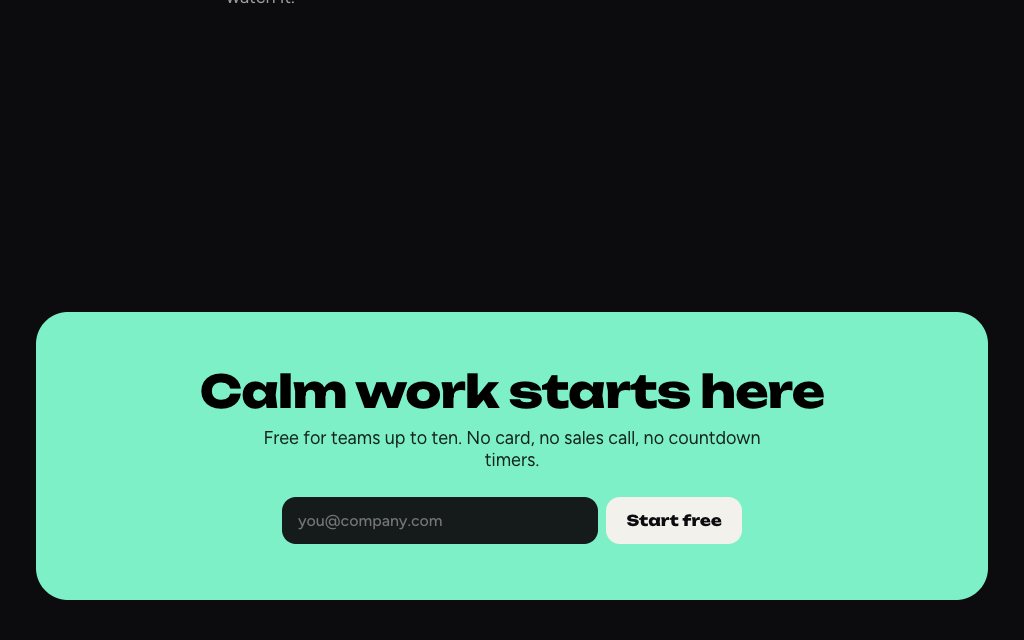
N° 0509 · cta
09 CTA: a small floating pill that expands into the call-to-action block.
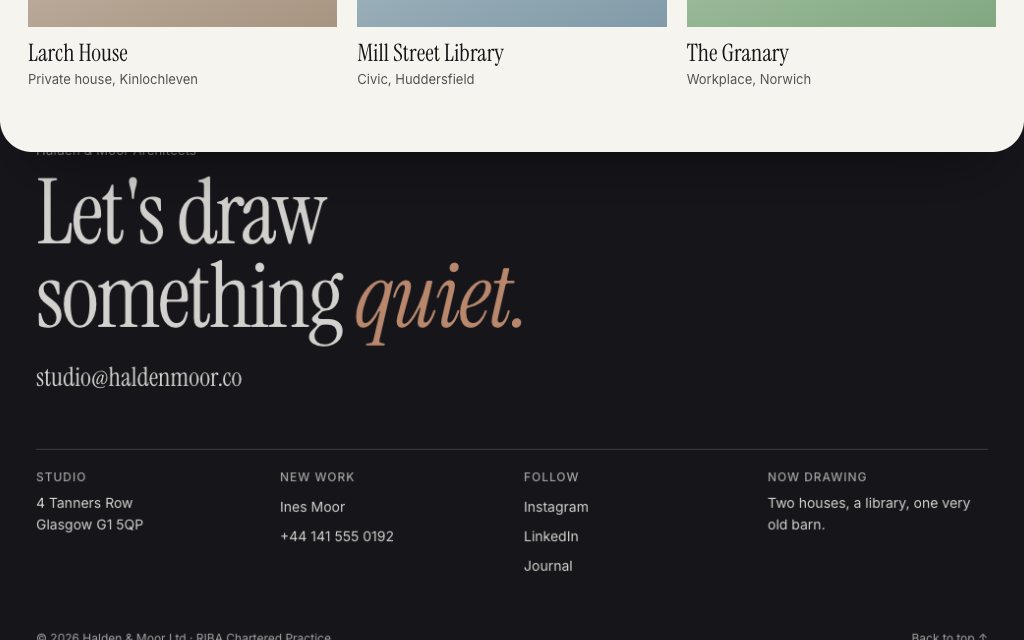
N° 0525 · footer
10 Footer: the footer waits underneath and is revealed as the last section lifts away.
Browse the full catalogue: Sections
Open your project in Cursor, choose your stack on the layer page (Next.js, React, Vue, Astro or plain HTML), copy the prompt and paste it into Cursor's chat or agent. It writes the component and its styles; review the diff, then import the section into your page.
Smaller prompts give the model less to hold at once, so the output follows the design more closely and is easier to review. If you want a whole page from one prompt, every Tileio template copies as a single prompt too.
Each prompt keeps its styles scoped (a CSS module, scoped styles or Tailwind classes) and reads colours from tokens, so you can map them to your design system's variables.
No. Tileio is an independent library of design layers and prompts. The prompts are plain text, so they work in Cursor and in any other AI coding tool that writes HTML, CSS and JavaScript.
Typing Headline, Masonry Wall, Toggle Pricing, Search FAQ, Pill-expand CTA and Reveal Footer. Free layers are for personal projects; commercial use needs Pro or Lifetime.
12 layers · 5 free
10 layers · 7 free
10 layers · 2 free
12 layers · 5 free