N° 0179 · features
10 layers · 4 free
A features section is where most landing pages turn into a grid of icons and three-word claims. These ten show the product instead. A pinned phone or device frame swaps screens as each feature scrolls past, tabs advance on their own with a progress bar, a with and without toggle flips a cluttered inbox into a clean one, a comparison draws its checks in one by one.
For pages that do want a grid, there is a grid whose line icons draw themselves stroke by stroke, a six-card grid lit by a spotlight that follows the pointer, cards that open into a full-width detail row, a how-it-works column pulled down by a rope and zigzag rows joined by a path that draws as you scroll.
Each block is vanilla JS. Copy it as an HTML snippet or a Next.js, React, Vue, Astro, WordPress, Shopify or Webflow component. Scroll-pinned Phone, Sticky Steps, Us vs Them and With / Without Toggle are free.
N° 0179 · features
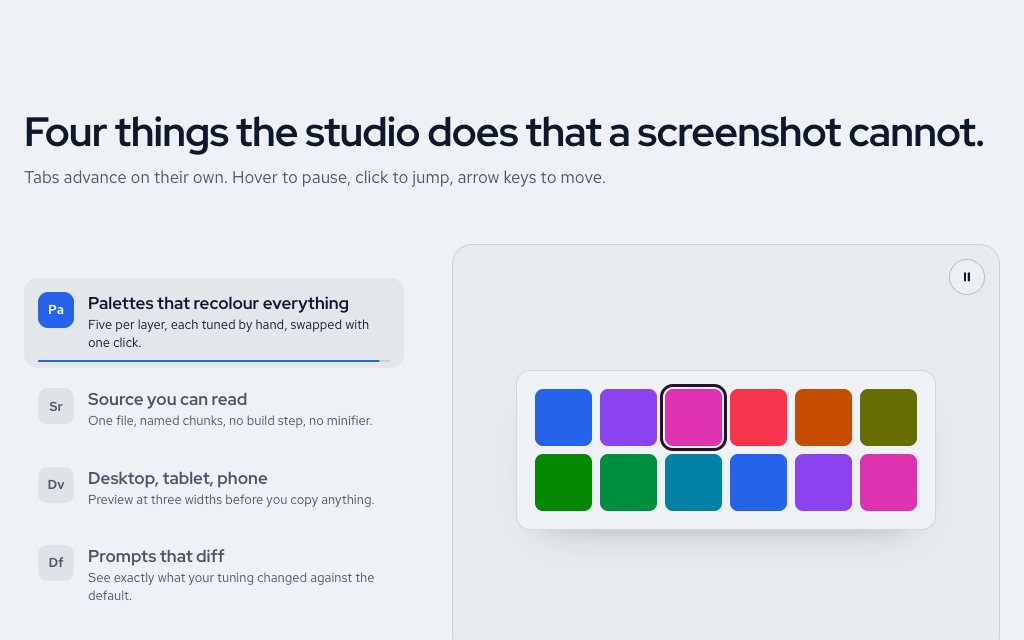
A vertical tab list whose progress bars fill over six seconds before moving to the next.
N° 0527 · features
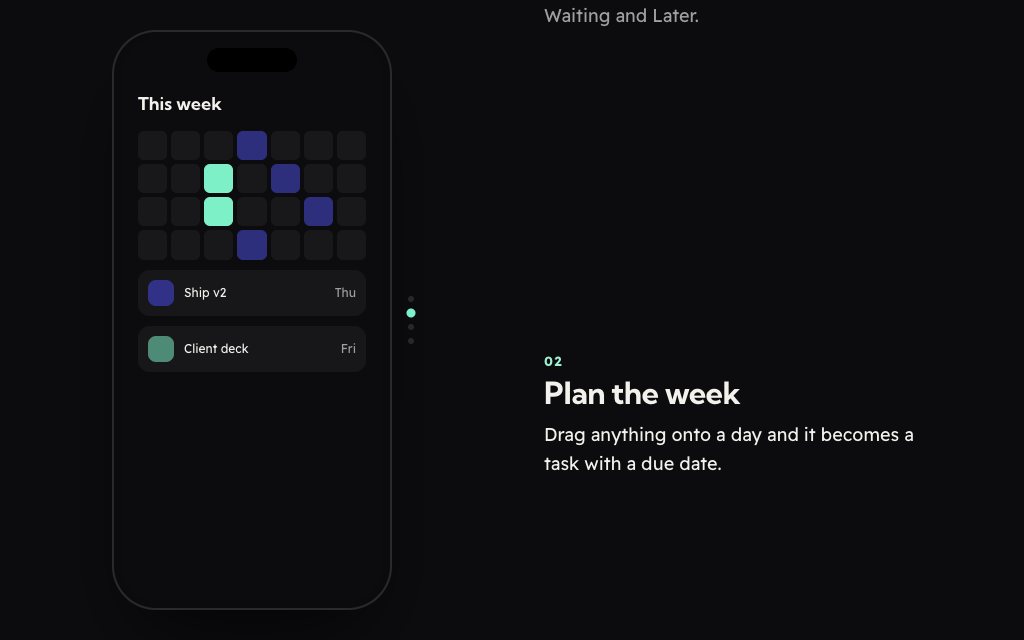
A pinned phone mockup whose screen changes as four feature steps scroll past.
N° 0175 · features
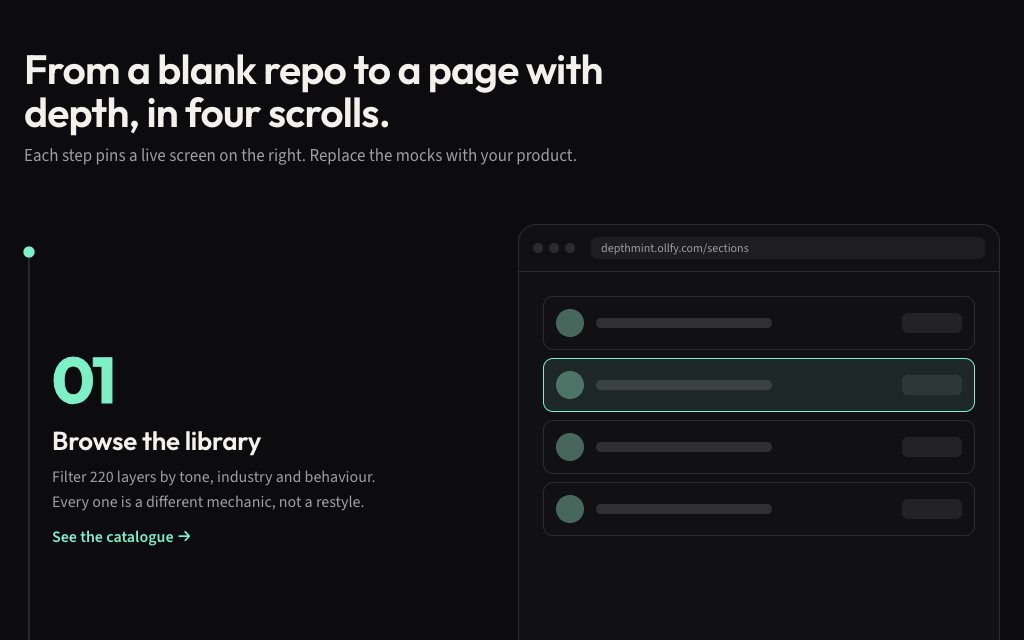
Four steps scroll on the left while a pinned device frame swaps screens.
N° 0568 · features
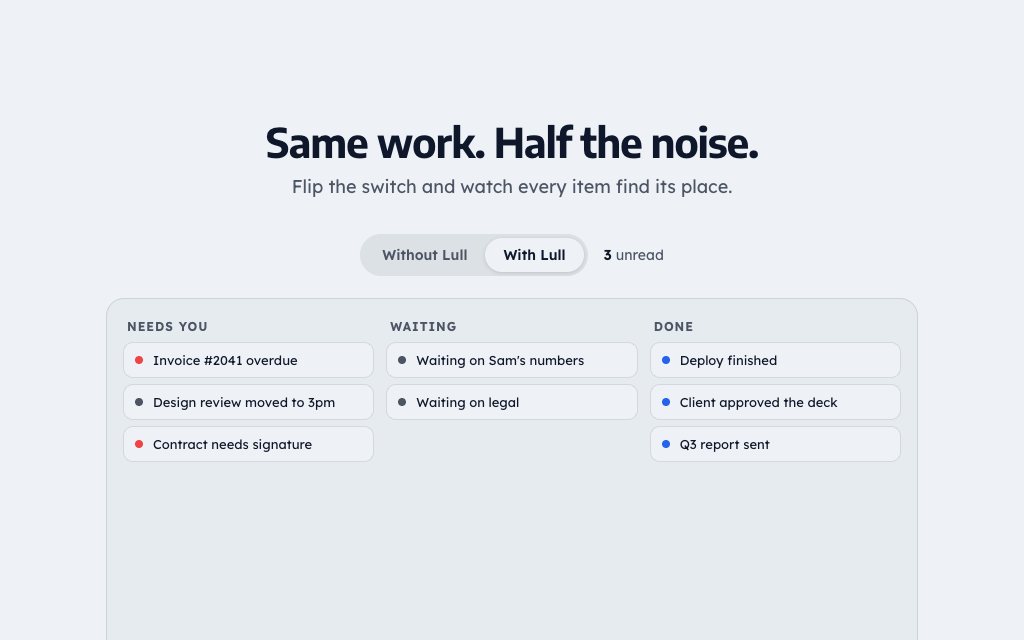
A product UI you can flip from a cluttered inbox to a calm one.
N° 0185 · features
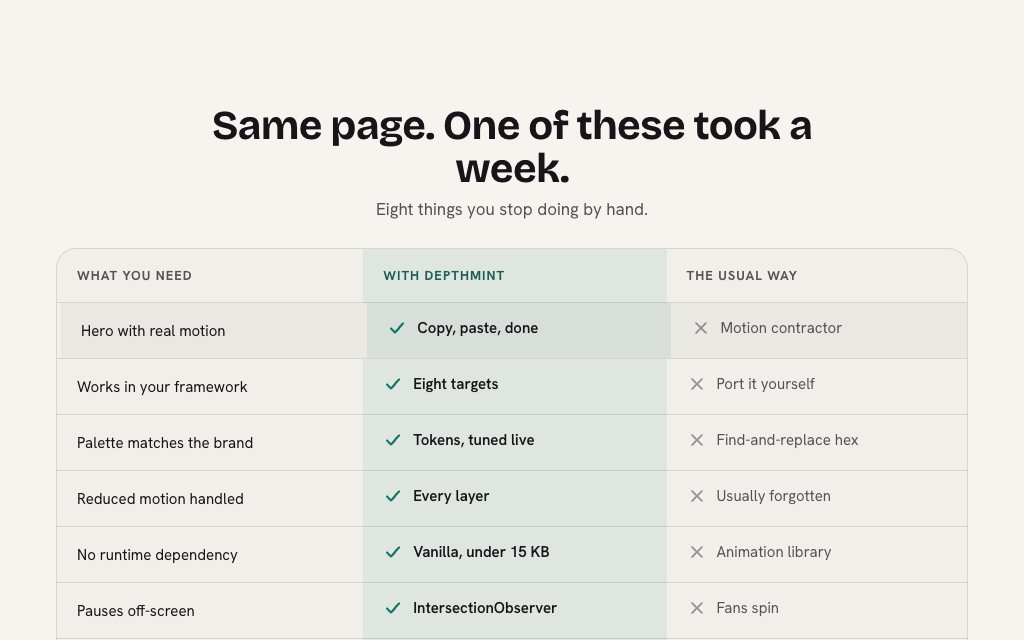
A two-column comparison where our checks draw themselves in as the block appears.
N° 0483 · features
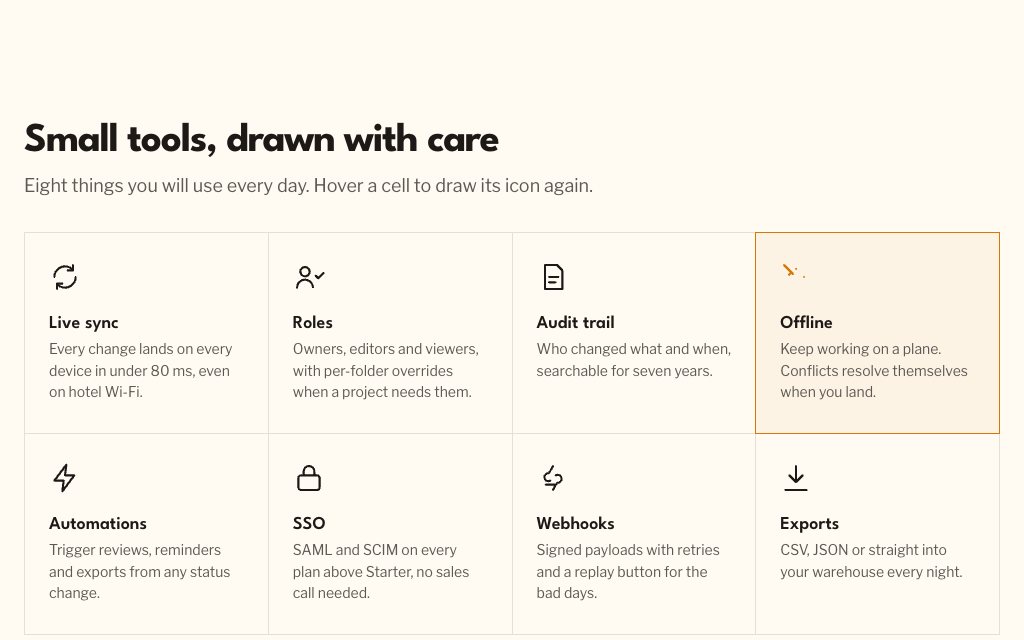
An eight-feature grid whose line icons draw themselves stroke by stroke.
N° 0171 · features
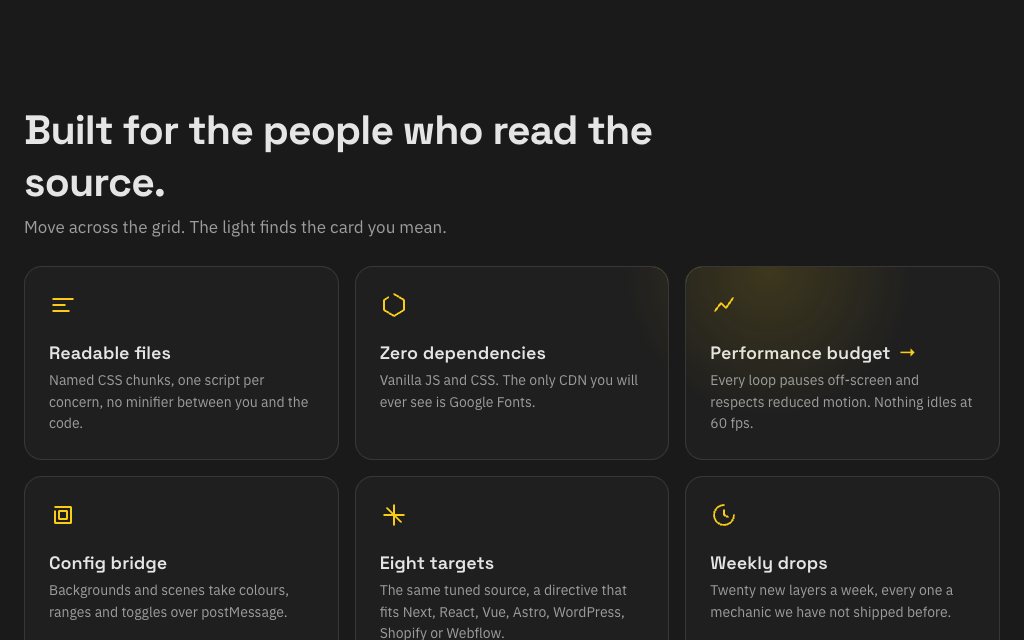
Six feature cards lit by a soft spotlight that follows the pointer across the grid.
N° 0433 · features
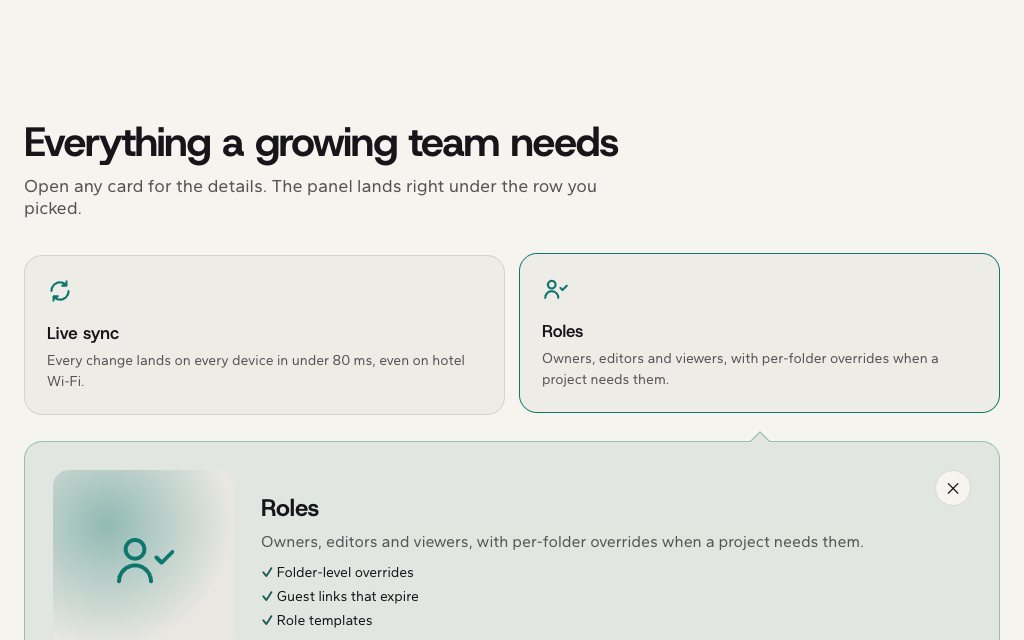
Click a card and a full-width detail row slides open beneath it, like an image search.
N° 0520 · features
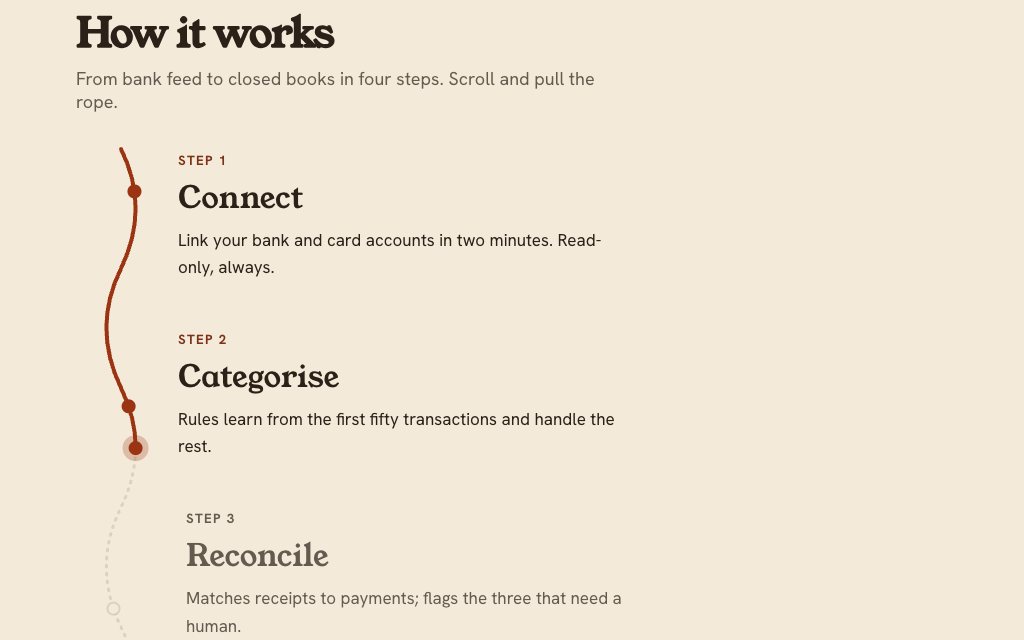
A four-step how-it-works column with a hand-drawn rope that pulls taut as you scroll.
N° 0190 · features
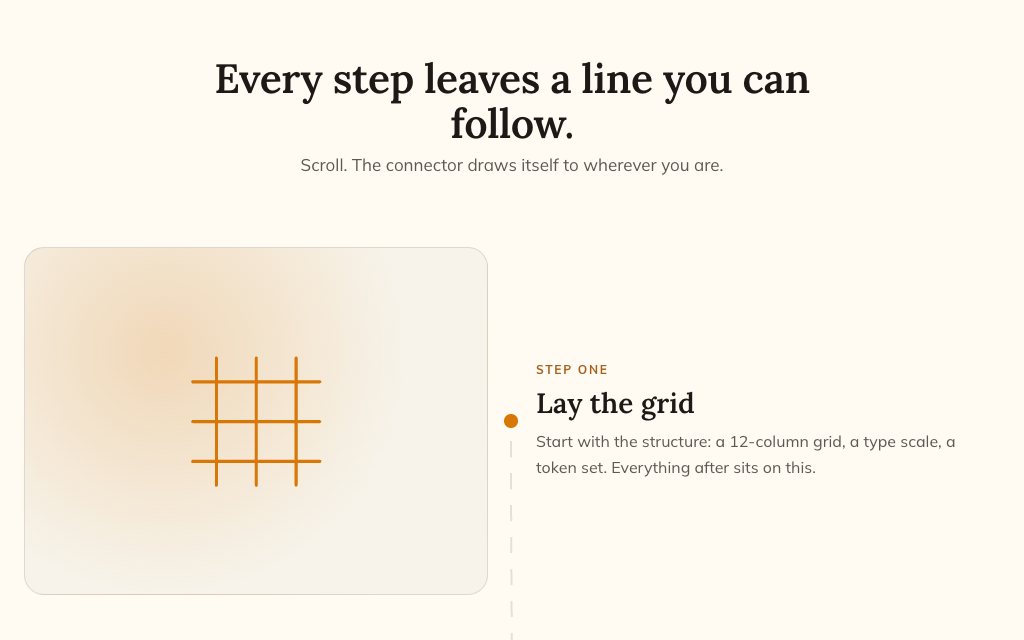
Alternating image-and-text rows joined by a dashed path that draws as you scroll.
Browse the full catalogue: Sections
Three to six is typical. Lead with the one that matters most and show it working; a tabbed or pinned layout lets you cover more without a wall of cards.
Each block's prompt carries its responsive and accessibility rules: tabs and toggles take the keyboard, scroll-driven pieces check reduced motion, and every label stays real text.
Pick Next.js and the prompt allows Tailwind v4 classes or a CSS module for the section's styles. For other stacks the quoted CSS stays as a sibling stylesheet.
Scroll-pinned Phone Features, Sticky Steps, Us vs Them and With / Without Toggle. Free layers are for personal projects; commercial use needs Pro or Lifetime.
10 layers · 4 free
10 layers · 4 free
12 layers · 5 free
12 layers · 5 free