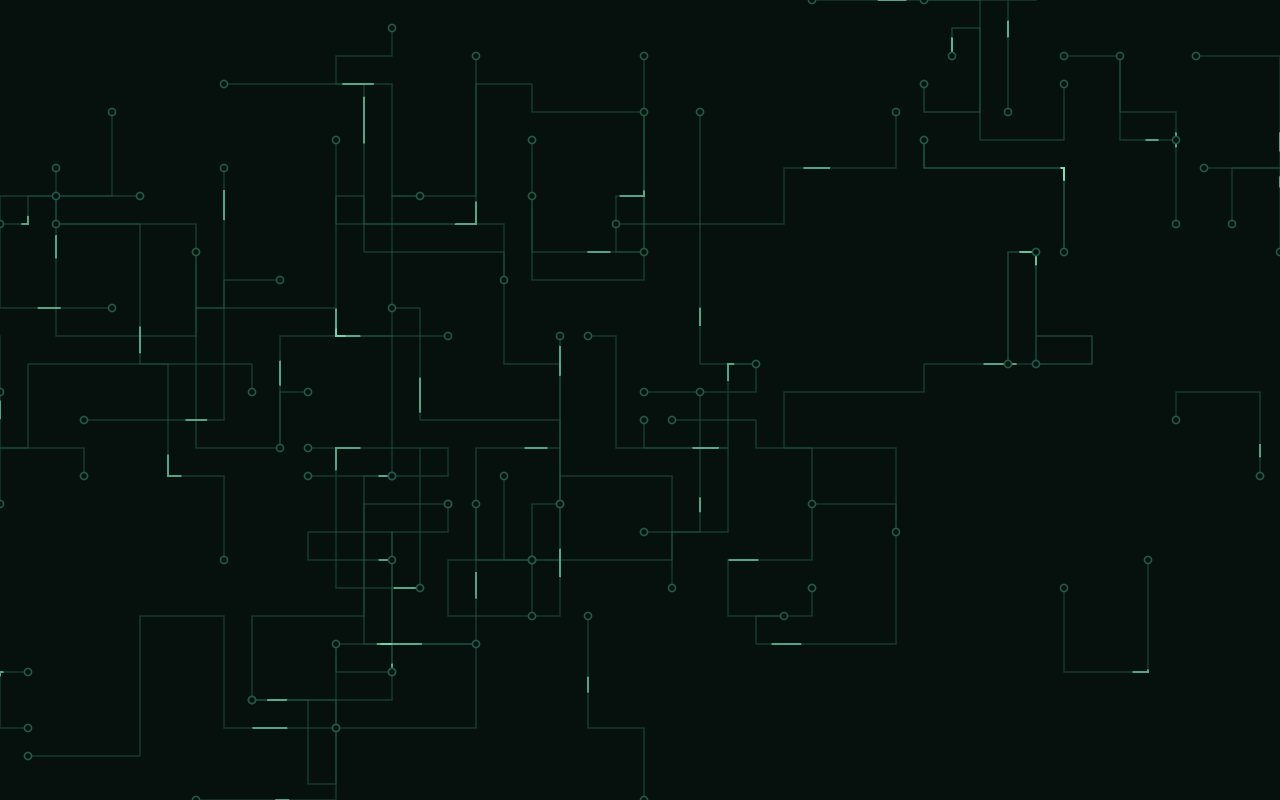
N° 0255 · PCB traces with travelling pulses
12 layers · 3 free
SVG backgrounds are drawn as vectors, so they stay crisp on any screen and weigh a few kilobytes. These twelve use the parts of SVG that are hard to fake in CSS: filters (a goo filter that fuses blobs, fractal turbulence, paper grain made from noise and lighting), animated paths (circuit traces with travelling pulses, contour lines re-traced every frame) and pattern grids (hexagons, isometric cubes, concentric rings).
Most react gently to the pointer: pulses radiate from where it rests, rings glide after it, contours bulge under it. None of them need WebGL, so they are a safe choice for pages that must run everywhere.
Recolour each one in the browser and copy the prompt: it quotes the loop verbatim with your settings baked in, for a plain HTML snippet or a Next.js, React, Vue, Astro, WordPress, Shopify or Webflow component. Goo Blobs, Morphing Polygons and Topo Morph are free.
N° 0255 · PCB traces with travelling pulses
A printed-circuit board in SVG: right-angled traces with bright pulses travelling along them.
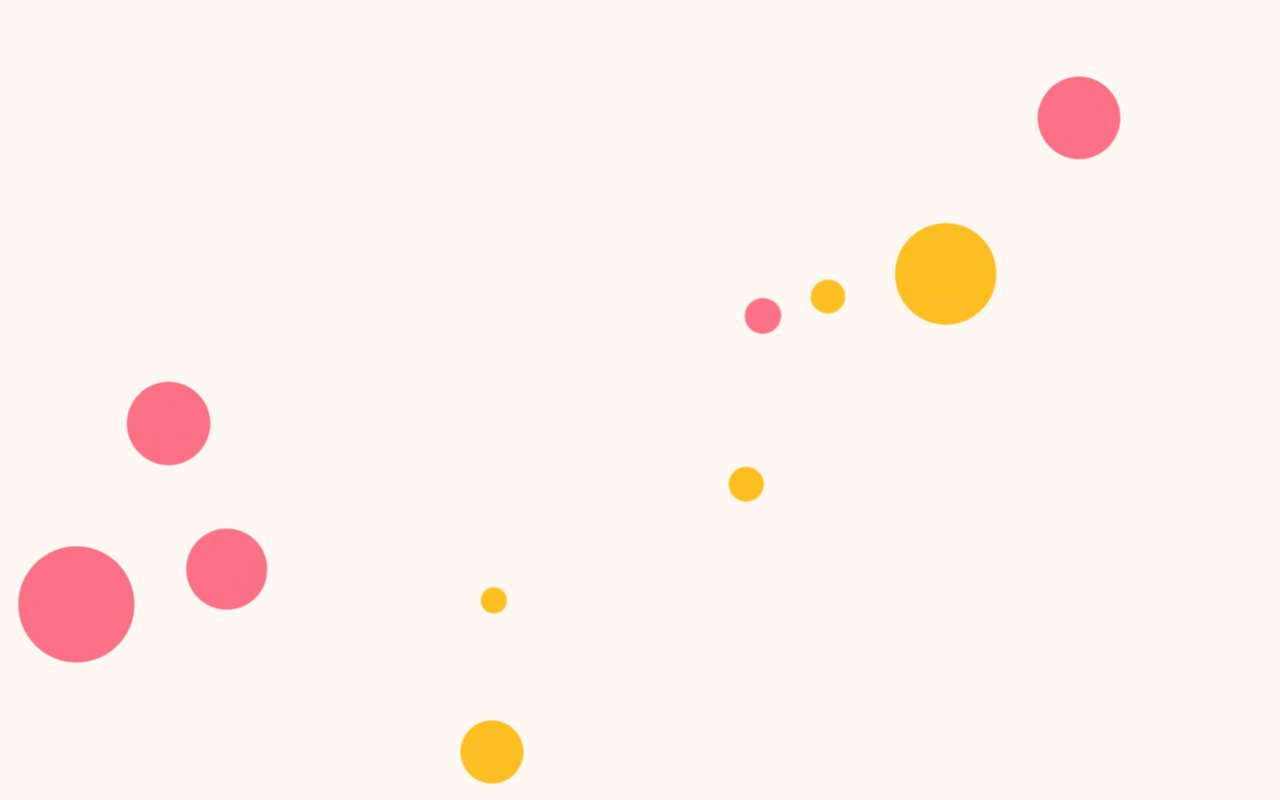
N° 0198 · svg goo filter
Soft circles under a goo filter that fuse when they touch; the pointer pulls them in.

N° 0270 · hex grid with radiating pulses
A honeycomb of hexagons lit by rings of light radiating from where the pointer rests.
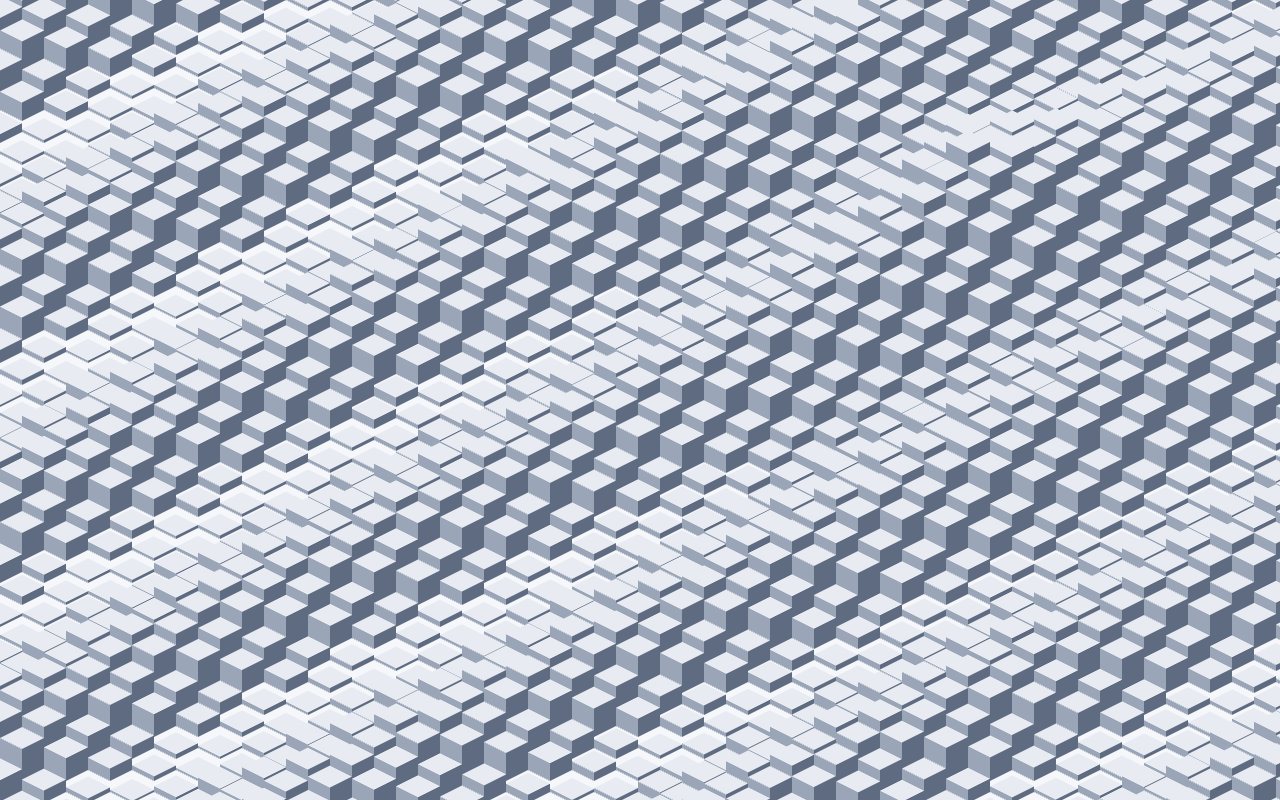
N° 0200 · isometric cube field
An isometric field of cubes rising and sinking on a slow wave, three shaded faces each.
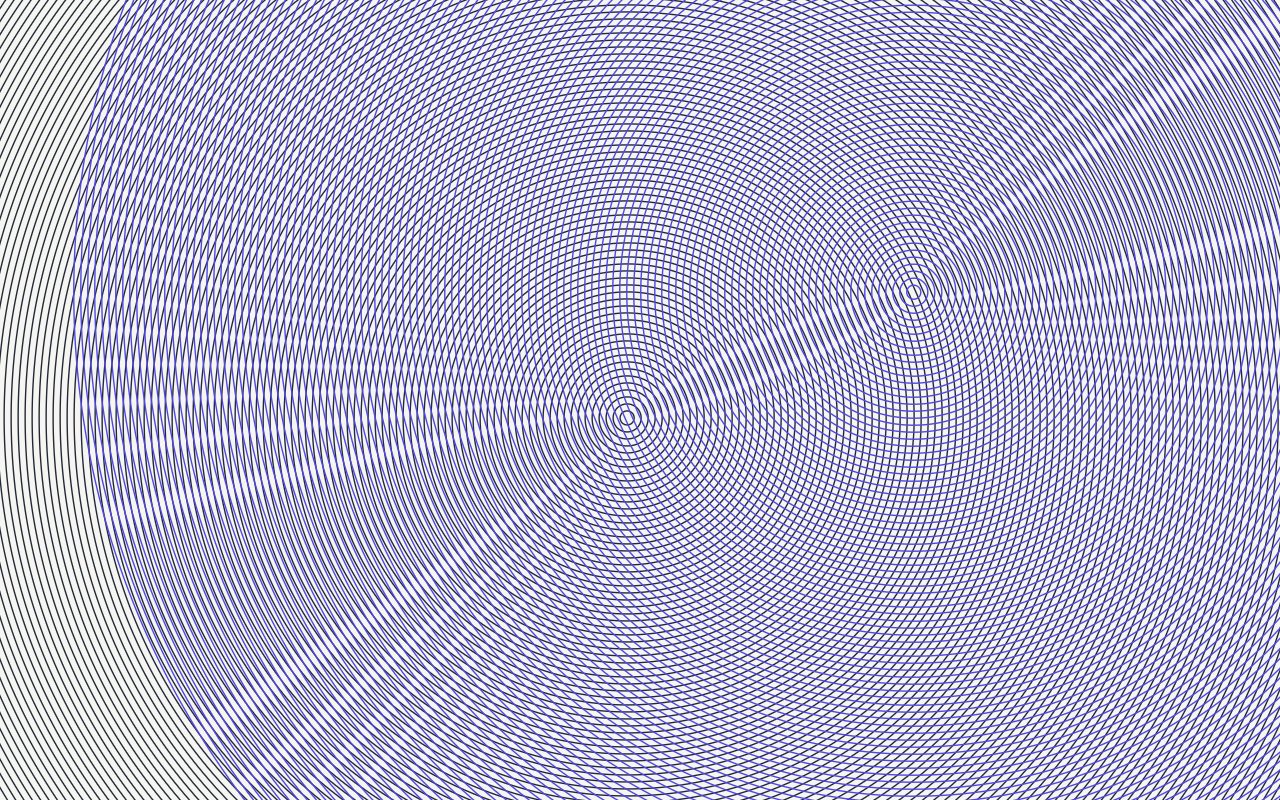
N° 0271 · interfering ring sets
Two sets of fine concentric rings, one gliding after the pointer, making moiré where they overlap.
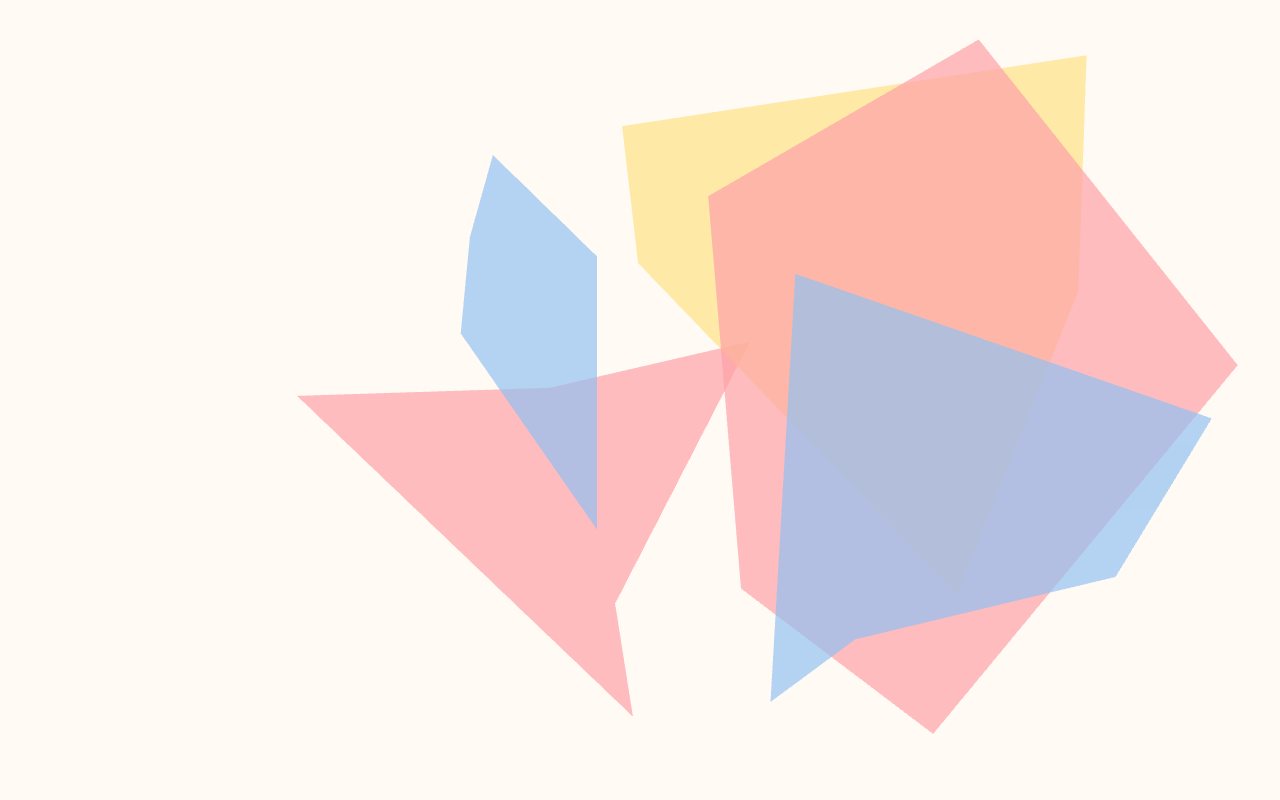
N° 0272 · wandering-vertex polygons
Big translucent polygons whose corners wander, so the shapes fold and overlap.
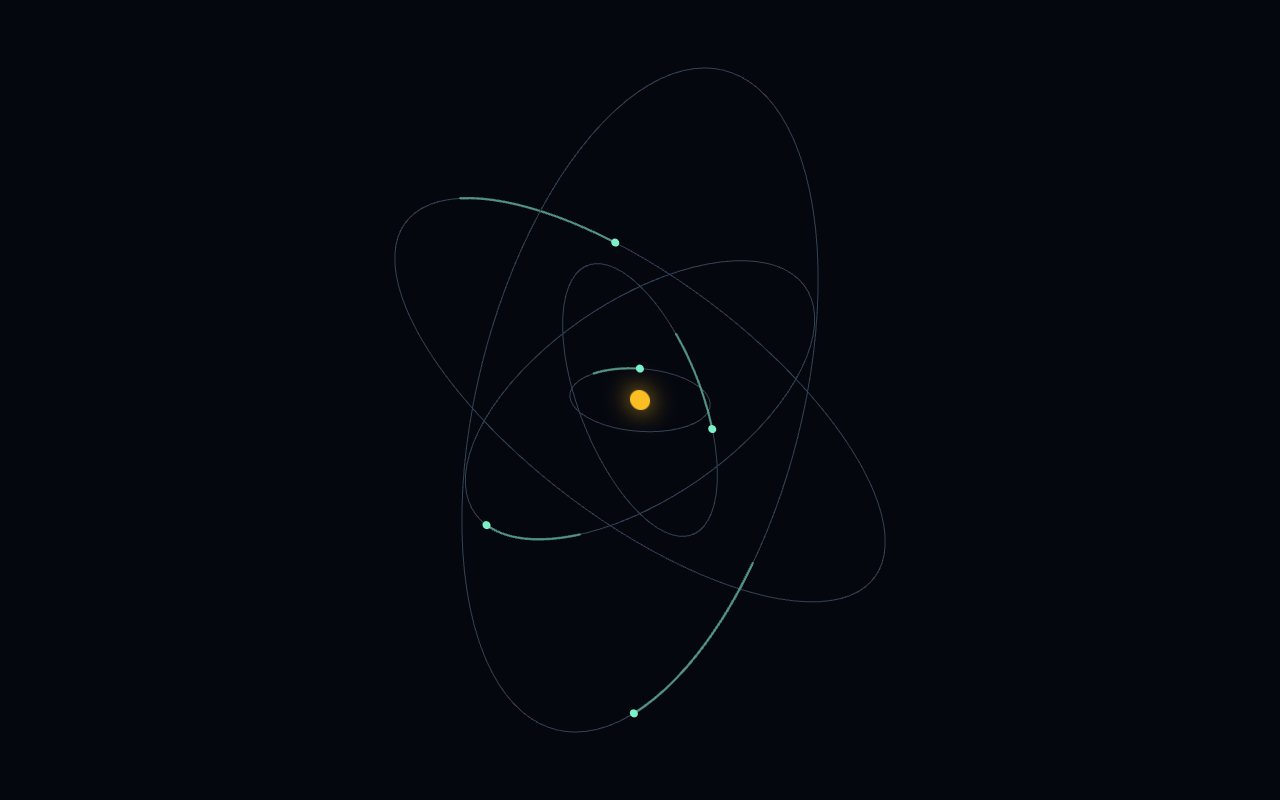
N° 0206 · orbiting satellites
A small solar system of tilted orbits, each carrying a bright dot with a short trail.

N° 0207 · svg noise paper
Real-looking paper from SVG filters: grain, fibre clumps, a crease and a sliding warm light.
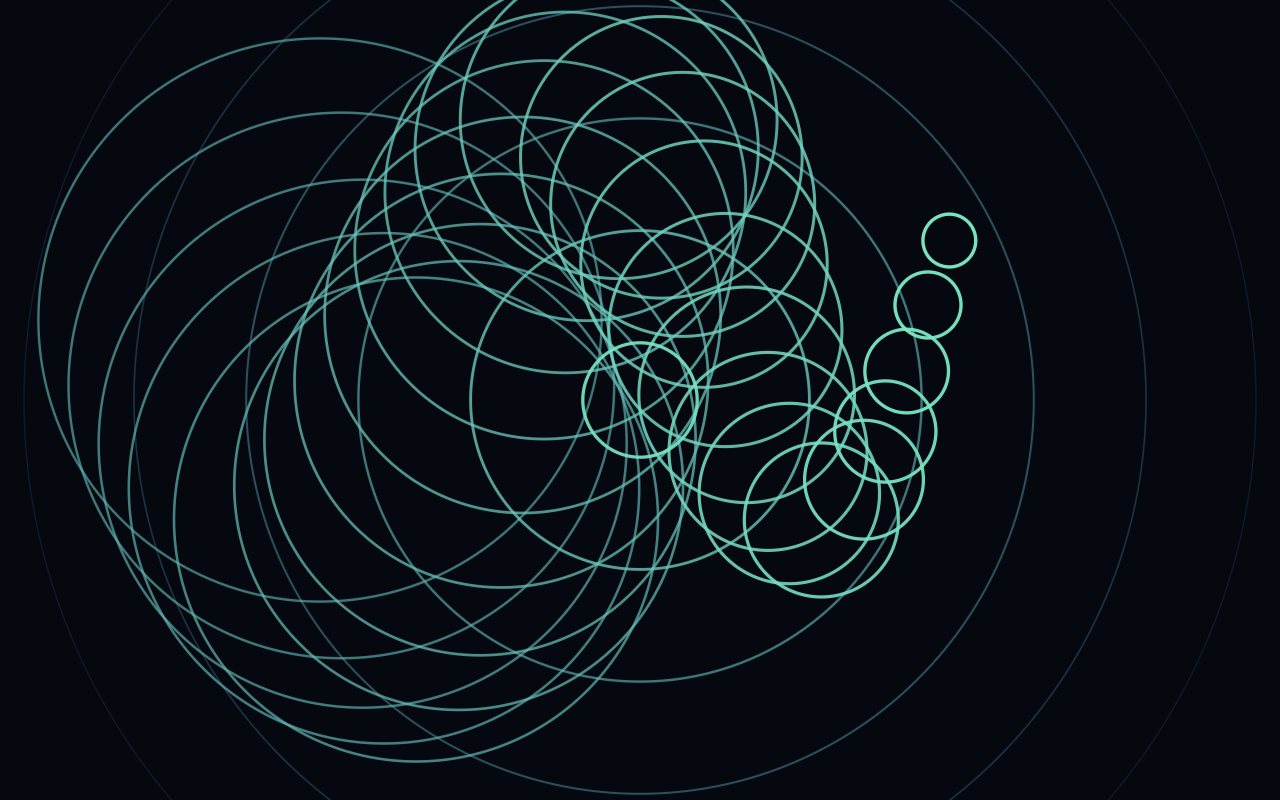
N° 0211 · concentric ring pulse
Rings expanding from a centre on a steady beat, like a radar or a drop in still water.
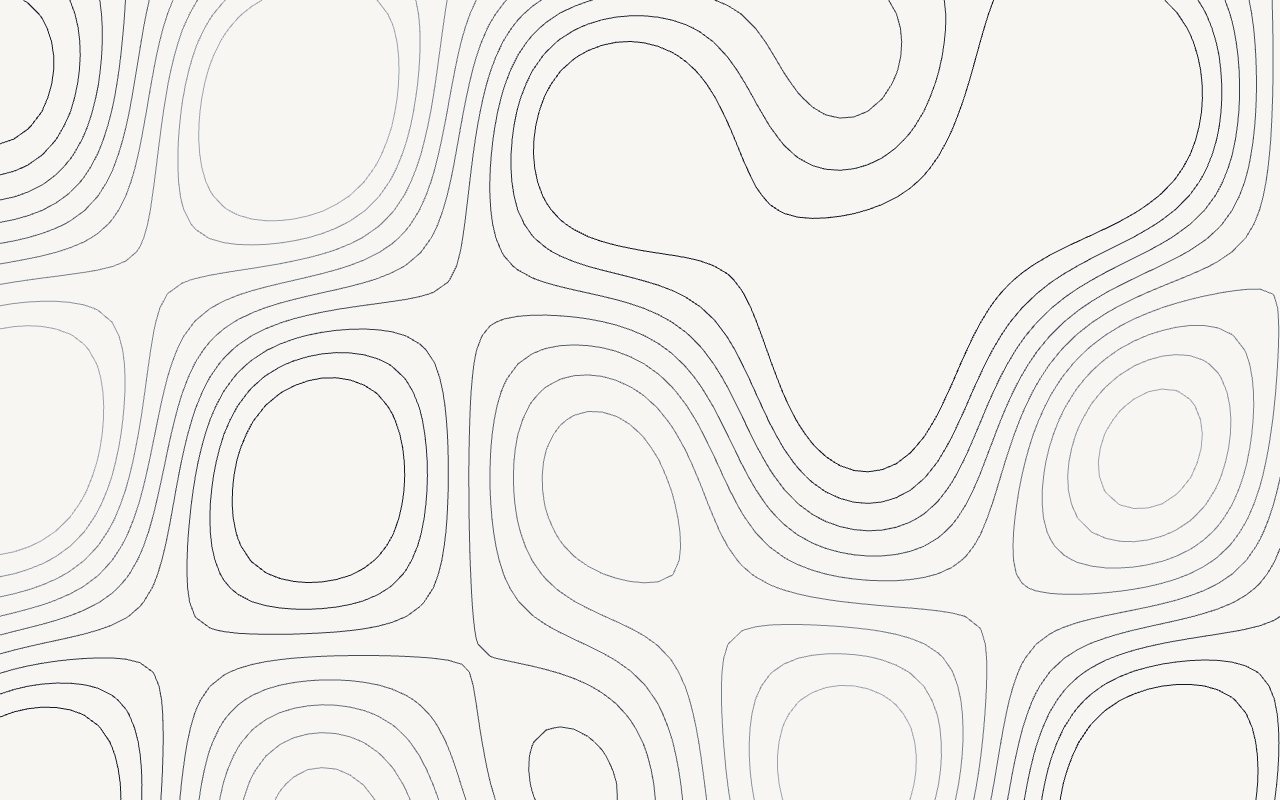
N° 0217 · marching-squares contours
Contour lines of a drifting landscape, re-traced every frame; the pointer pushes up a hill.
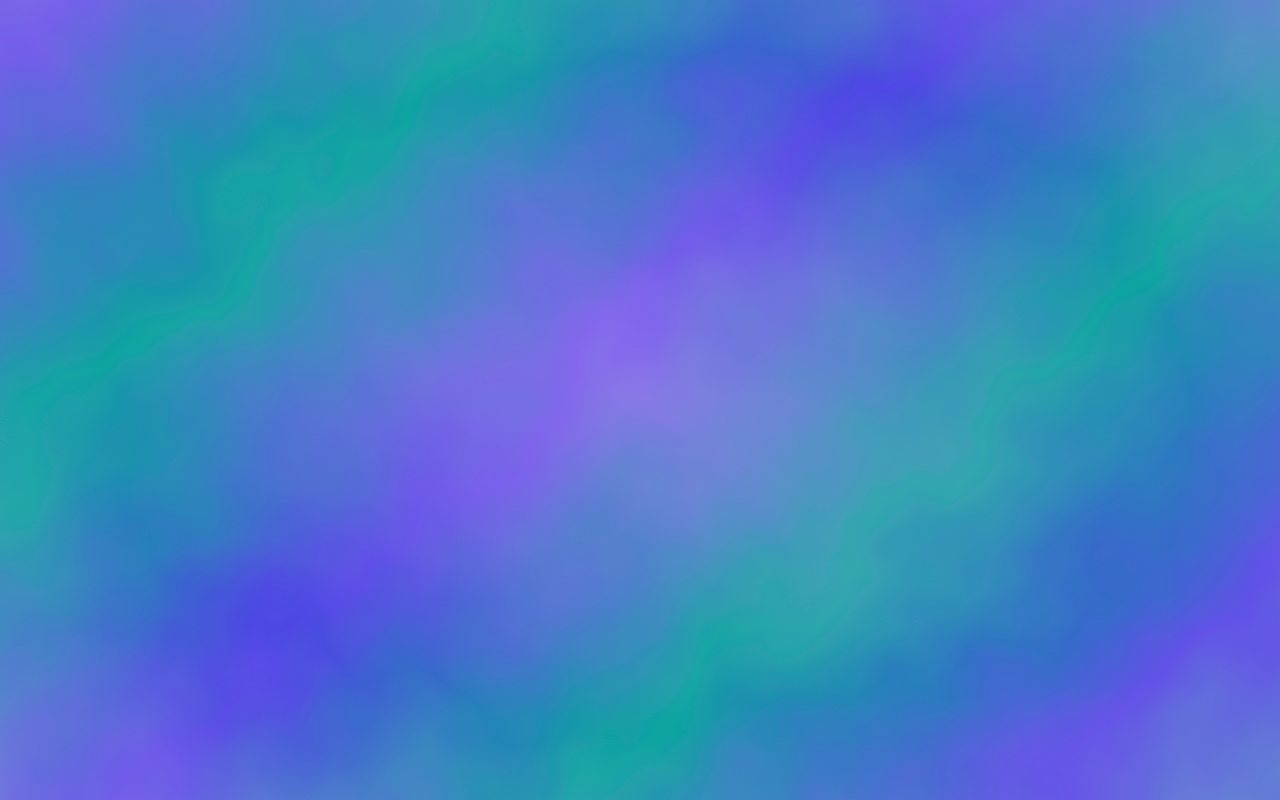
N° 0218 · svg turbulence
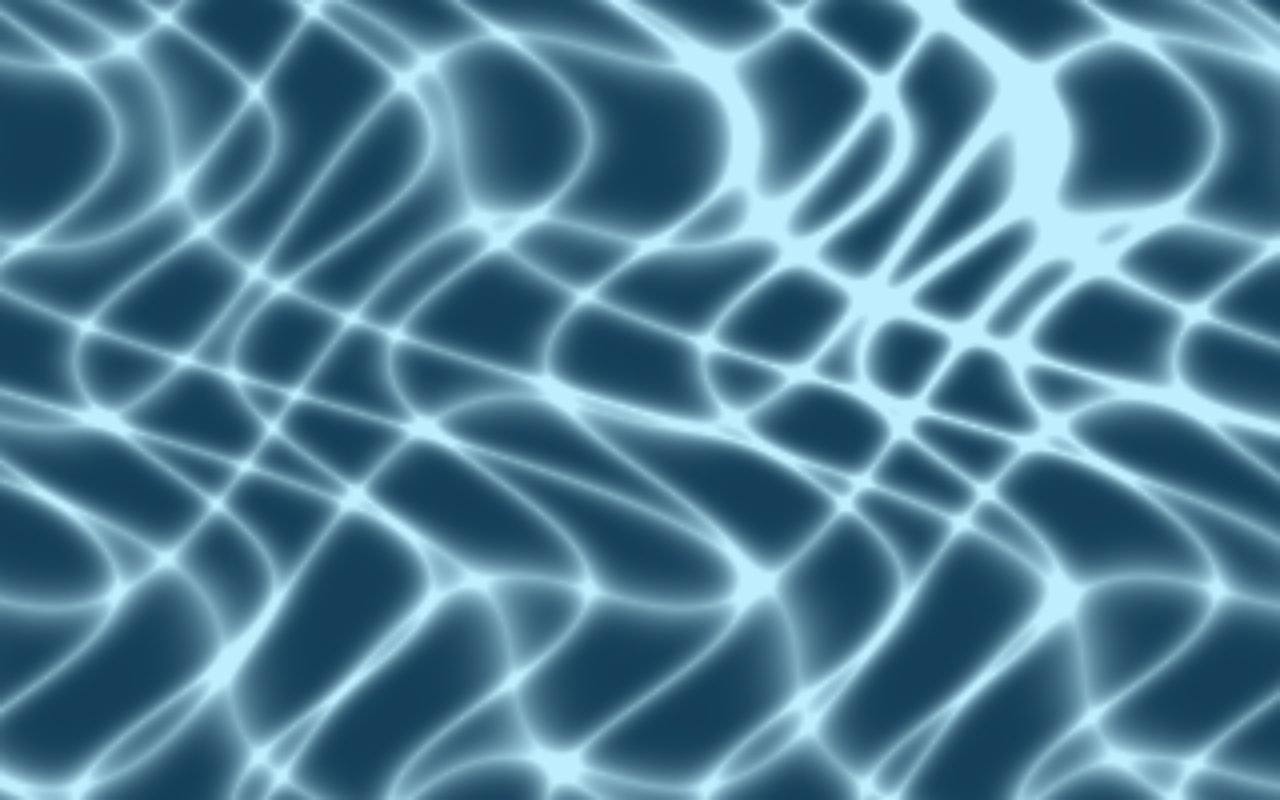
A colour field warped by fractal noise that never stops drifting, like heat haze.
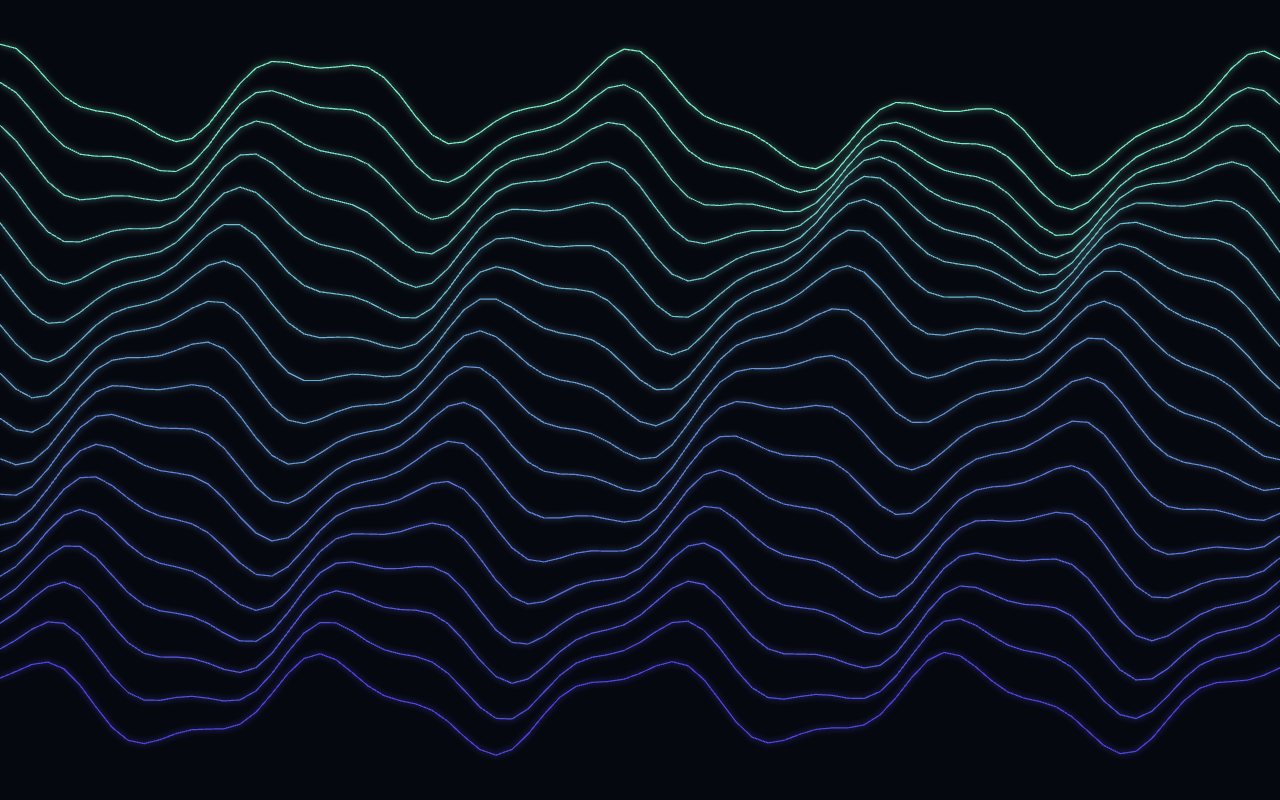
N° 0220 · svg wave lines
A stack of thin sine lines rolling across the frame, each a little out of phase.
Browse the full catalogue: Backgrounds
Place the SVG absolutely inside a container with position: relative and overflow: hidden, let it fill the container, and put your content in a layer above. The prompt includes those integration rules.
SVG for crisp vector shapes and filters at small file sizes; CSS for simple loops with no script; canvas when you need thousands of moving parts. All three avoid WebGL. See the CSS and canvas collections for the other two.
Heavy filters on a full-screen SVG can, so these keep shape counts modest, pause when off-screen and respect reduced motion.
Goo Blobs, Morphing Polygons and Topo Morph are free. Free layers are for personal projects; commercial use needs Pro or Lifetime.
12 layers · 3 free
12 layers · 4 free
12 layers · 5 free
12 layers · 6 free