N° 0143 · forms
10 layers · 4 free
Most contact forms ask everything at once and say nothing until you press Send. These ten do better: labels that float out of the way and a check that appears when a field is valid, a three-step form with a progress bar, a conversational form that asks one question at a time in chat bubbles, an address field that finishes your words in ghost text.
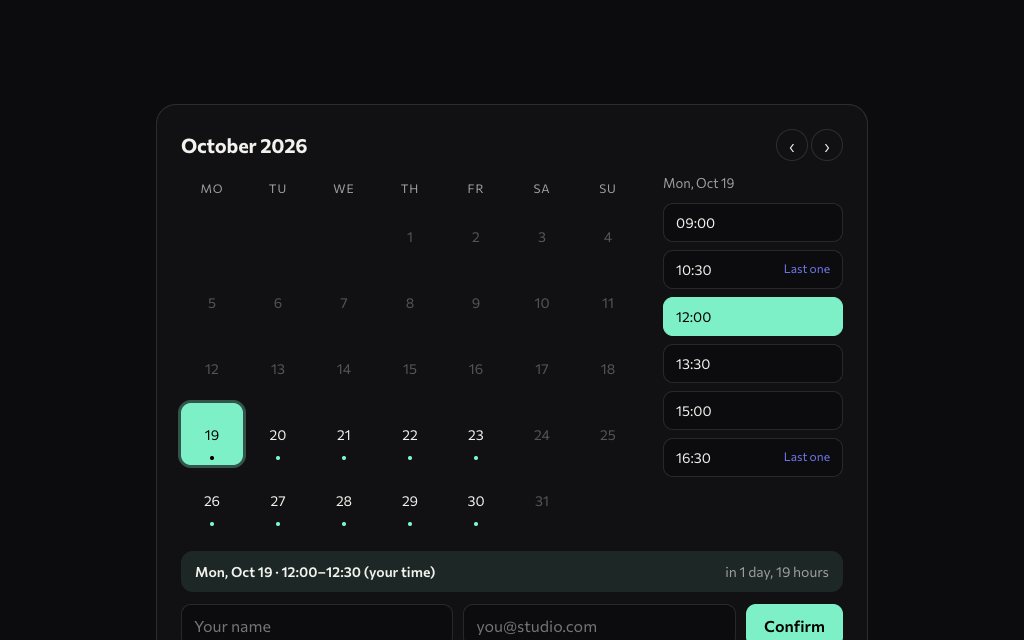
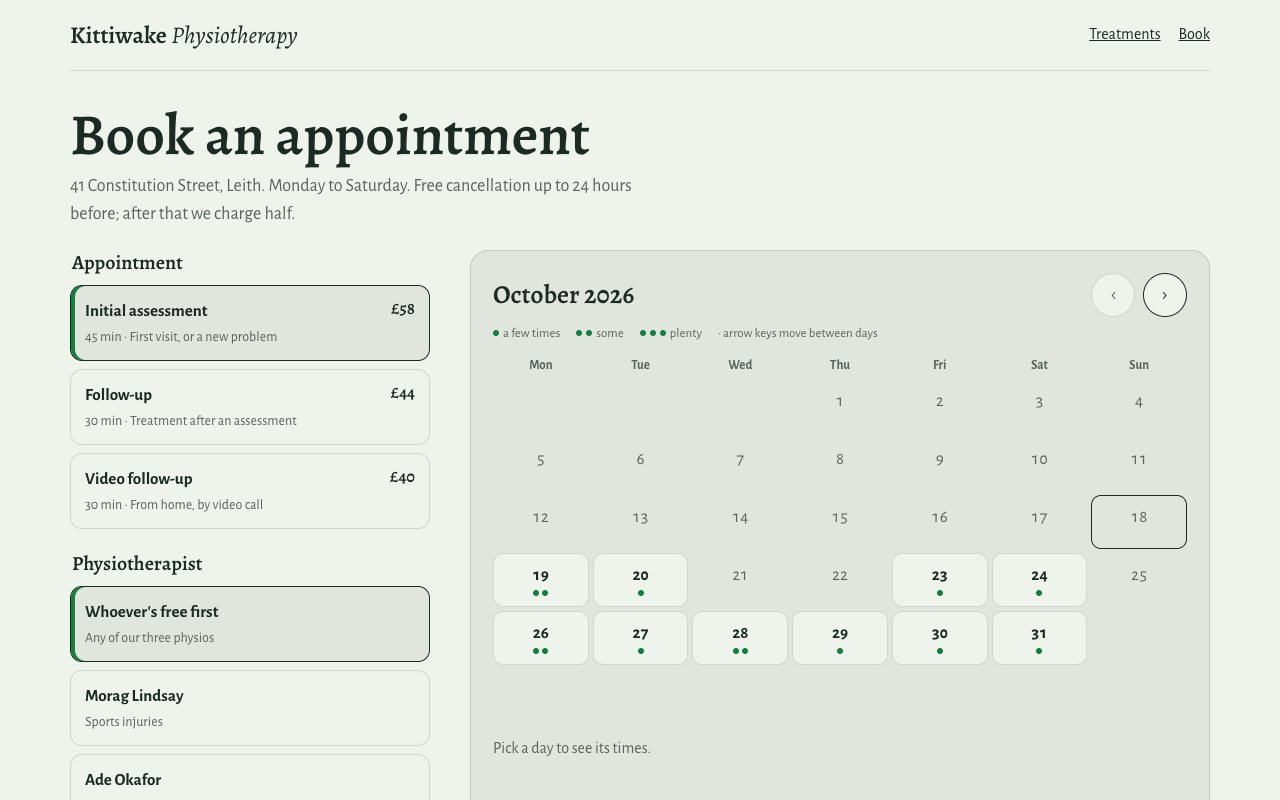
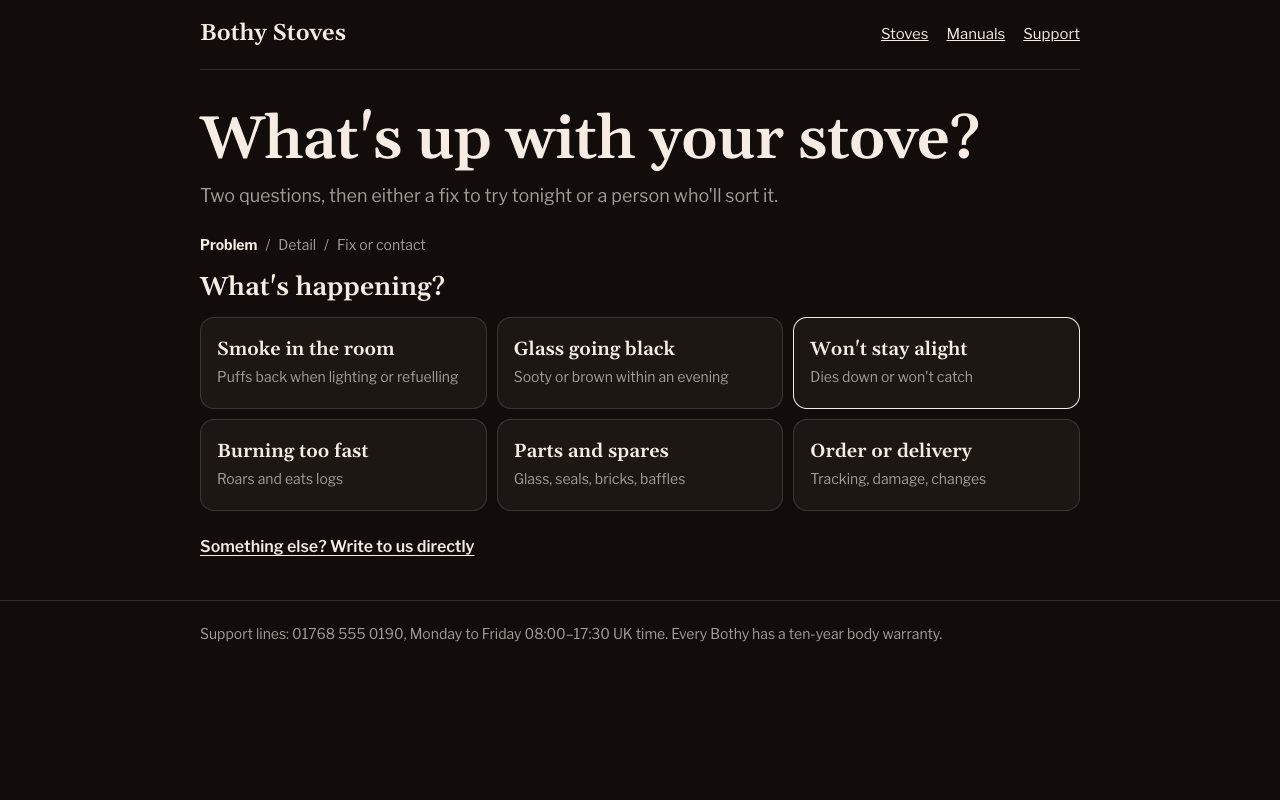
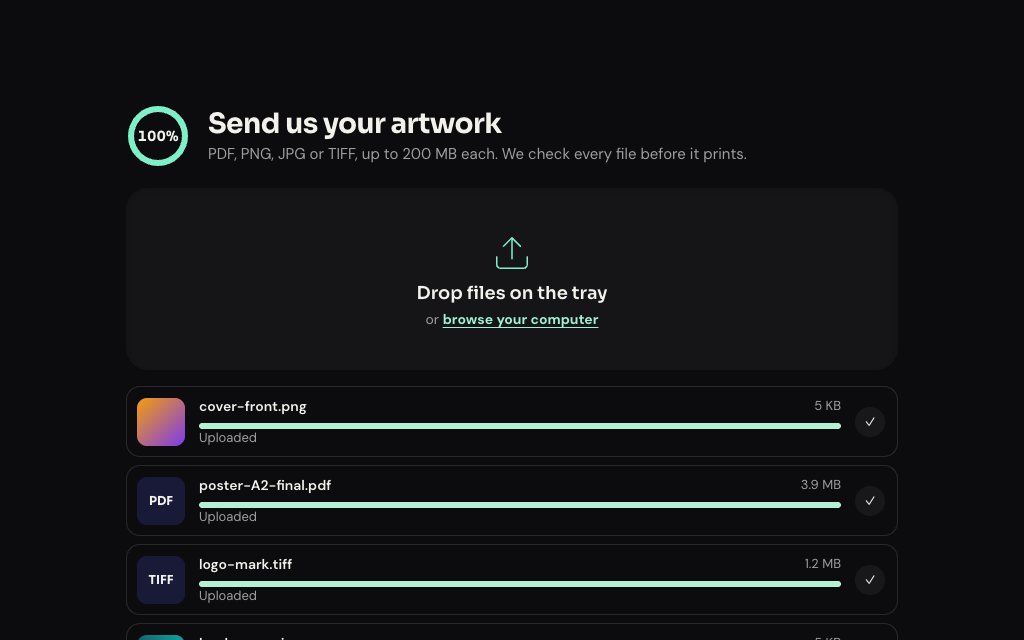
Some replace the blank form with something more useful. A booking widget shows which days are free and how many slots are left, a clinic page books an appointment type with a named physiotherapist, a support page triages the problem before it takes a ticket, an upload tray shows real thumbnails and progress for each file, and a workshop page draws your route on a map.
The forms validate in the browser and leave the submit handler for you to point at your backend or form service. Copy any of them as an HTML snippet or a framework component. Multi-step Form, Address Autocomplete, Upload with Progress and Office Cards are free.
N° 0143 · forms
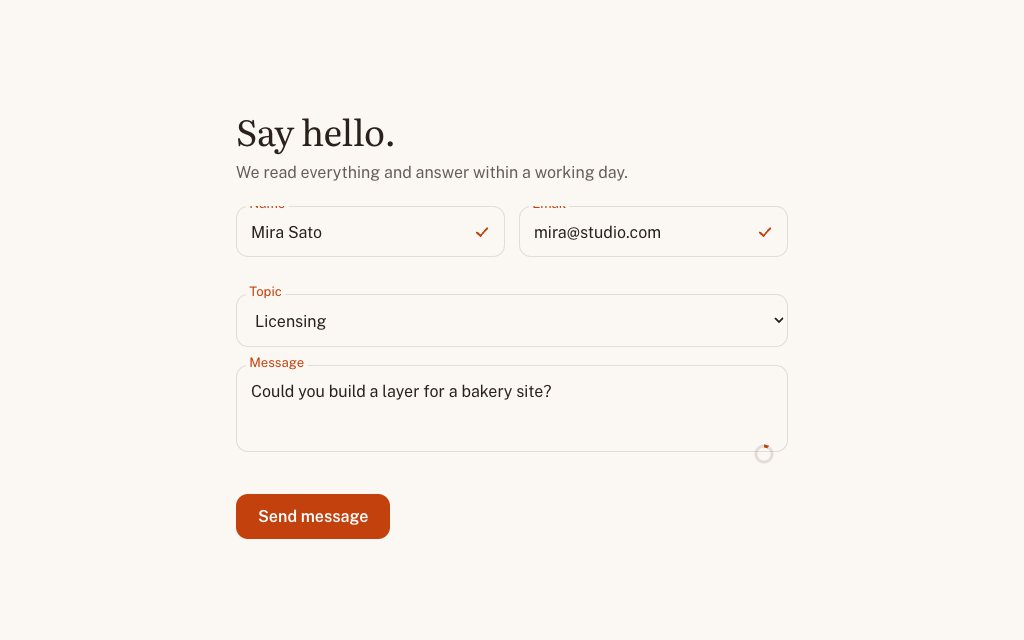
Labels float into the border on focus and each field draws a check when it validates.
N° 0153 · forms
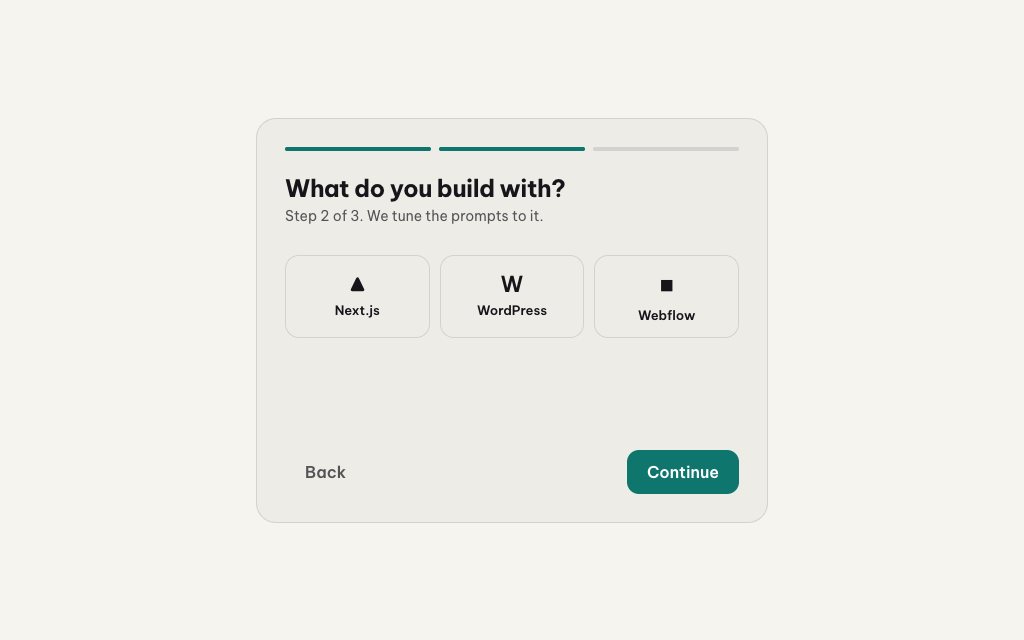
Three steps that slide sideways, a segmented progress bar and validation per step.
N° 0458 · forms
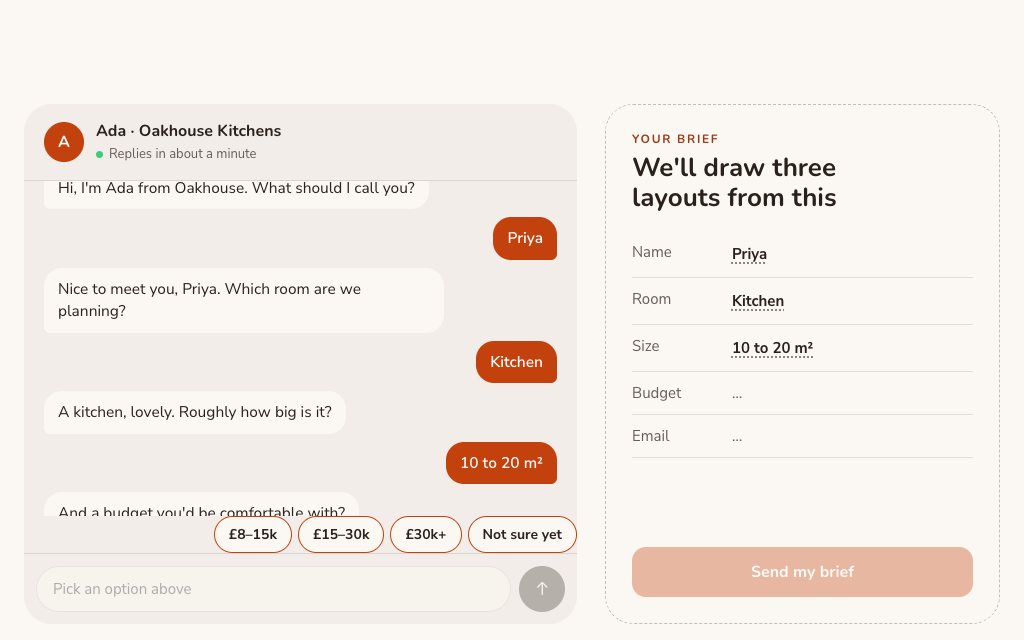
A kitchen-planning enquiry asked one question at a time in chat bubbles.
N° 0437 · forms
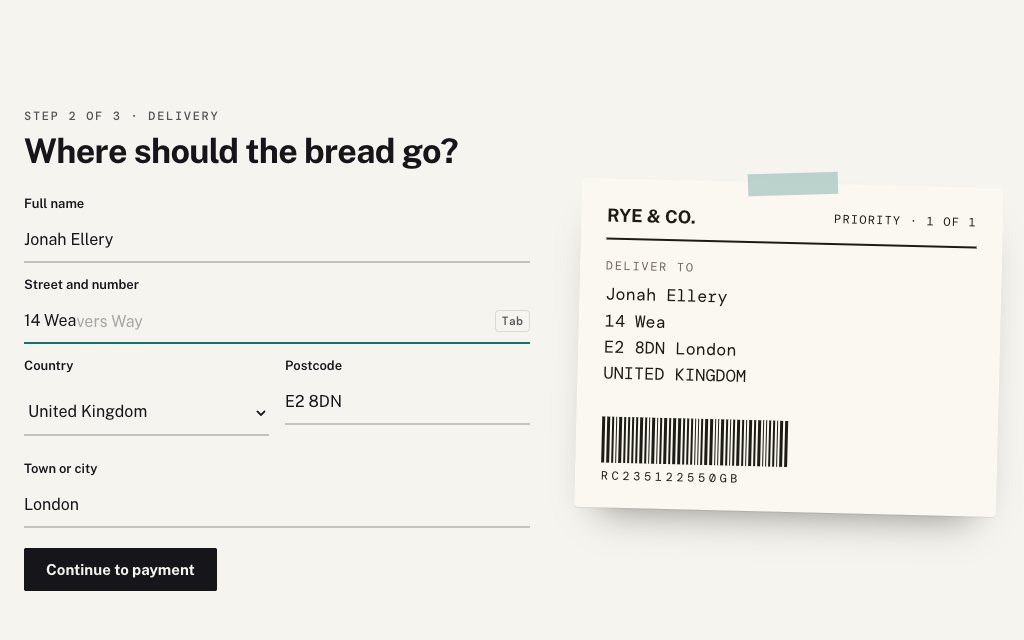
An address form that finishes your words in faint ghost text; Tab accepts.
N° 0128 · forms
A month grid where free days glow and a column of time slots slides in.
N° 0576 · contact
A physio clinic's booking page: appointment type, then a clinician or whoever is free first.
N° 0621 · contact
A support page that triages the problem before it takes a ticket.
N° 0561 · forms
A drop tray where each file gets a row with a real thumbnail and progress.
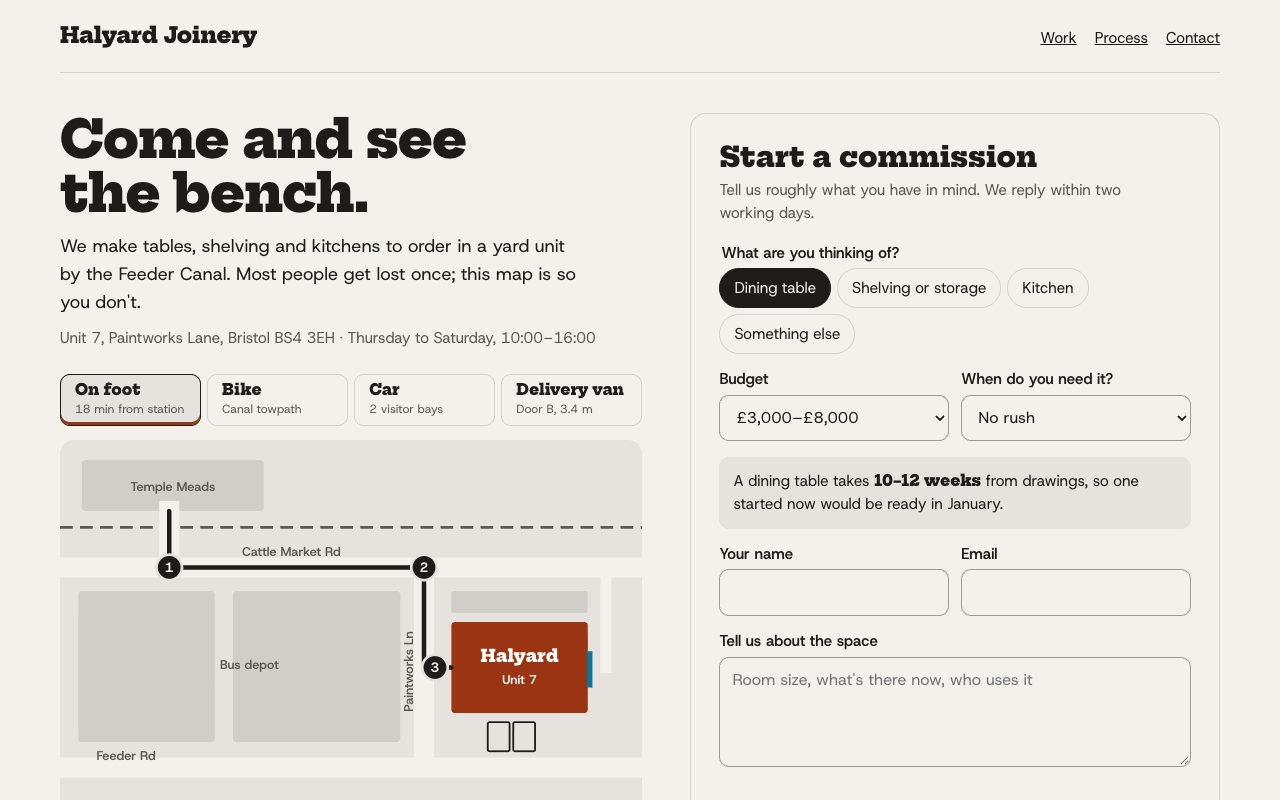
N° 0597 · contact
A workshop's contact page whose illustrated map draws the route for how you are arriving.
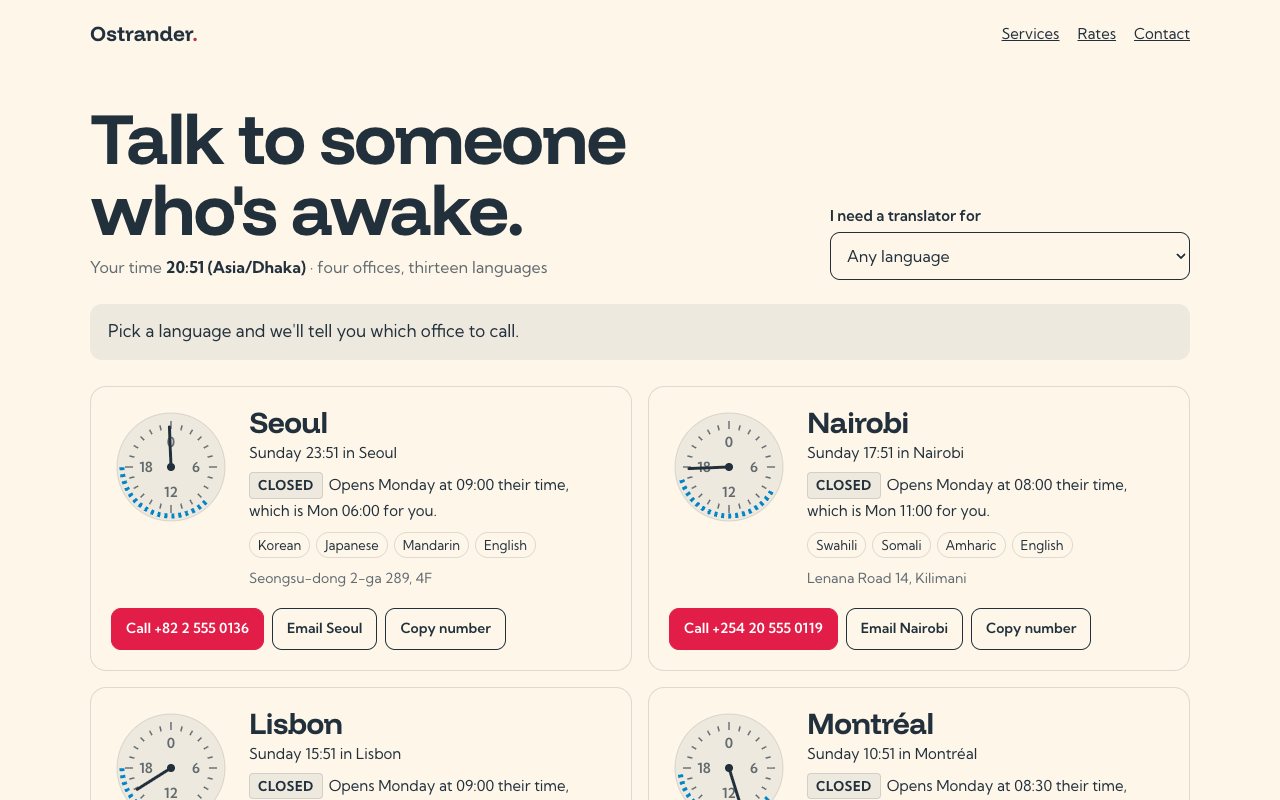
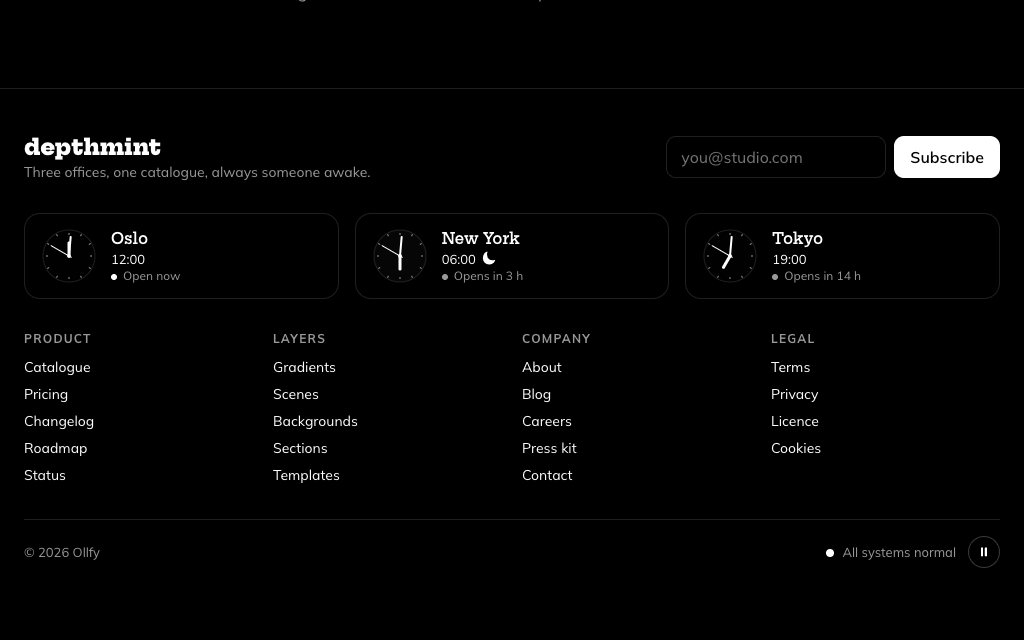
N° 0604 · contact
Four offices as cards, each with a 24-hour dial of its hours and local time.
Browse the full catalogue: Sections · Pages
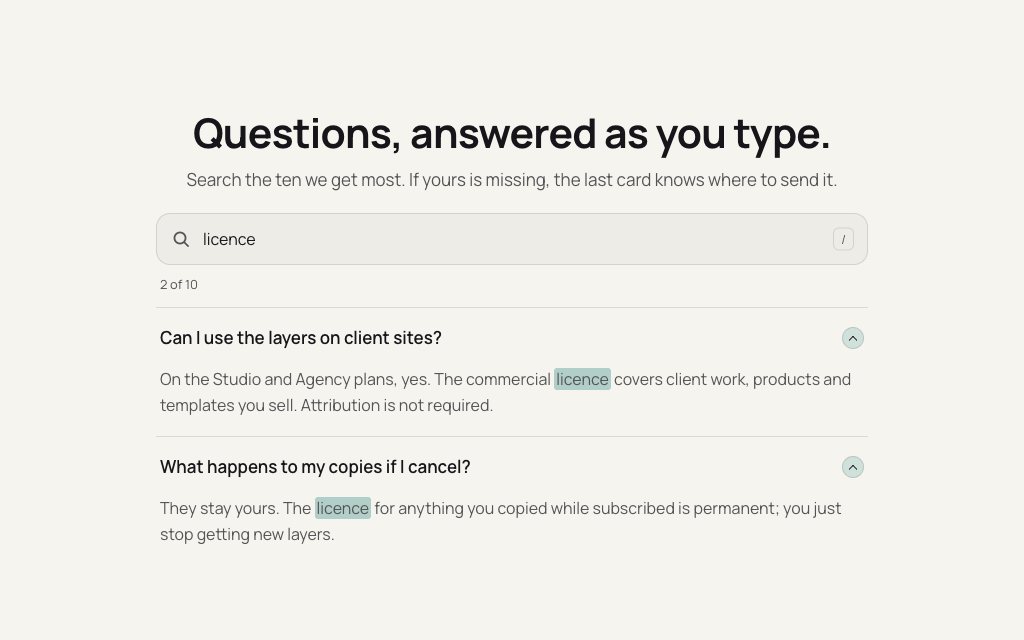
As few fields as you need, labels that stay visible, validation as the visitor types rather than after Send, clear error messages next to the field and a confirmation that says what happens next.
No. They are front-end designs with validation and states. Ask your AI tool to point the submit handler at your backend, an email API or a form service when it builds the form.
For longer enquiries, often: each step feels short and progress is visible. Keep the first step easy and validate each step before moving on, as Multi-step Form does.
Multi-step Form, Address Form with Ghost-text Autocomplete, Drag-and-drop Upload with Progress and Office Cards with Local Time. Free layers are for personal projects; commercial use needs Pro or Lifetime.
11 layers · 4 free
10 layers · 3 free
10 layers · 2 free
8 layers · 3 free