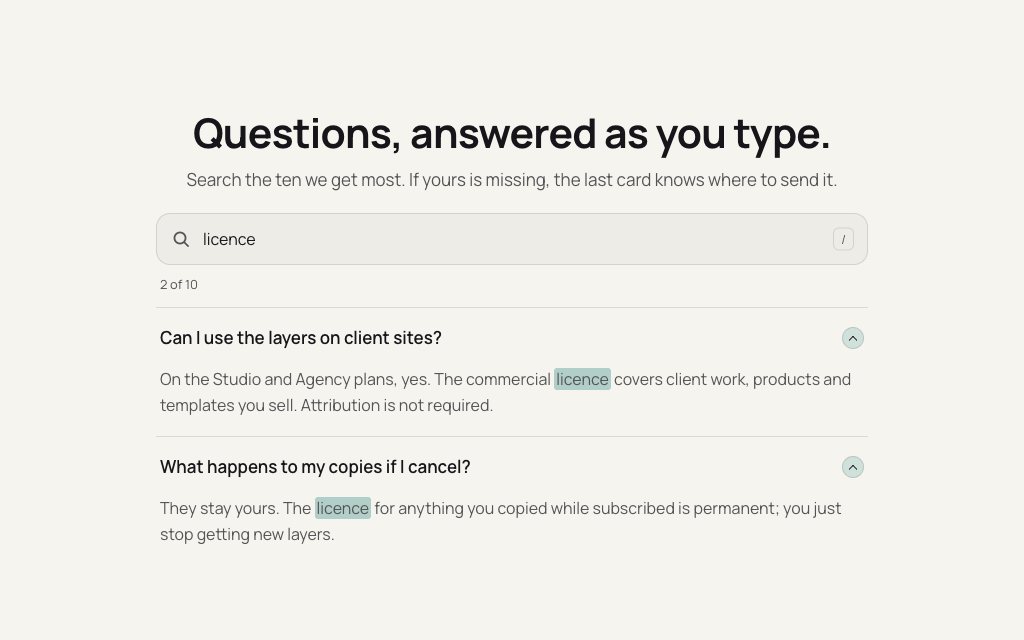
Search FAQ
FREEN° 0167 · faq
11 layers · 4 free
An accordion is the right call when people scan for one question and skip the rest. The first five here are accordions with something added: a search that opens the matches, an illustration for each answer, a short video for each answer, a link to the pricing table. The rest answer the same need with tabs, a sticky index, cards or a chat.
Search FAQ, Expanding Accordion Card and the pricing FAQ are built on the native details element, so the answers open with no script and the markup stays plain HTML.
N° 0167 · faq
A search box above a details-based accordion that filters as you type, marks the matched words and opens the matches.
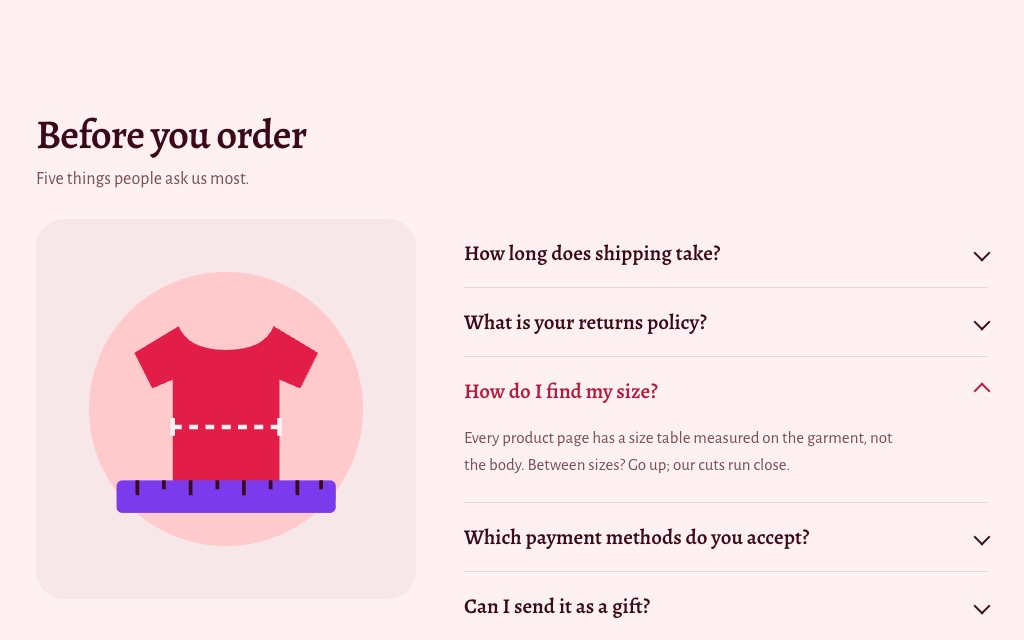
N° 0484 · faq
One question open at a time, with an illustration beside it that rebuilds piece by piece for each answer.
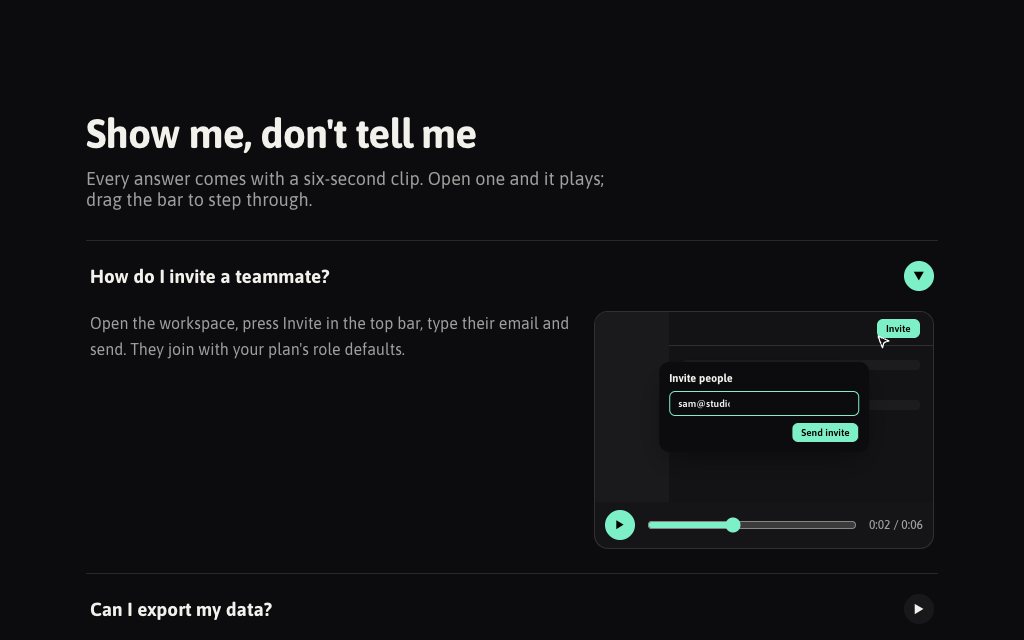
N° 0562 · faq
Each answer opens with a six-second mock screen recording you can play, pause and scrub frame by frame.
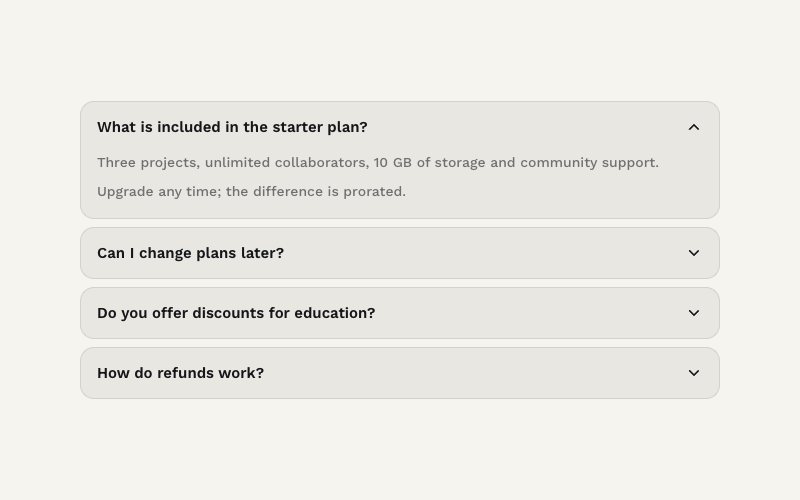
N° 0360 · card
The accordion item by itself: native details with the height animated to the content; opening one closes the others.
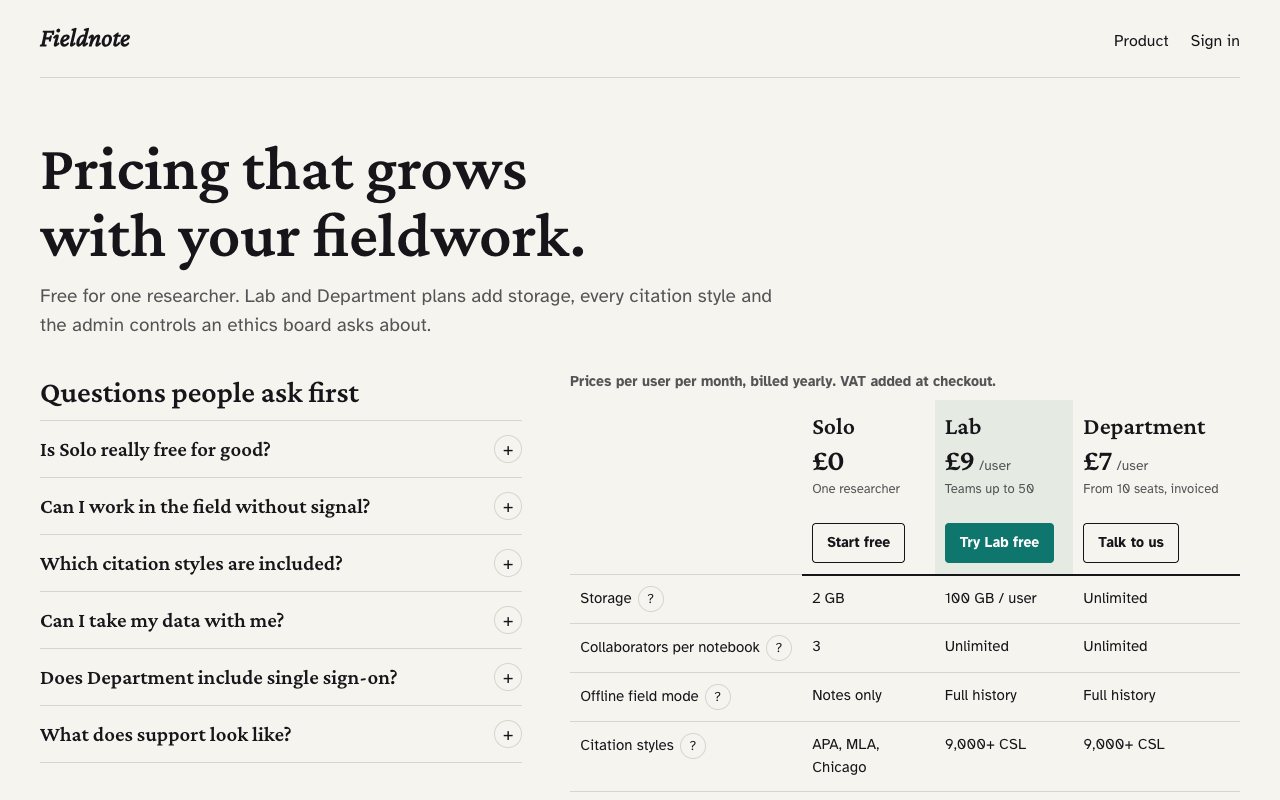
N° 0623 · pricing
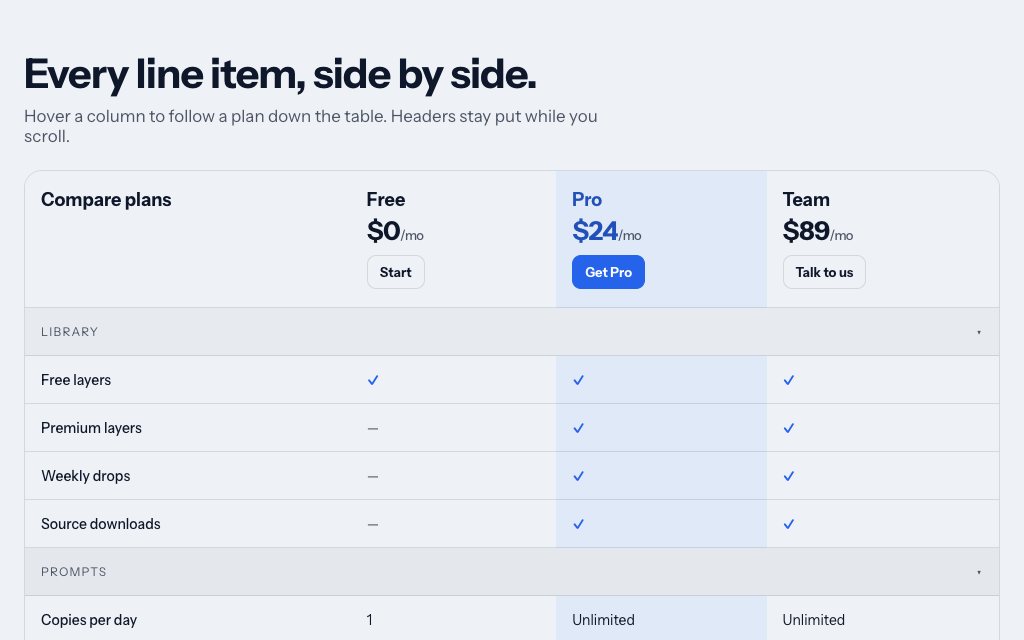
A pricing FAQ in details elements linked to the plan table: opening a question lights the rows it is about.
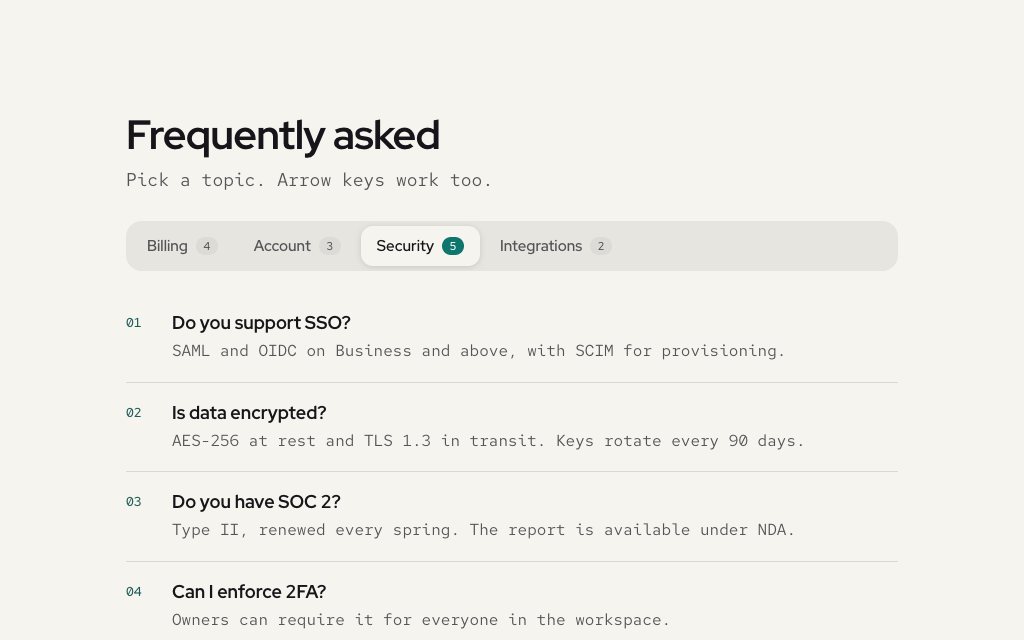
N° 0549 · faq
Questions grouped by topic under a real tablist with count badges and arrow-key navigation.
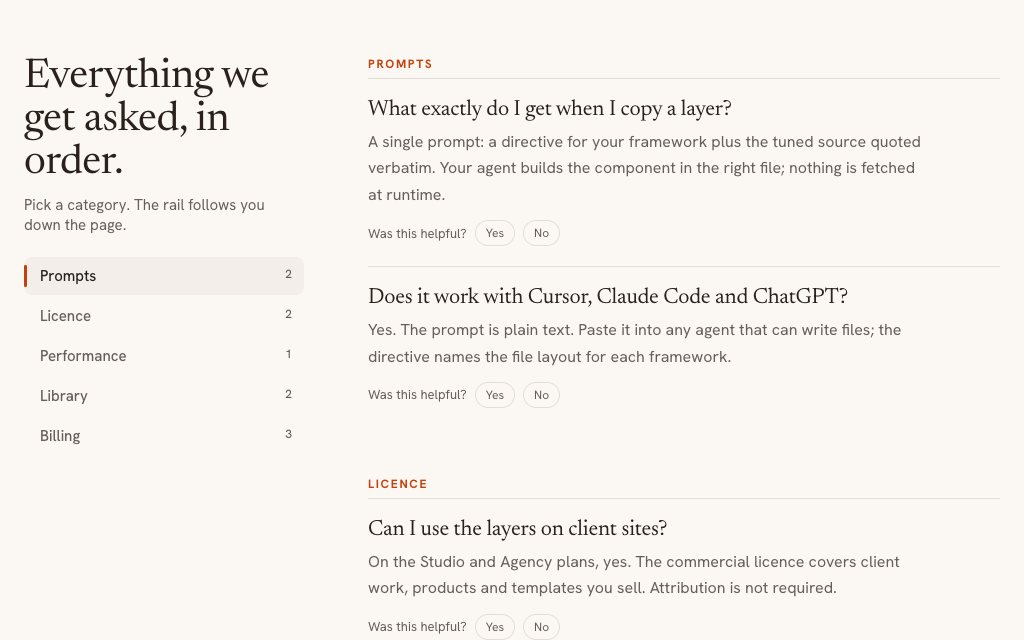
N° 0174 · faq
No accordion at all: every answer open, with a sticky category rail tracking the group you are reading. Reads like a help page.
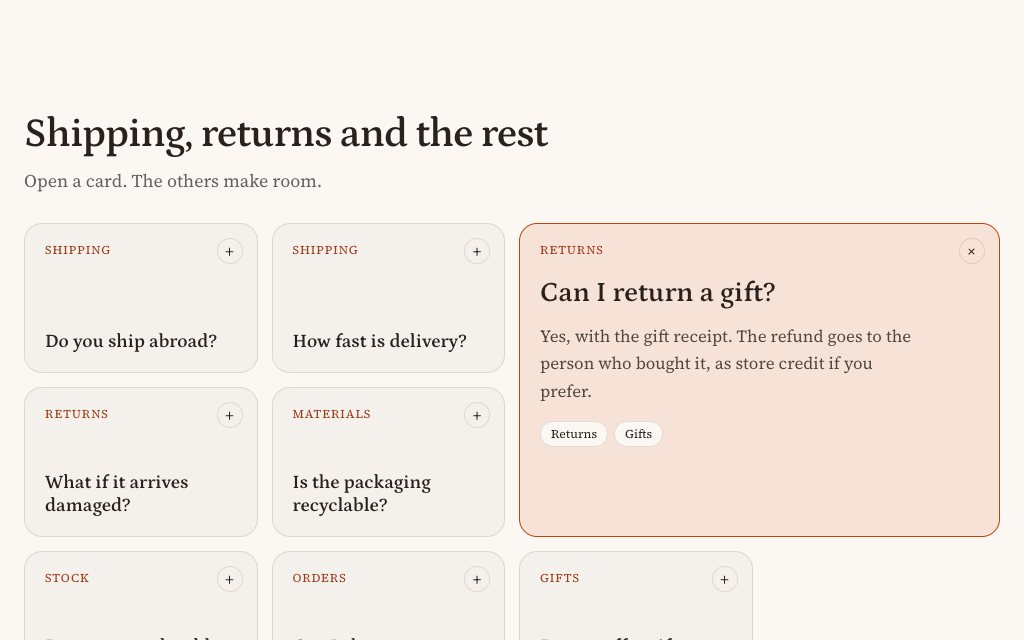
N° 0471 · faq
Eight question cards; the one you open grows to a 2 × 2 slot and the rest glide around it.
N° 0476 · faq
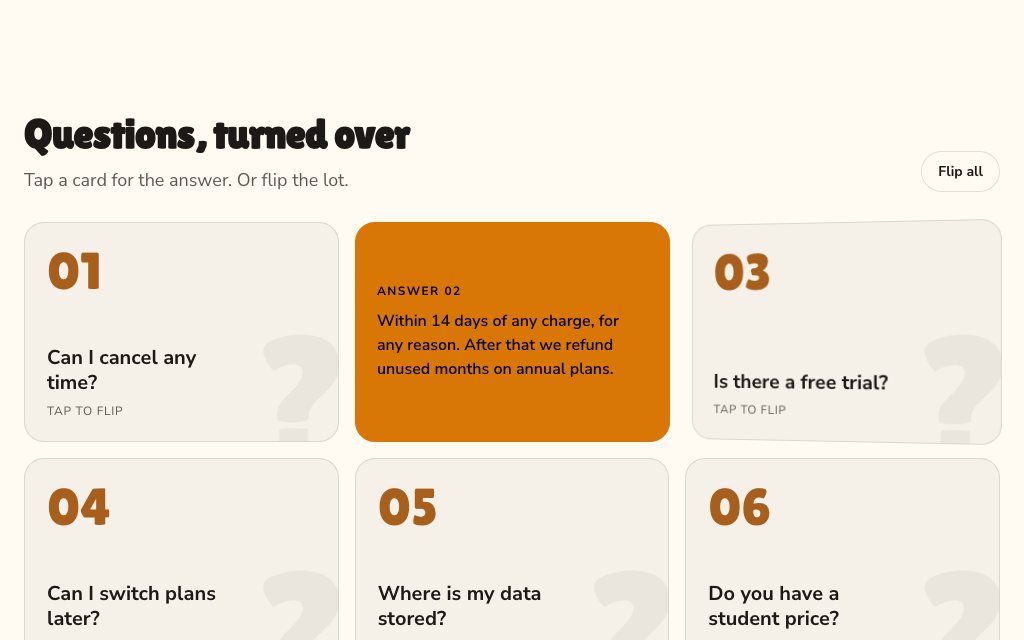
Questions on cards that flip in 3D to show the answer, with a 'Flip all' button that turns the grid in a wave.
N° 0124 · faq
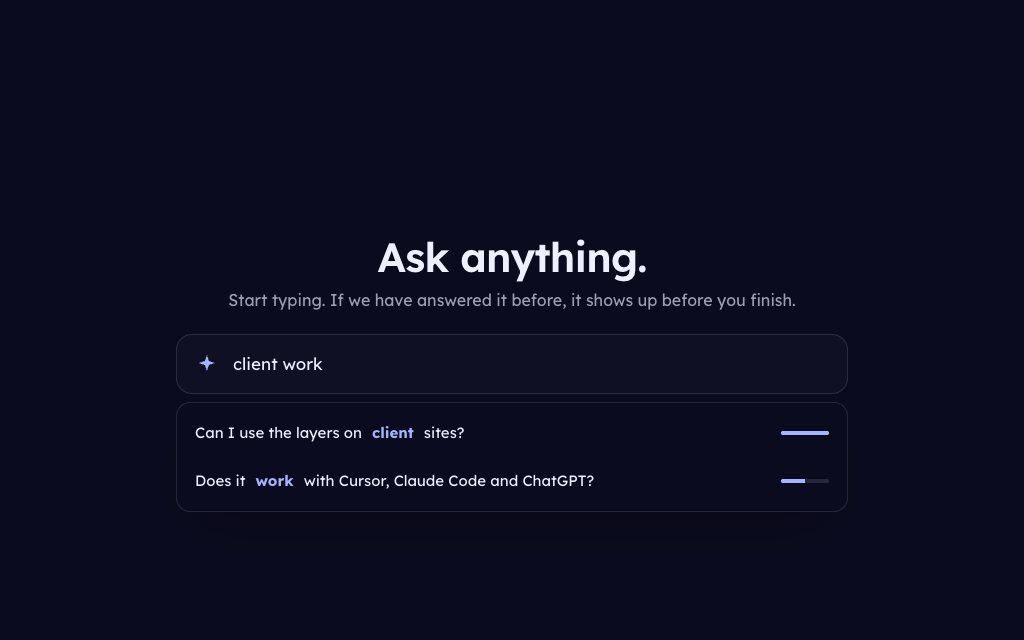
One question box that suggests matches as you type and turns an unmatched question into a support form.
N° 0130 · faq
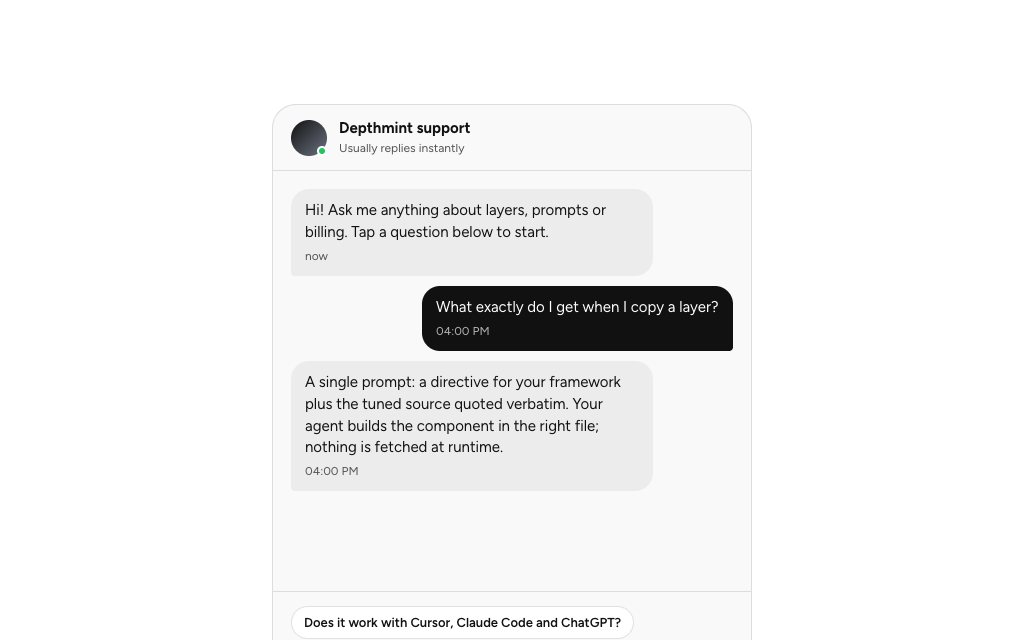
Suggested questions as chips; tap one and it posts as a chat bubble, and the answer arrives after a typing indicator.
Browse the full catalogue: Sections · Pages · Elements
12 layers · 4 free
10 layers · 4 free
11 layers · 3 free
10 layers · 3 free