Toggle Pricing
FREEN° 0184 · pricing
12 layers · 4 free
Software pricing rarely fits three cards any more. This set covers the shapes it actually takes: flat tiers, seats plus usage, a base plan with add-ons, a lifetime deal sold in batches, and an enterprise column that needs a conversation. Each is a working block with real states.
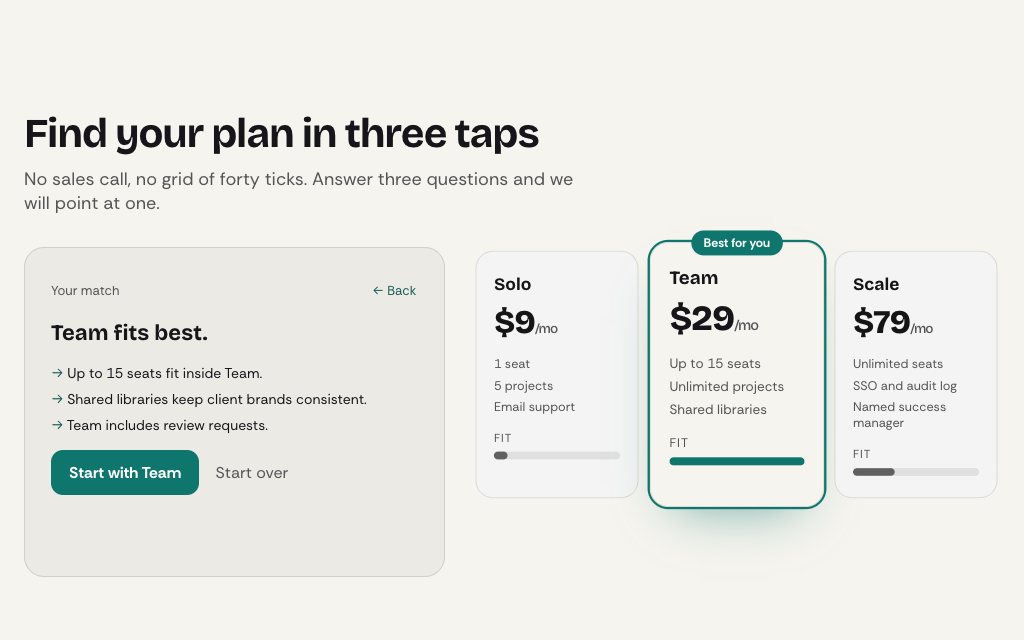
Start from how you charge. Per seat or per request: Usage Pricing or Usage Slider Pricing. Tiers with a long feature list: Compare Pricing, or the plan table linked to its FAQ. Buyers who can't tell the plans apart: Plan Quiz Pricing recommends one from three answers.
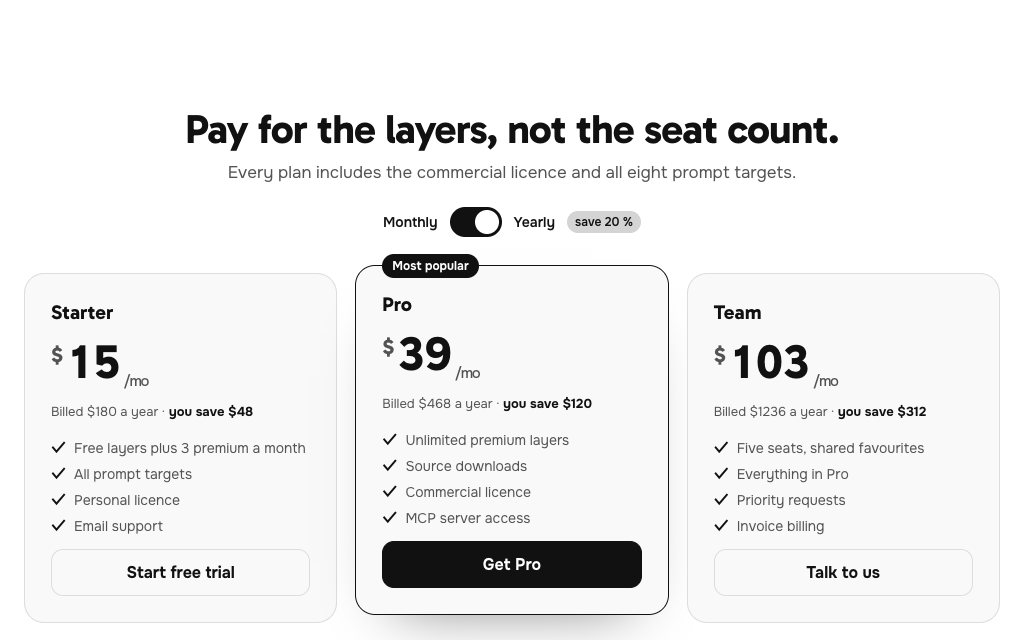
N° 0184 · pricing
Starter, Pro and Team with a monthly/yearly switch; prices roll digit by digit and the yearly saving pops in. The standard three-tier layout.
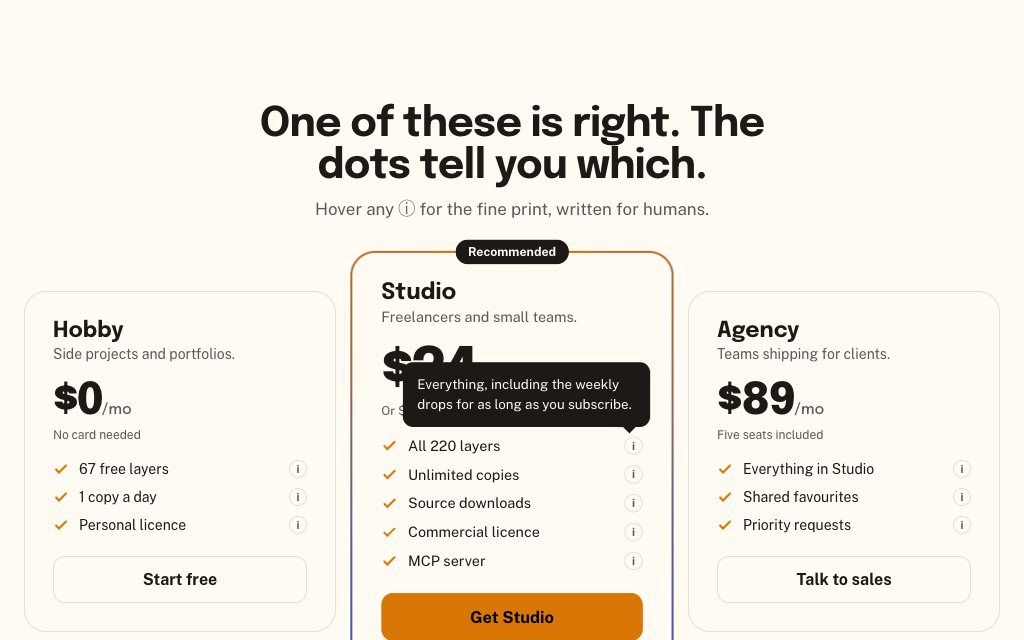
N° 0181 · pricing
The recommended plan in a slowly turning gradient frame, with an info dot on every feature line that opens a tooltip.
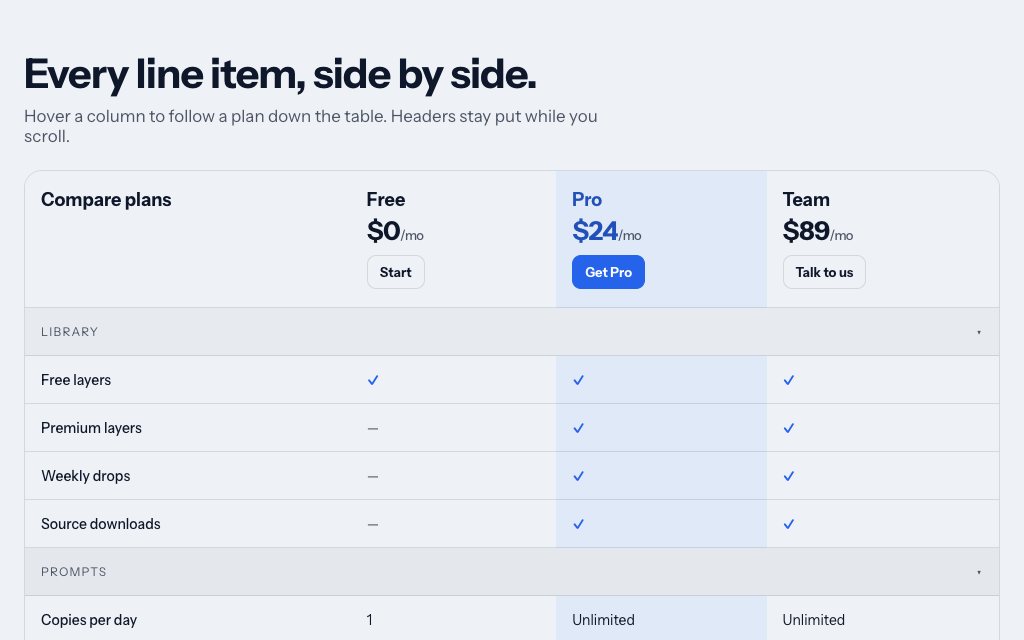
N° 0133 · pricing
A long feature table whose plan header sticks as you scroll and whose hovered plan column lights from top to bottom.
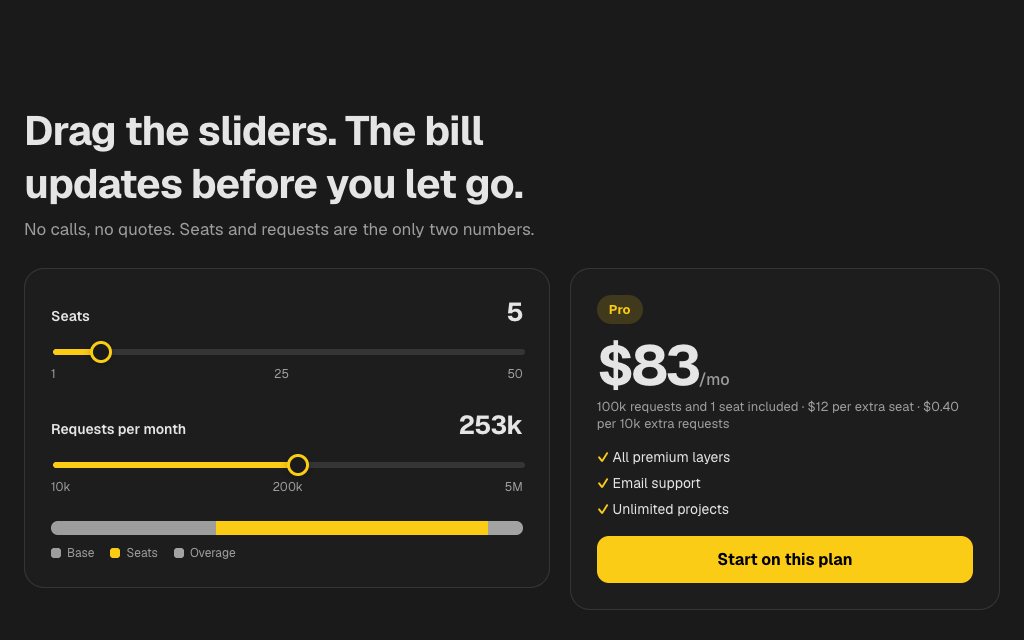
N° 0186 · pricing
Seats and monthly requests on two sliders driving a live estimate, a stacked bill bar and a tier that snaps up at thresholds.
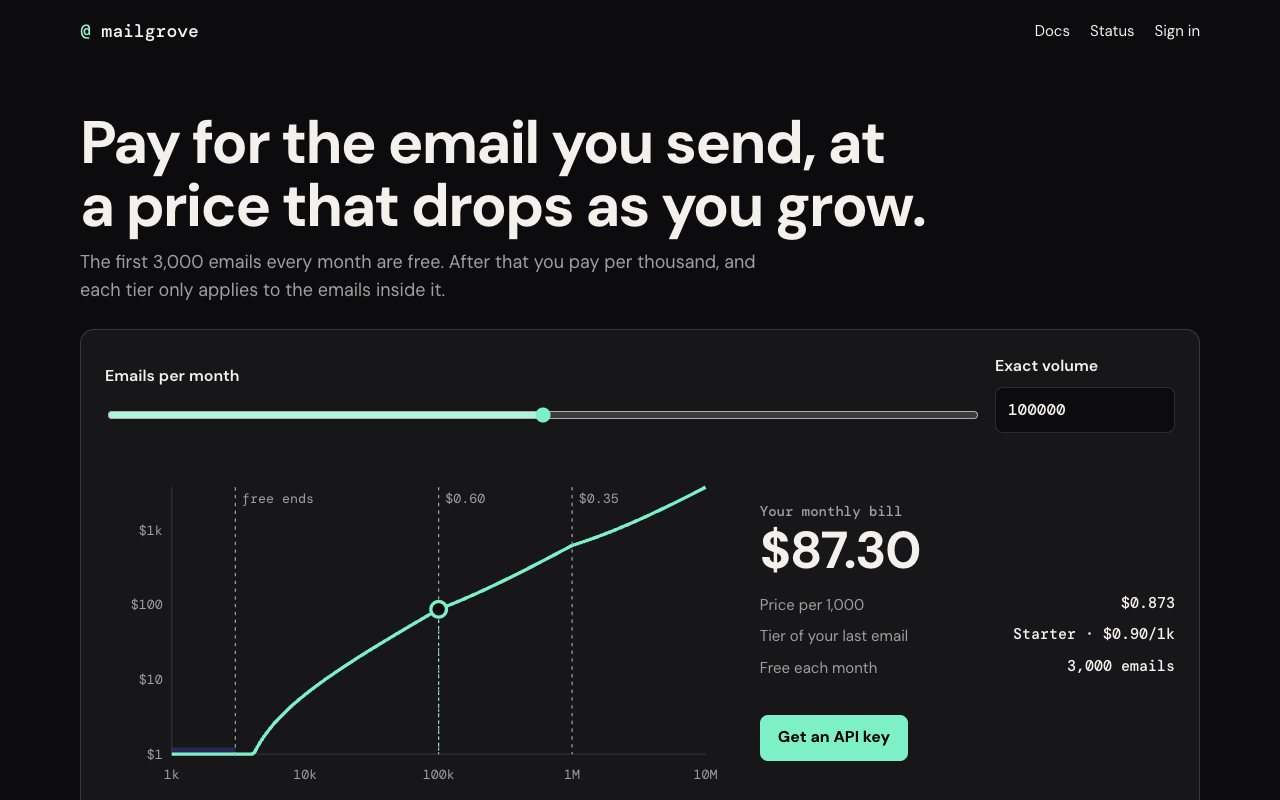
N° 0627 · pricing
An email API's page built on one log-scale slider that moves a marker along the real cost curve, with the breakpoints marked.
N° 0434 · pricing
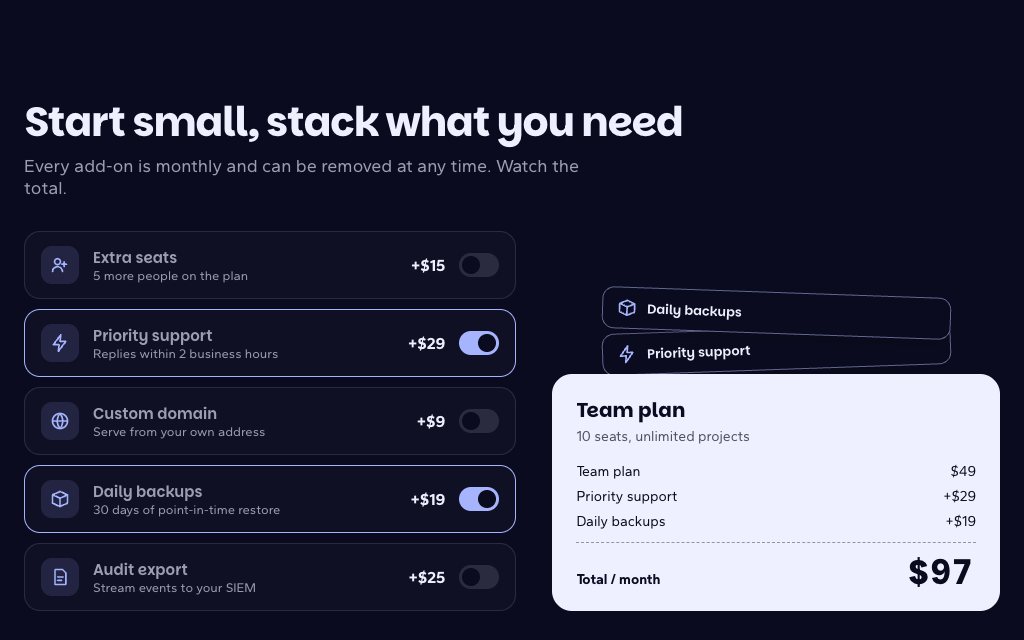
A base plan with five add-ons: ticking one flies its chip onto the plan card and the total rolls like a till.
N° 0511 · pricing
Three quick questions move a fit meter under each plan, then the winner rises with reasons taken from your answers.
N° 0623 · pricing
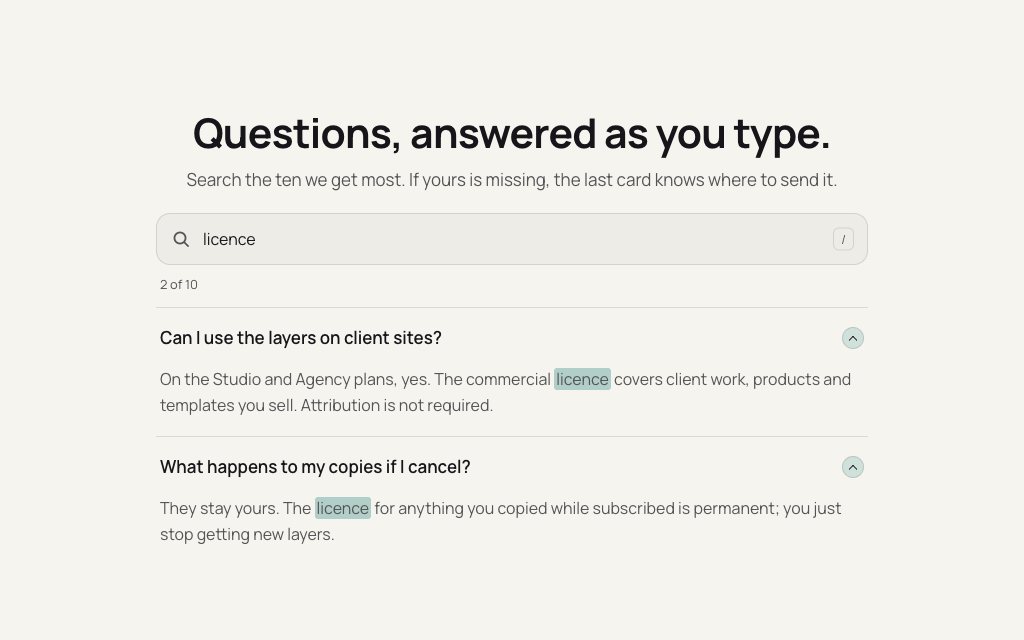
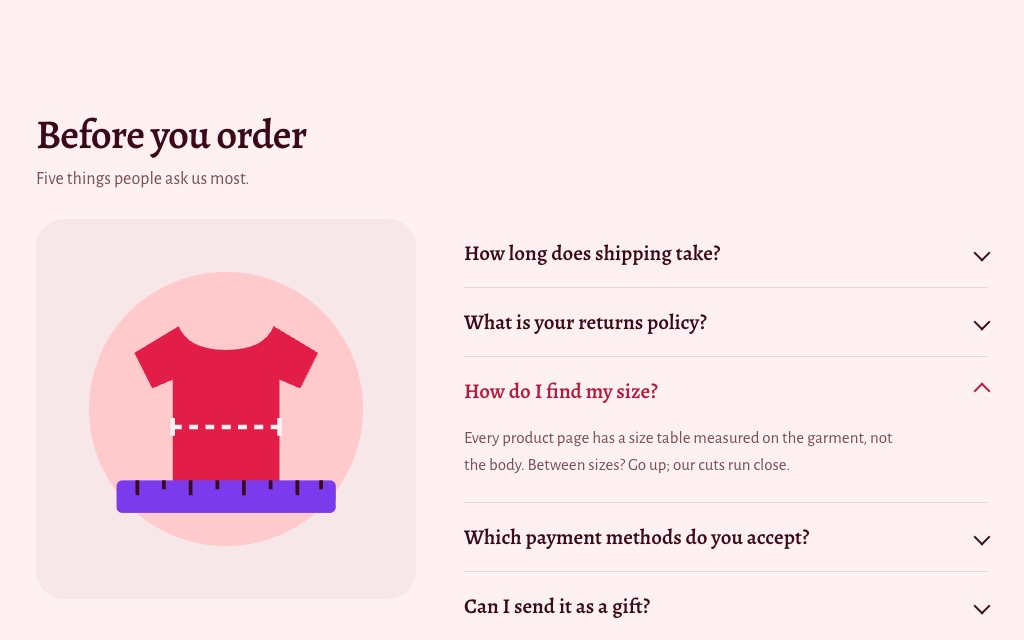
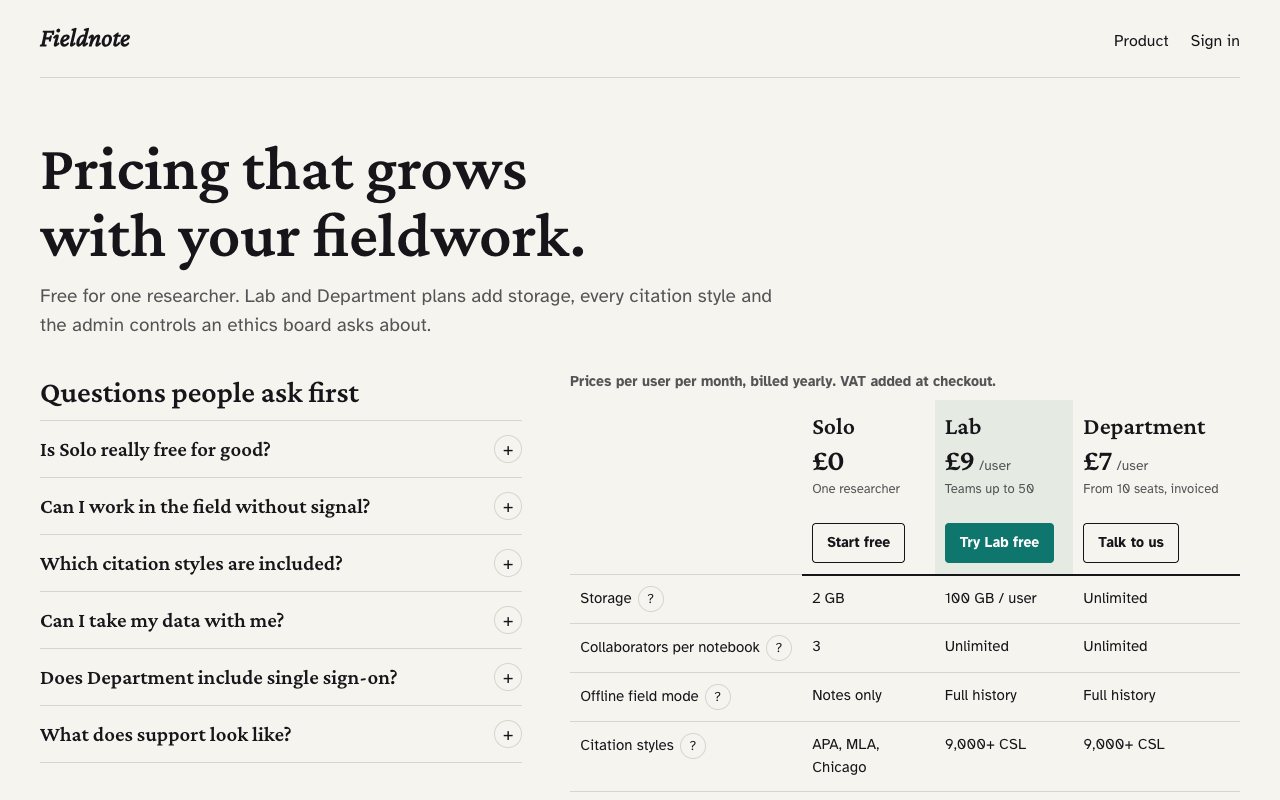
A plan table and an FAQ linked both ways: open a question and the rows it is about light up beside it.
N° 0588 · pricing
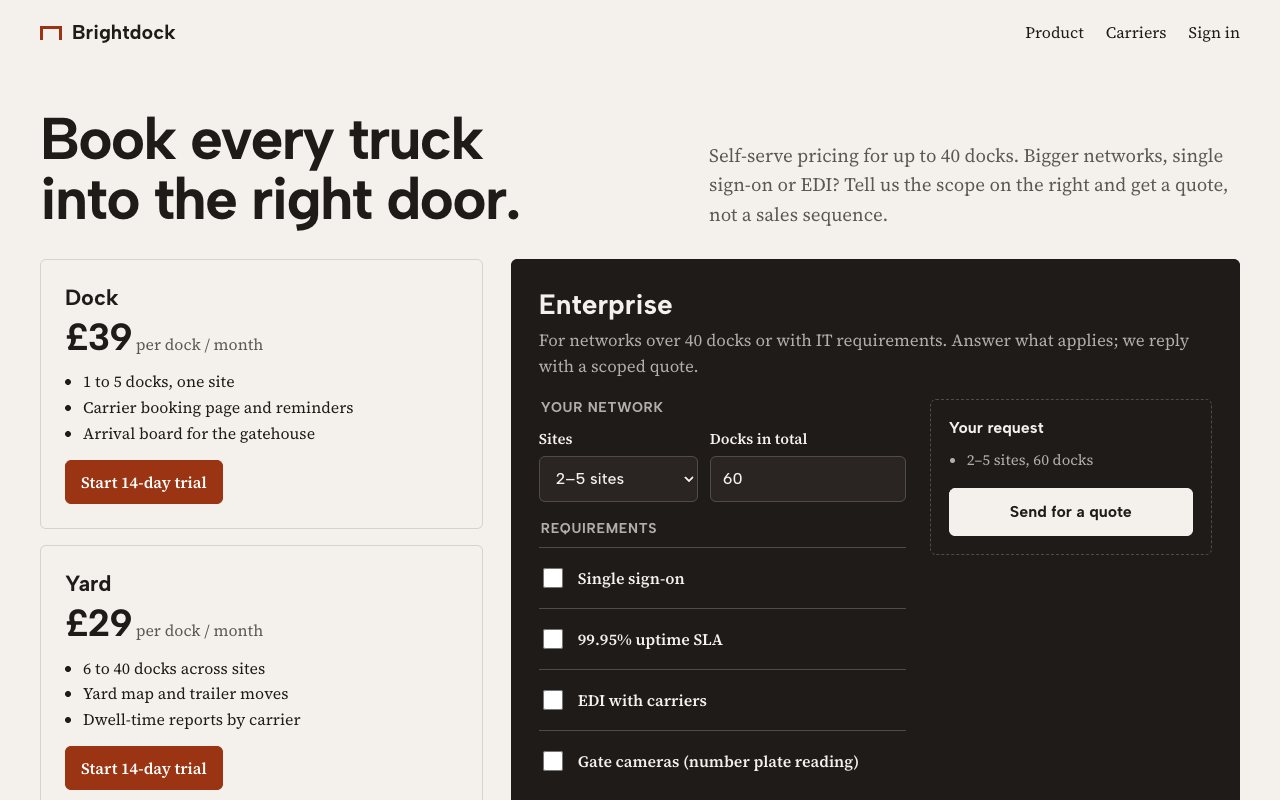
Two self-serve plans and an Enterprise column that is the quote form, asking one follow-up per ticked requirement.
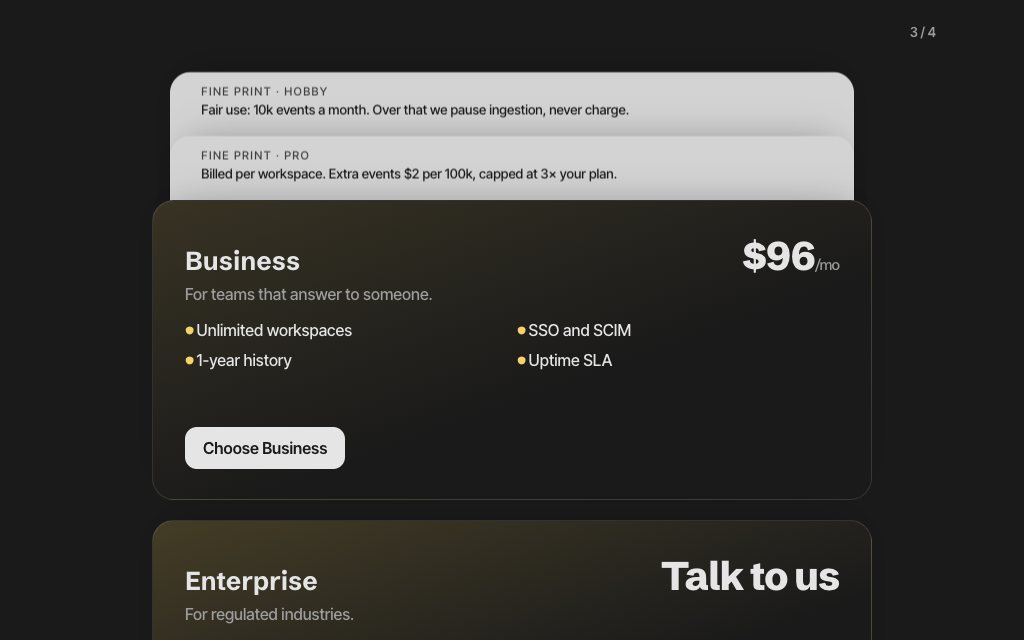
N° 0543 · pricing
Four plan cards that pile up as you scroll, each covered card turning over to show its fine print.
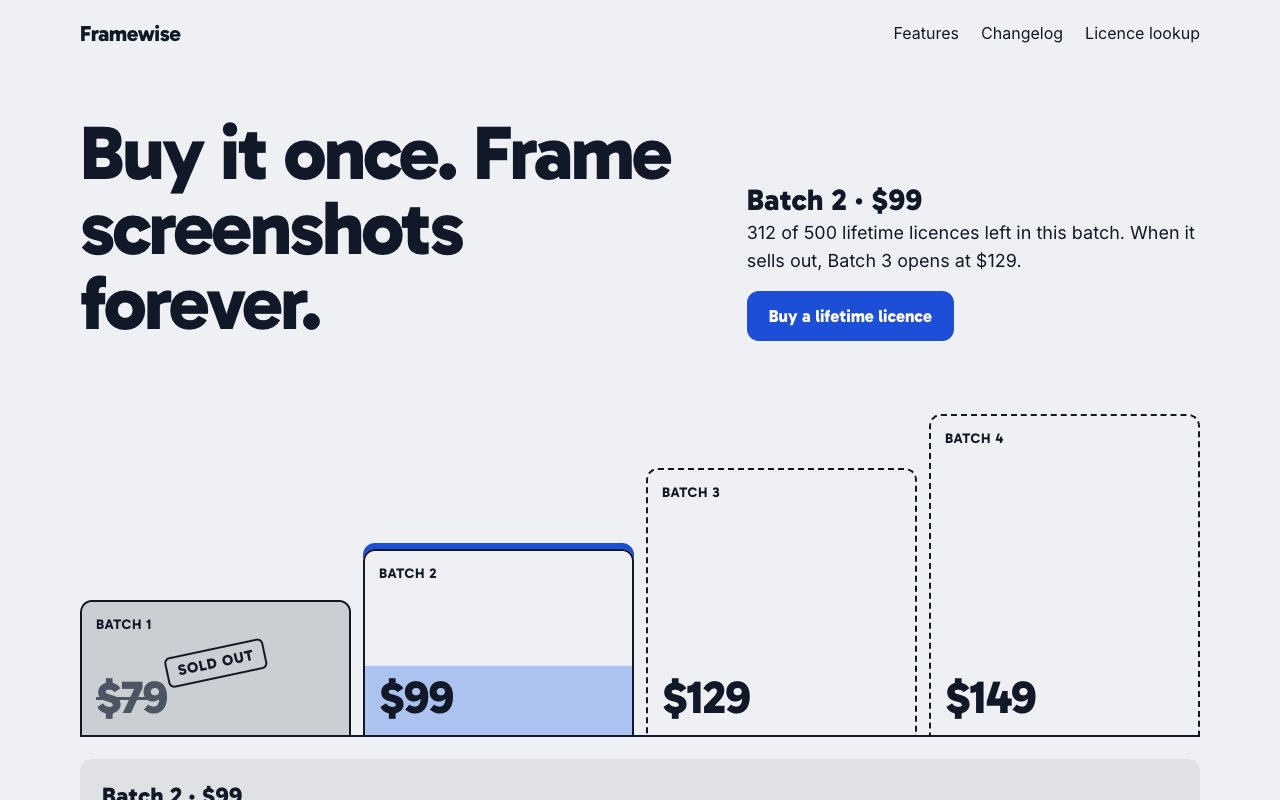
N° 0594 · pricing
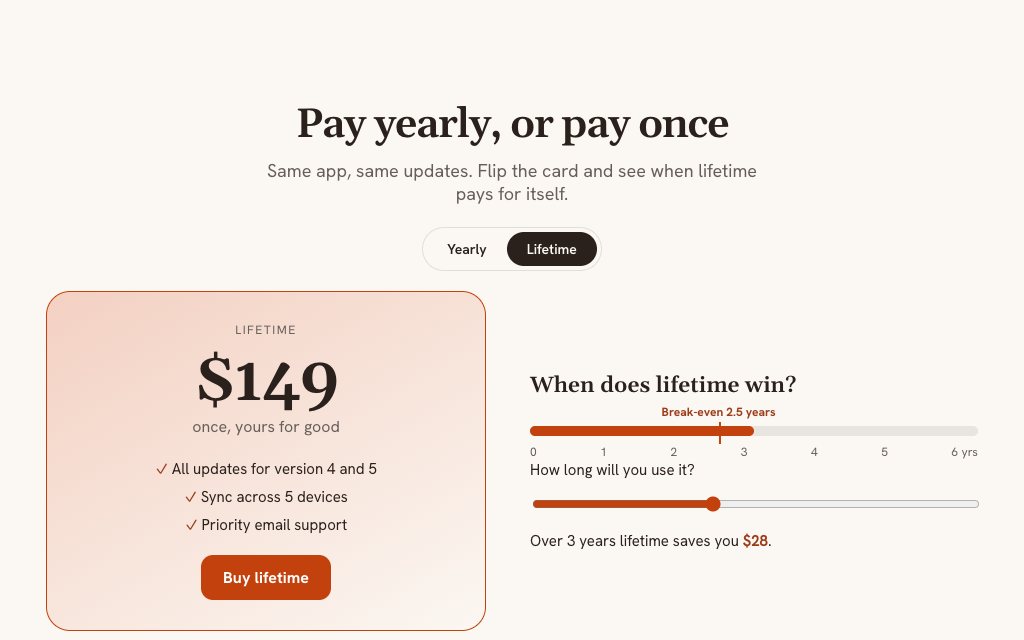
A lifetime licence sold in batches, drawn as a price staircase with the live batch filled to its sales. No fake timers.
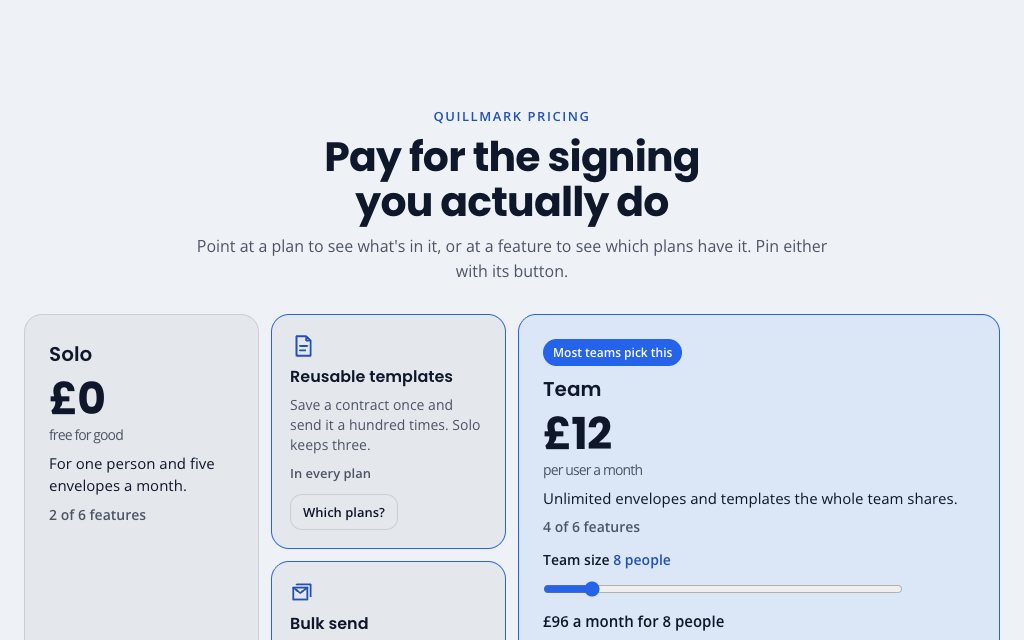
N° 0516 · bento
Plans and features in one bento: point at a plan to light its features, or at a feature to light the plans that include it.
Browse the full catalogue: Sections · Pages
9 layers · 5 free
12 layers · 5 free
11 layers · 4 free
10 layers · 4 free