Toggle Pricing
FREEN° 0184 · pricing
9 layers · 5 free
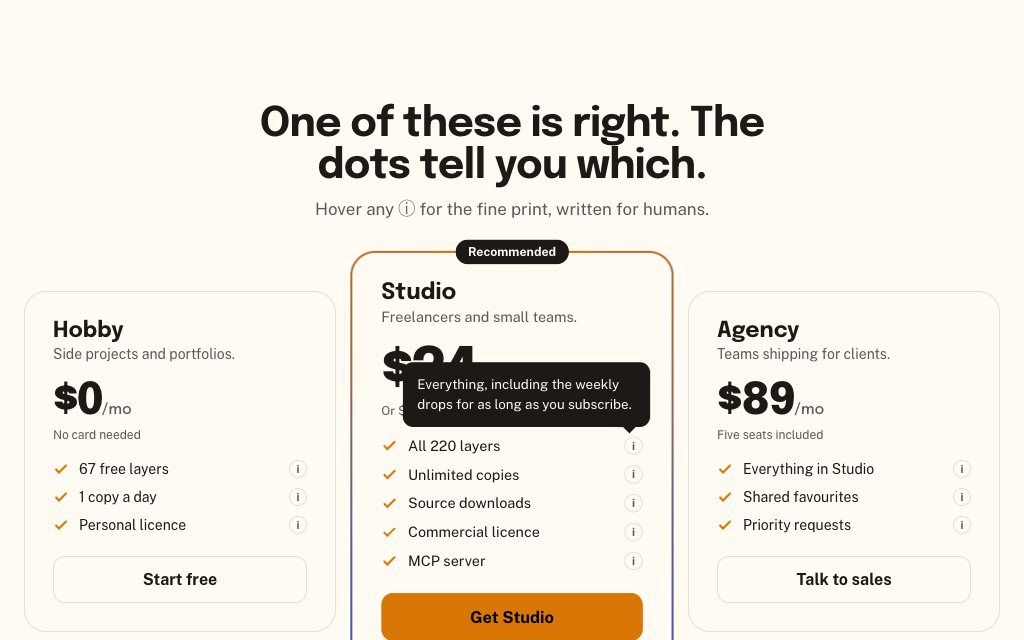
The monthly/yearly switch is the most common control on a pricing page and often the weakest: prices jump, the saving is buried, keyboard users can't reach it. Toggle Pricing handles that classic case. The rest of the set switches the other things buyers want to compare: how they pay, which currency, which rows differ.
If you already have pricing cards and only need the switch, the last layer is the switch on its own: a segmented control built on a radio group, so arrow keys and form submission work without script.
N° 0184 · pricing
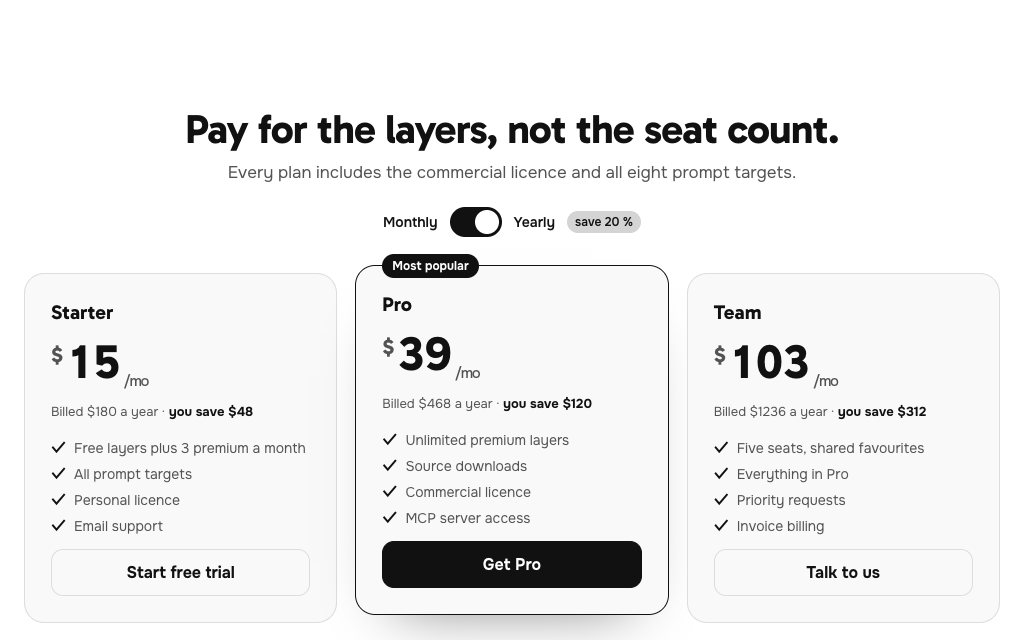
Monthly | Yearly with a 'save 20 %' tag; every price rolls digit by digit when the period changes and the featured plan lifts.
N° 0489 · pricing
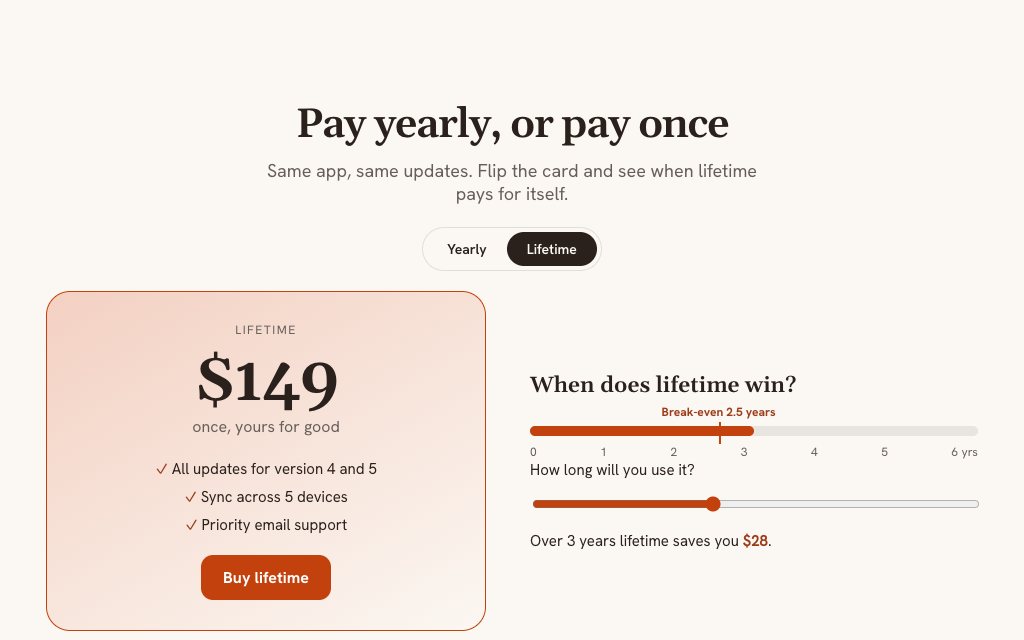
One card that flips in 3D between yearly and lifetime, with a break-even bar showing the year lifetime pays for itself.
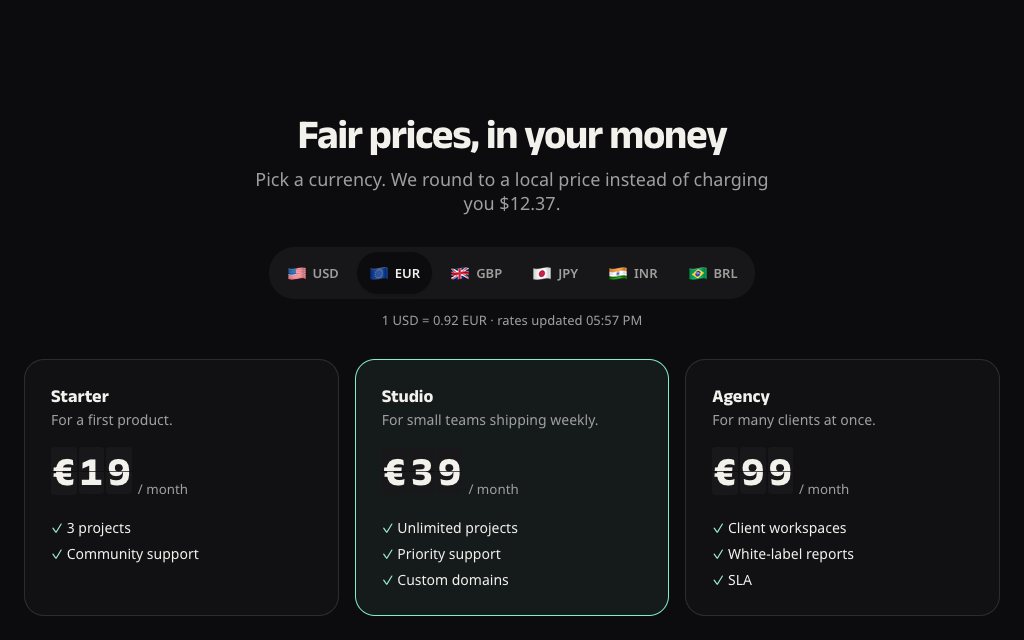
N° 0463 · pricing
A flag switcher that flips each price like a departures board, rounded to friendly local prices, with the FX rate shown.
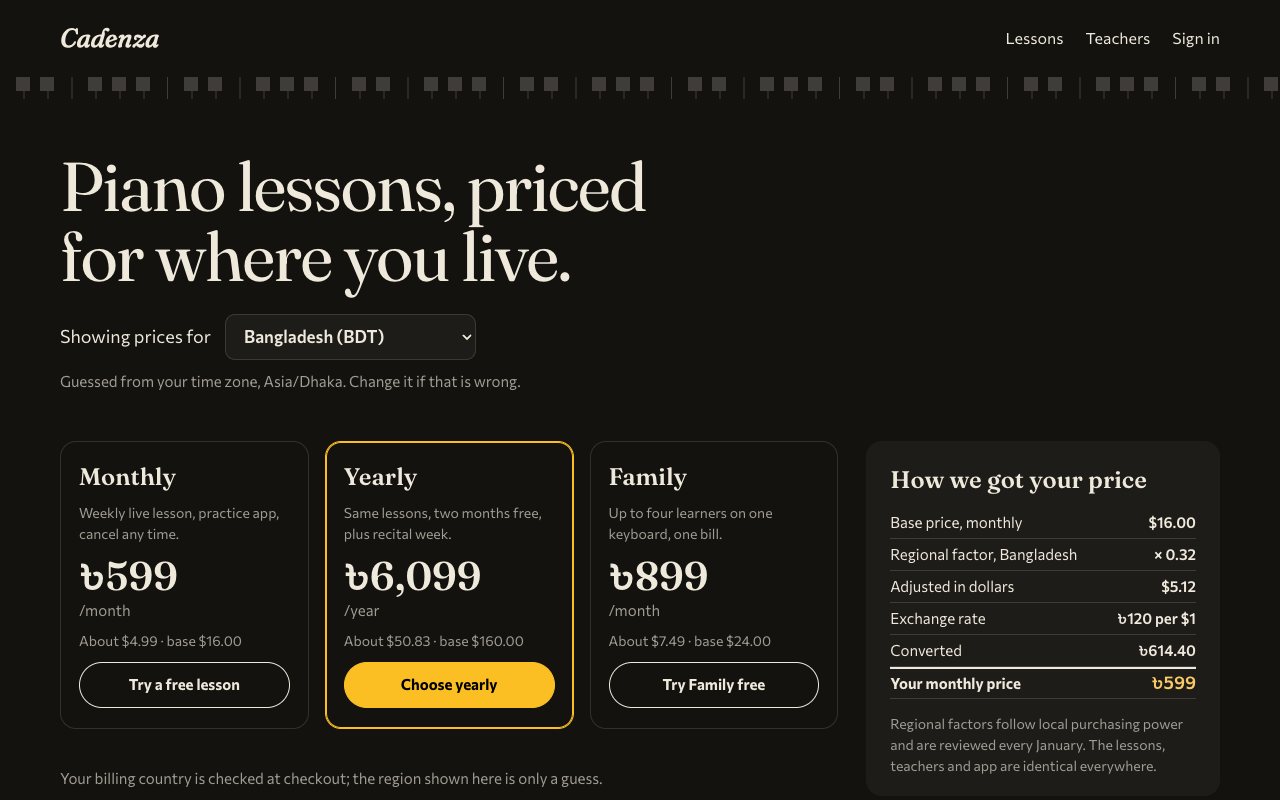
N° 0611 · pricing
Region guessed from the time zone and switchable; a receipt shows the working from base price to the local figure.
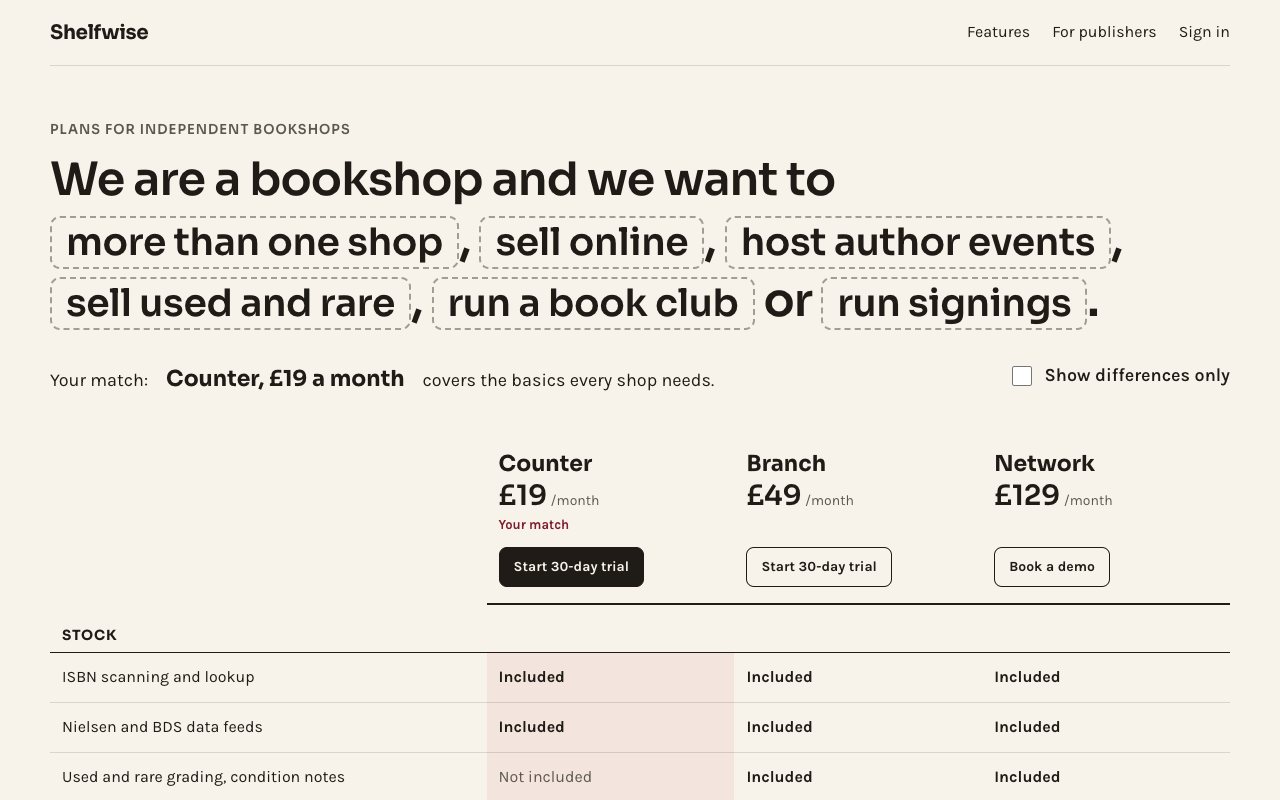
N° 0582 · pricing
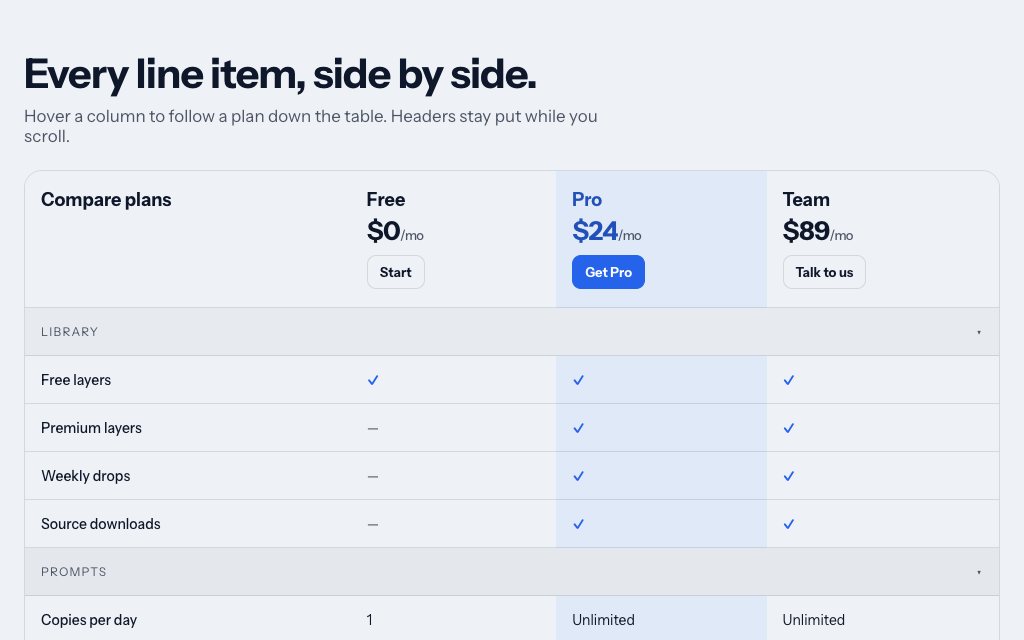
A 'differences only' switch that folds every row where all plans agree, and a needs sentence that marks the cheapest match.
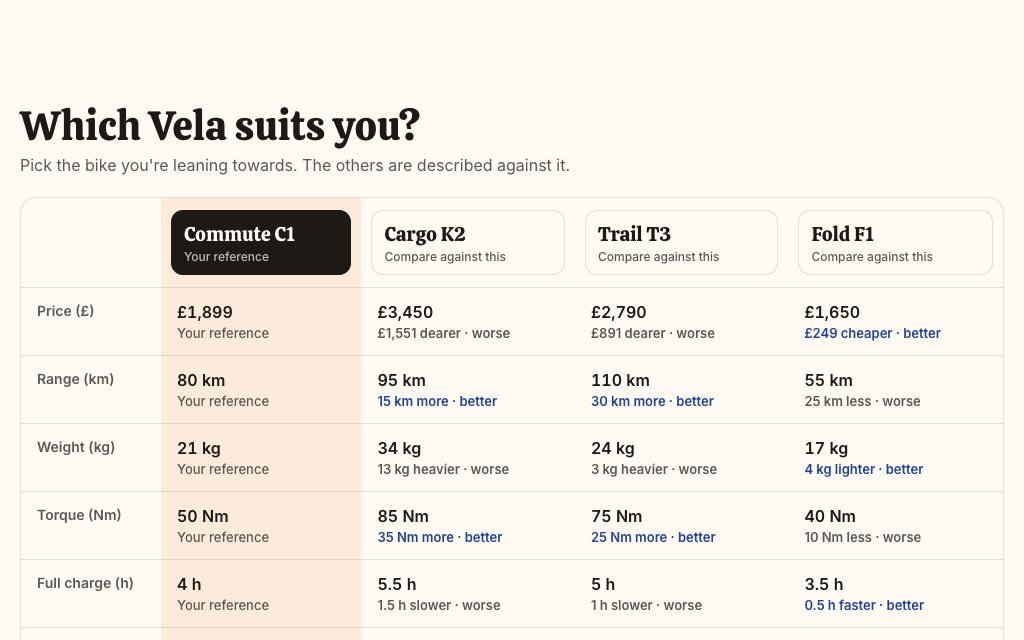
N° 0456 · comparison
Not plans but models, the same pattern: header buttons set the one to compare against and every cell states the difference in words.
N° 0516 · bento
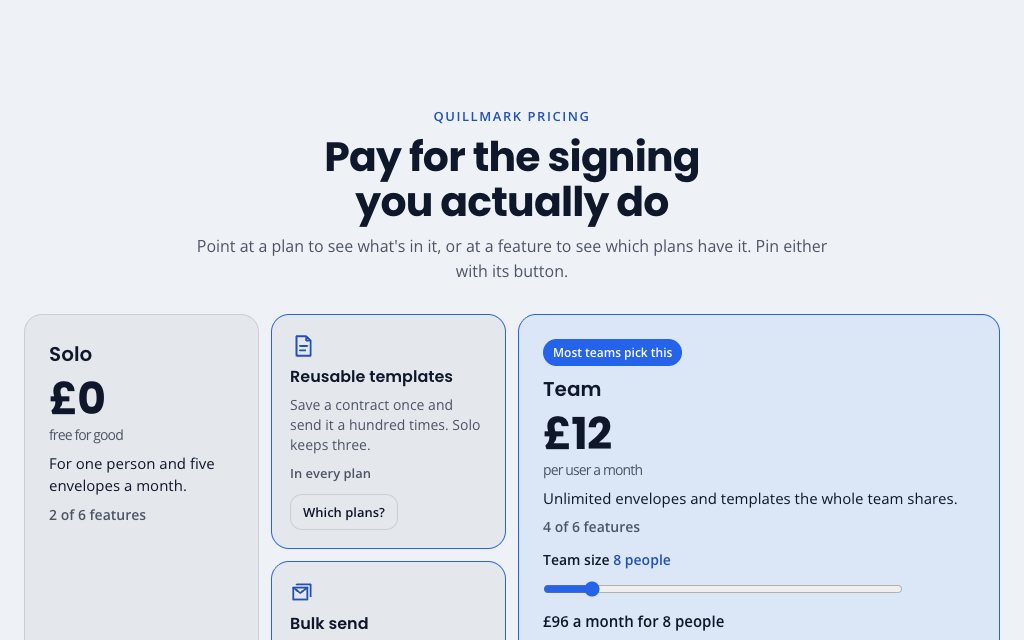
Pin buttons on each plan and feature tile keep a highlight on, so the plan/feature cross-highlight works on touch as well as hover.
N° 0434 · pricing
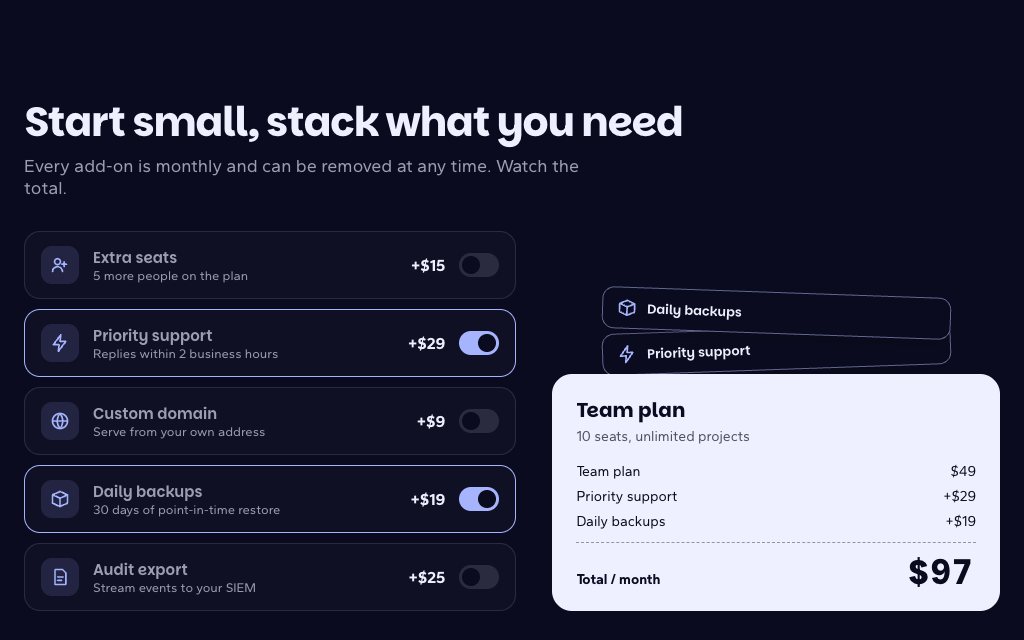
A switch on every add-on row; turning one on flies its chip onto the plan card and re-totals the price.
N° 0420 · toggle
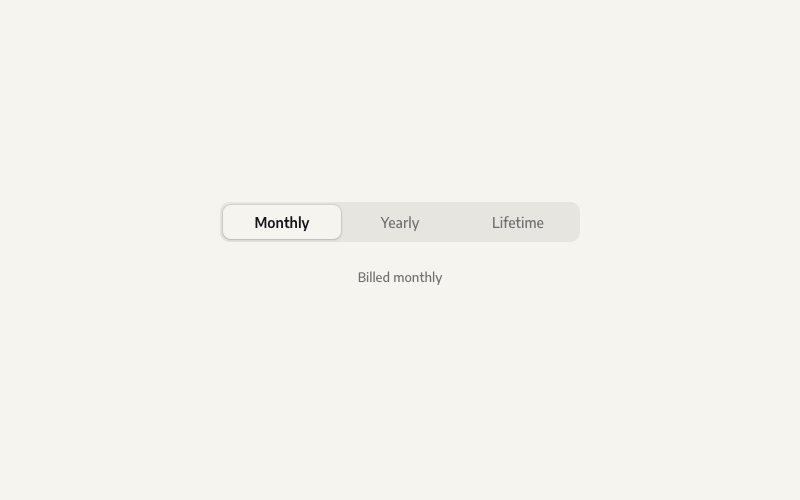
The switch by itself: a three-way segmented control on a radio group whose thumb slides with a small squash. Use it for Monthly / Yearly / Lifetime.
Browse the full catalogue: Sections · Pages · Elements
12 layers · 4 free
10 layers · 5 free
11 layers · 4 free
12 layers · 5 free