Magnetic Button
FREEN° 0222 · button
10 layers · 5 free
A hover effect should confirm that something is clickable and hint at what happens next, in well under a second. Each element here is one button with one effect; scripts find buttons by class, so several can share a page, and some need no script at all.
Click and keyboard states are included where they matter: the ripple spreads from the exact point you press, the 3D button presses on Enter as well as on click, and the glow button sends a ring outward when clicked.
N° 0222 · button
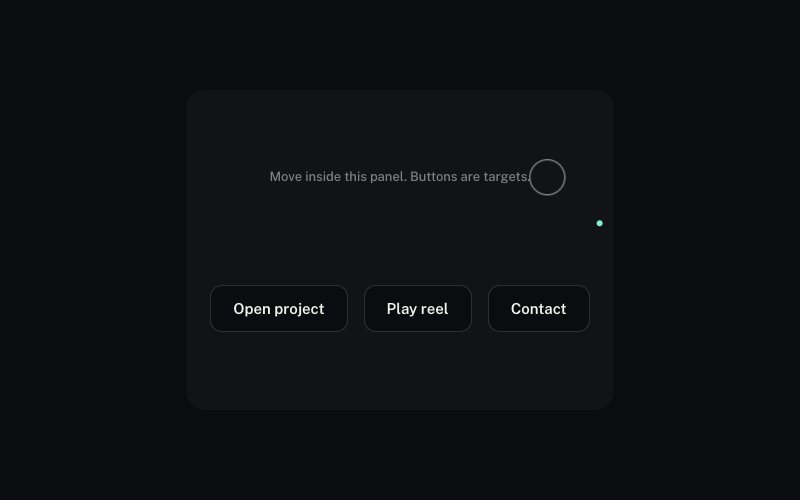
Leans toward the pointer inside a 120 px radius, the label moving further than the pill, then springs home on leave.

N° 0388 · button
A bright beam circles the border like a comet and speeds up on hover: a conic gradient and a mask, no script.
N° 0398 · button
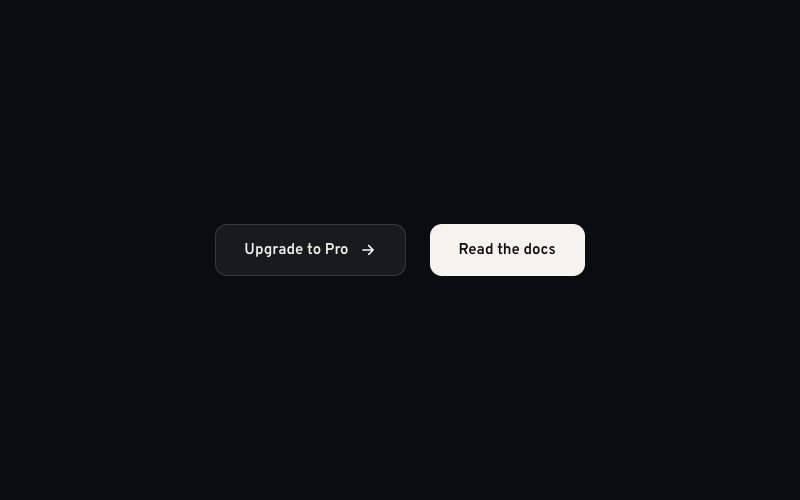
A diagonal sheen crosses the button every few seconds; hovering fires it at once and keeps it running faster.
N° 0395 · button
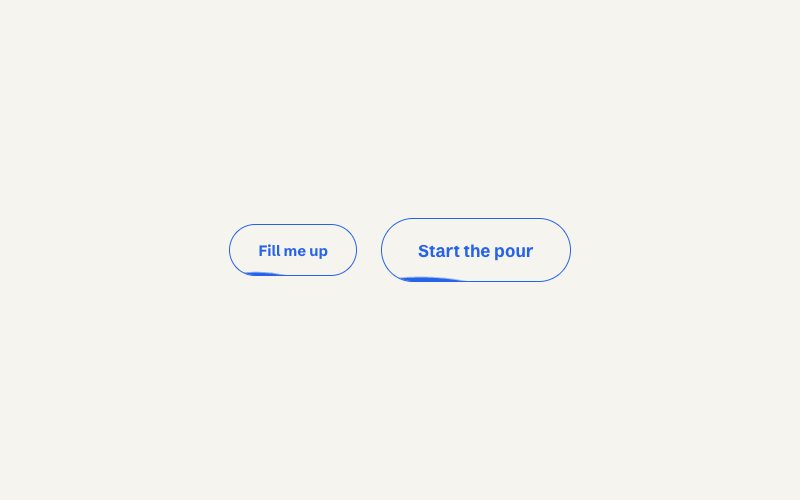
Two offset wave layers rise to fill the outline on hover and drain on leave, the label flipping colour.
N° 0394 · button
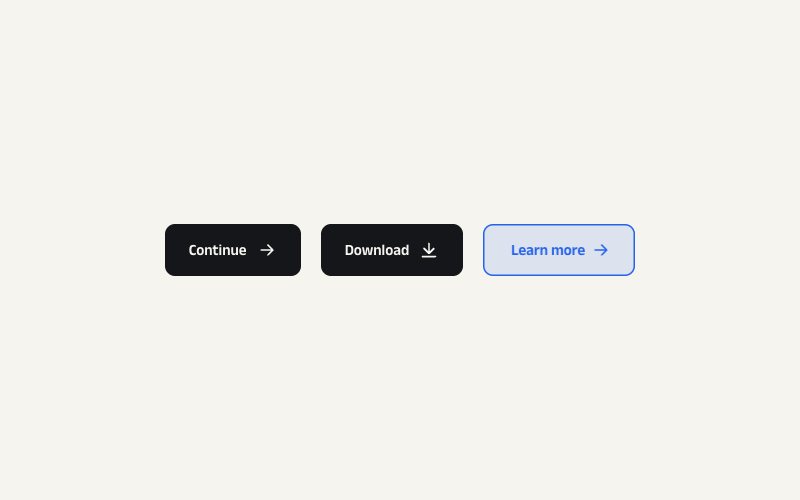
The arrow slides out to the right while a twin slides in from the left and the label shifts over.

N° 0399 · button
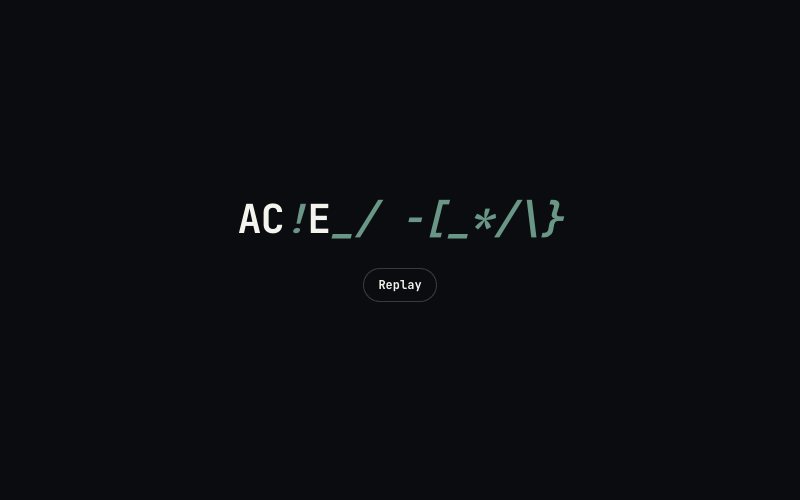
Letters roll up one by one as an accent copy rolls in below, so the colour changes letter by letter.
N° 0391 · button
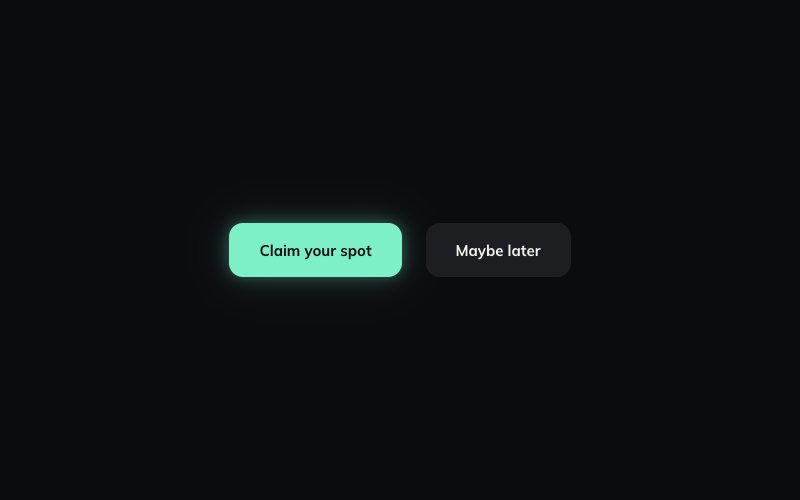
A slow breathing halo for the primary action that flares on hover and pings a ring on click.
N° 0386 · button
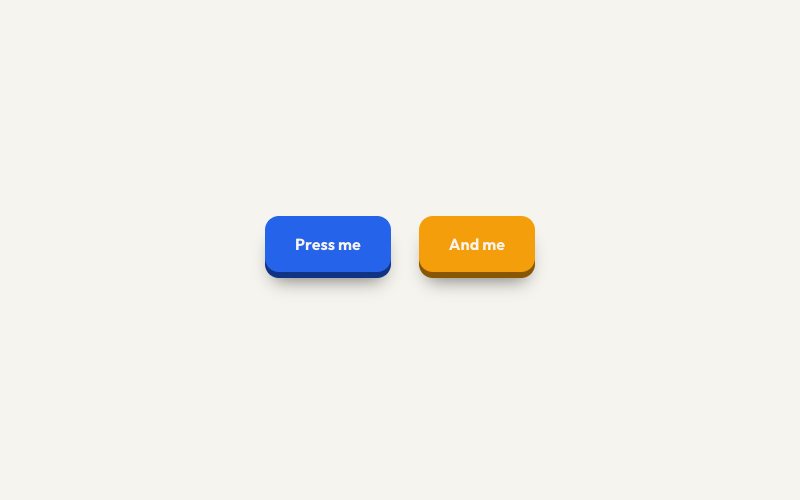
A chunky face over a visible edge: hover lifts it, pressing pushes it down, and Enter presses it too.
N° 0397 · button
A ripple from the exact point you press, held while the press is held; mouse and touch behave the same.

N° 0145 · cta
A whole call-to-action box: its border glows where the pointer is and the primary button is magnetic.
Browse the full catalogue: Sections · Elements
11 layers · 6 free
9 layers · 2 free
10 layers · 5 free
9 layers · 5 free