N° 0449 · commerce
10 layers · 4 free
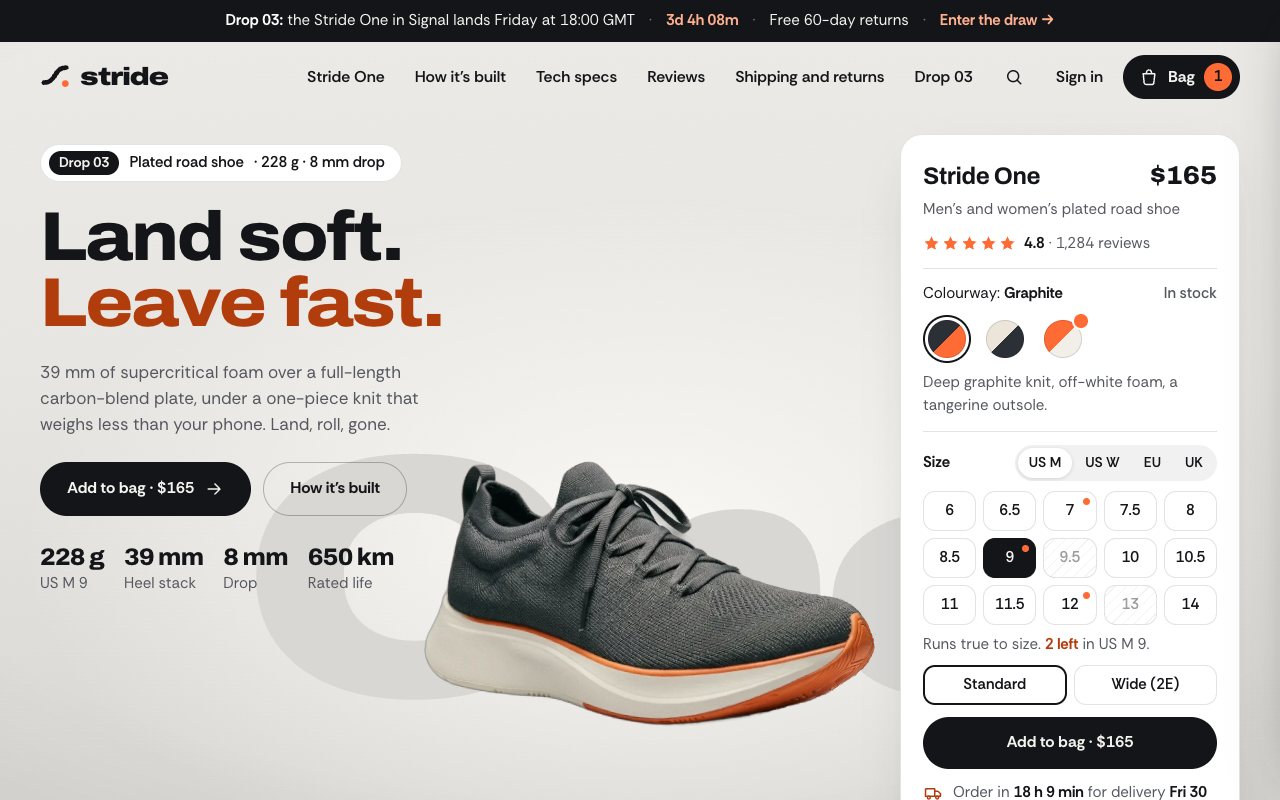
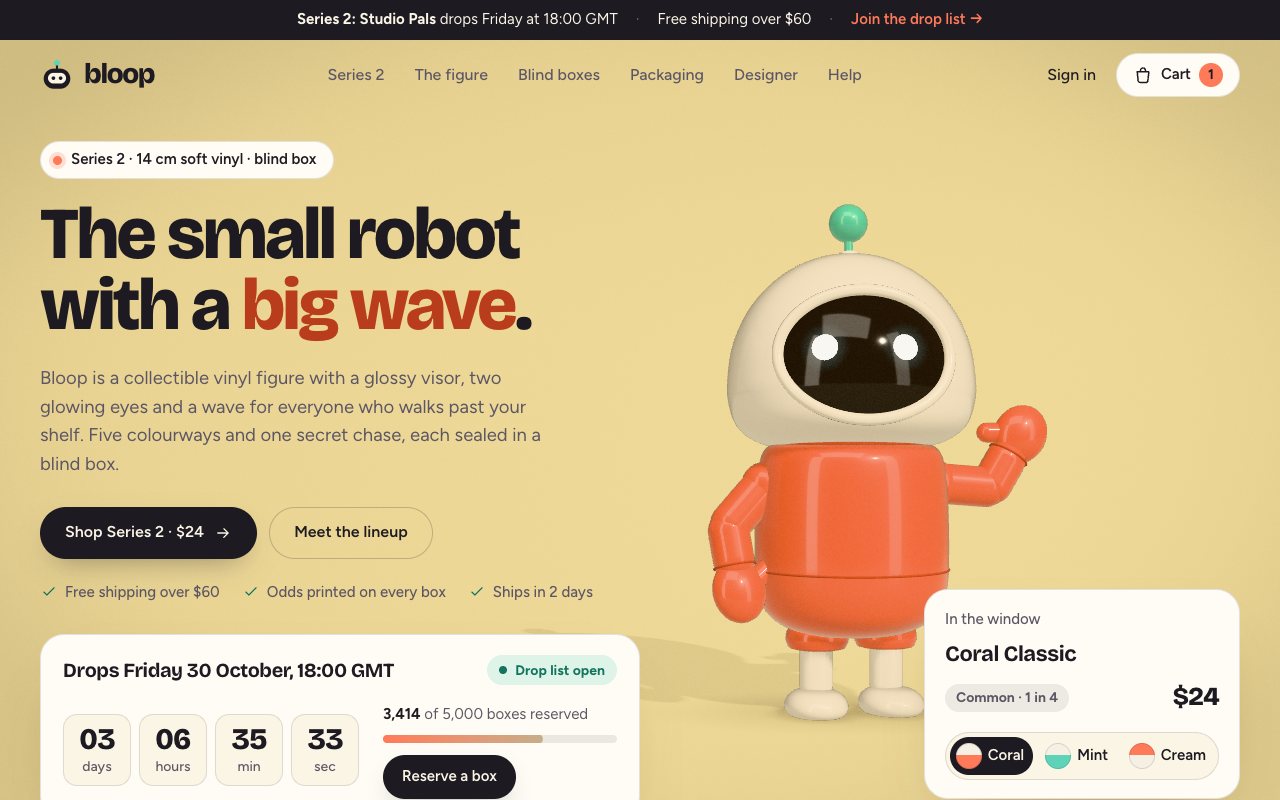
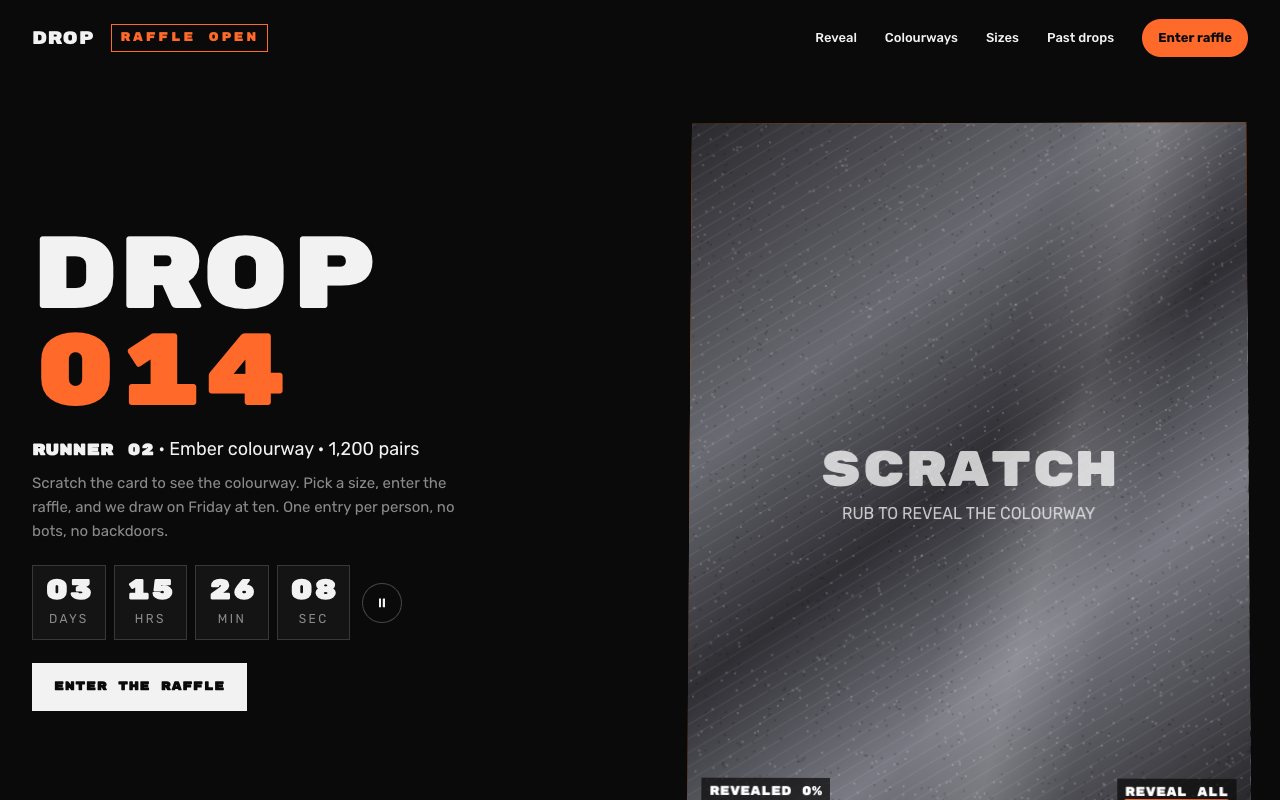
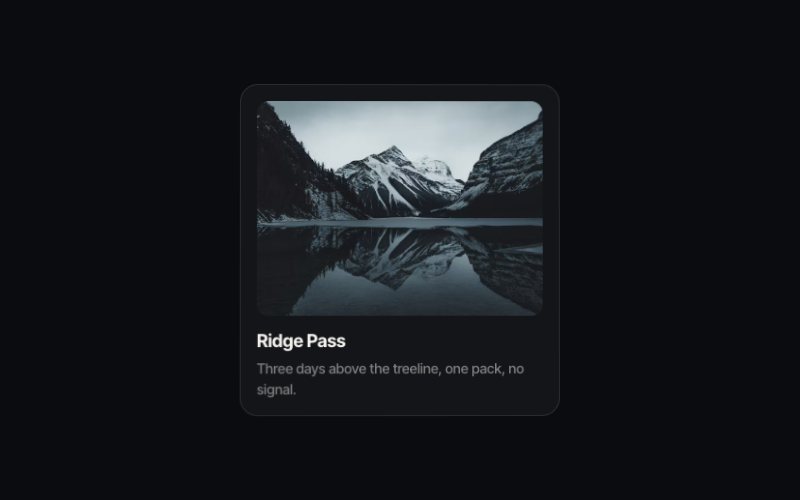
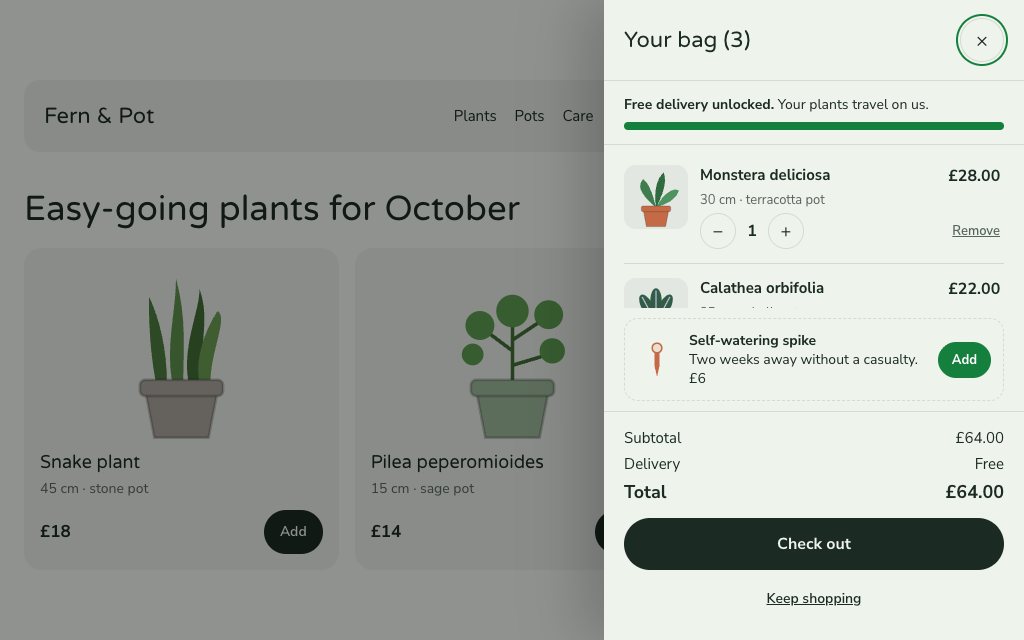
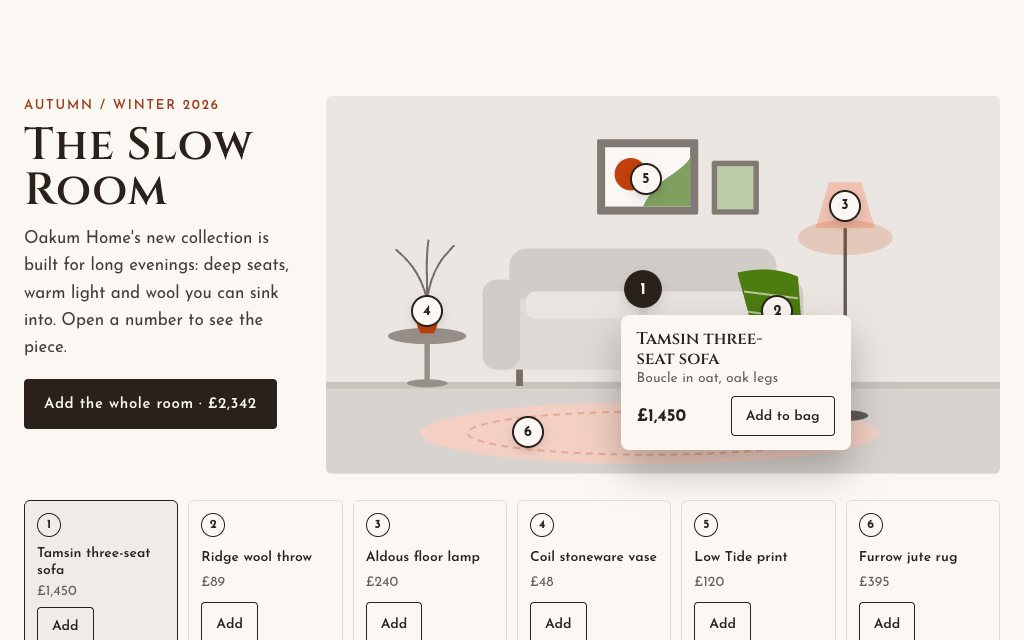
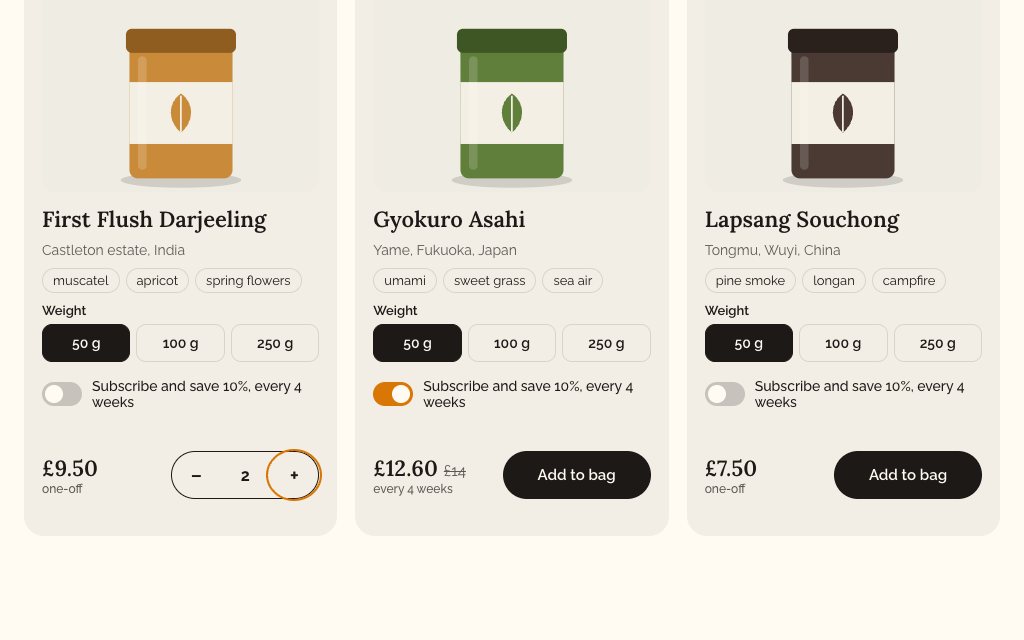
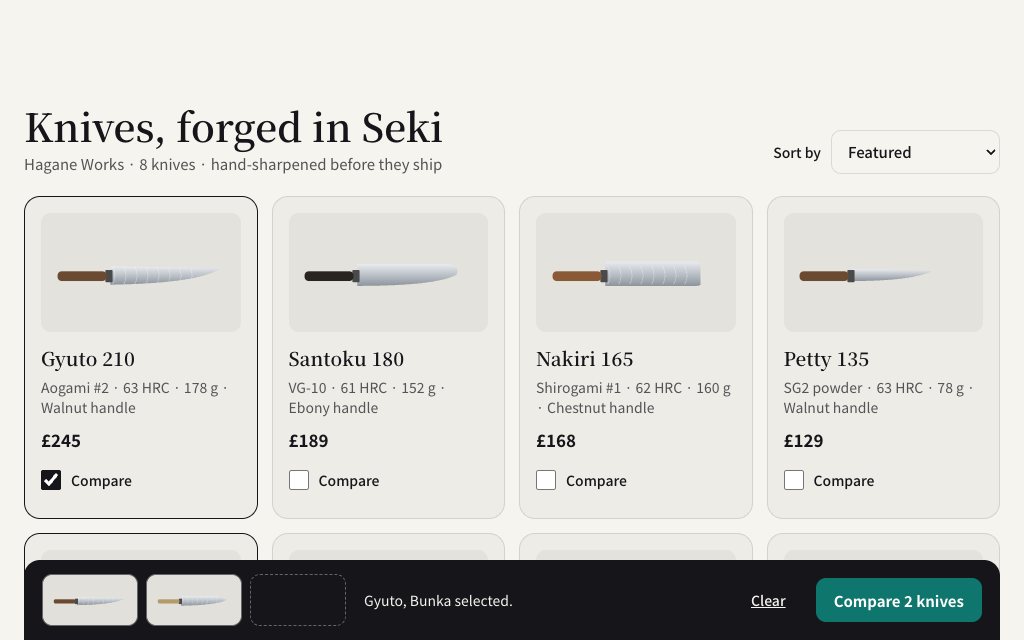
Shopify themes cover the basics, and custom sections are how a store gets the parts that make it its own. These ten are built for product and collection pages: a cart drawer with a free-delivery meter and undo, a room photo with shoppable hotspots, product cards where you choose a size and subscribe on the card, a grid with a compare tray, a size picker with a fit finder and restock alerts, a glaze library with a zoom lens, swatches that recolour the product photo and two review summaries that count up.
Pick Shopify before copying and the prompt asks for a theme section file under sections/, its copy and images read from section settings, the styles and script inline, and a schema with those settings, a preset so it shows in the theme editor and blocks for repeated items. Paste the result into your theme's code editor and add the section from the customiser.
The stores in the demos are fictional. Product Cards, Size Picker, Zoom Lens Gallery and Zoom Lens Image are free.
N° 0449 · commerce
A slide-in bag with editable lines, a free-delivery meter and undo.
N° 0454 · commerce
A room photo whose numbered hotspots open products from the collection.
N° 0518 · commerce
Tea product cards where you choose a size, subscribe and add to the bag on the card.
N° 0519 · commerce
A knife shop grid with a working compare tray for up to three products.
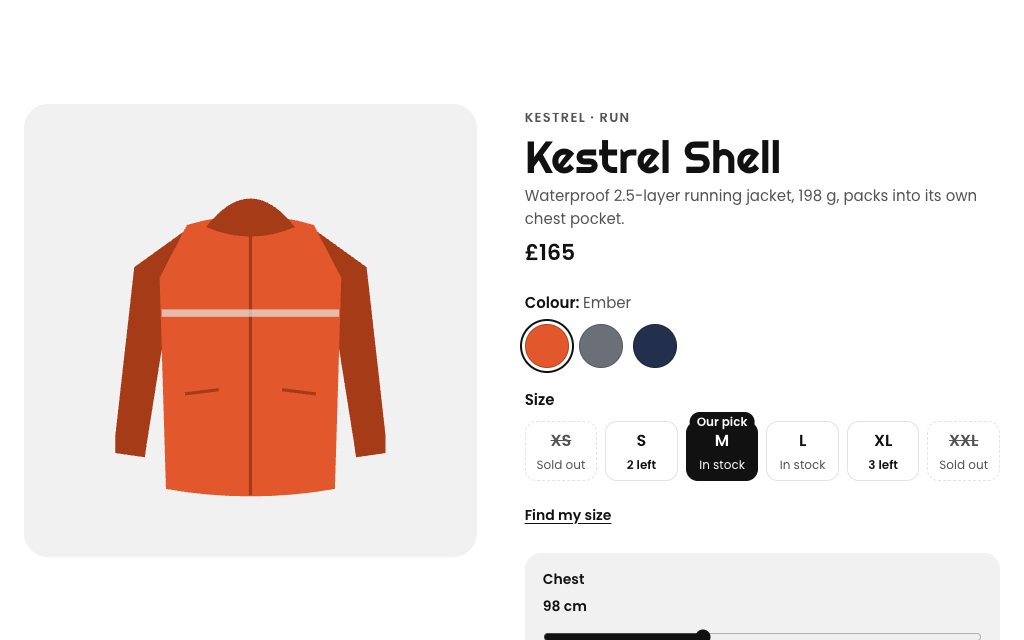
N° 0535 · commerce
A size and colour picker with stock per size, a fit finder and restock alerts.
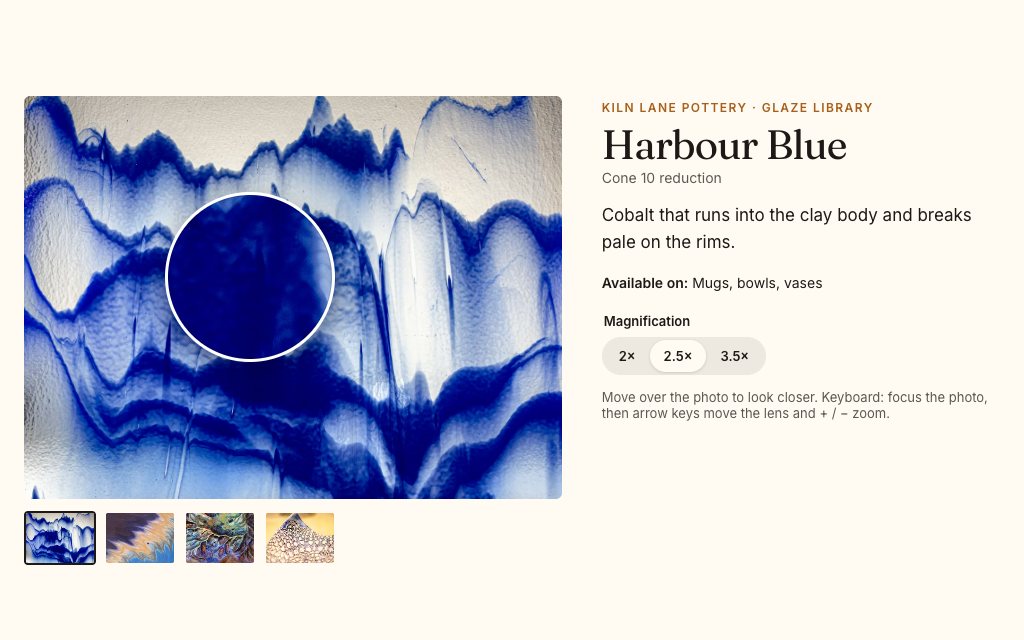
N° 0570 · gallery
A glaze library with a round lens that follows the pointer for a closer look.
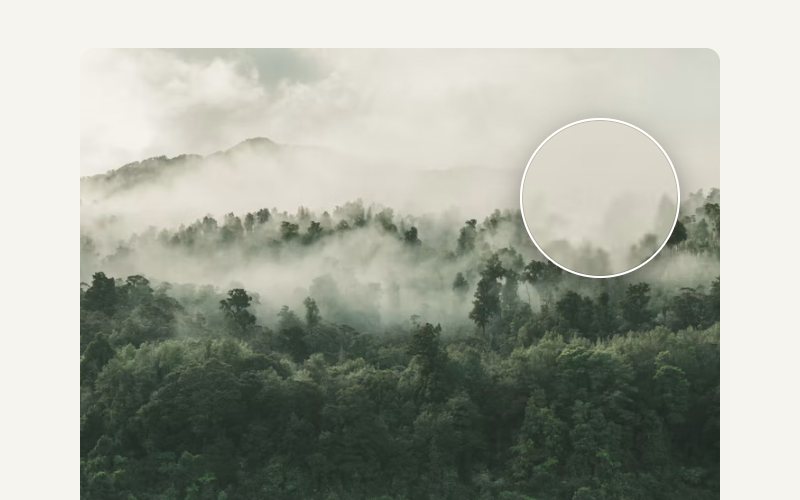
N° 0384 · image
A product photo with a 2.5× magnifying lens that moves with the hand.
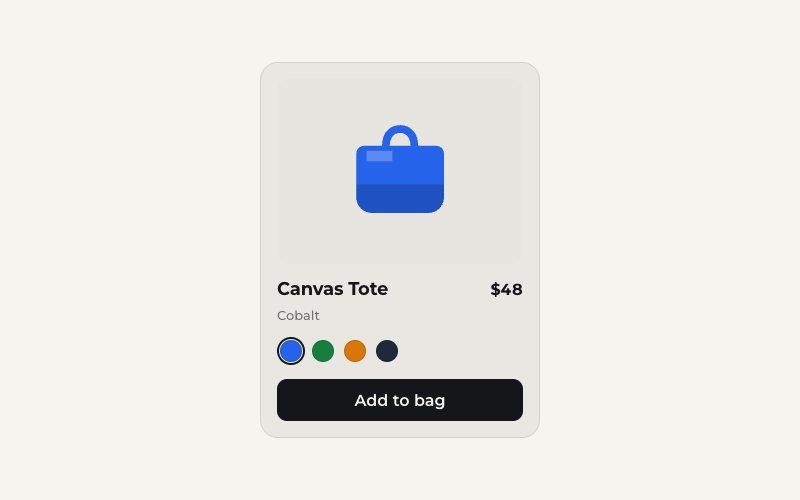
N° 0380 · card
Colour swatches that recolour the product photo through a hue shift.
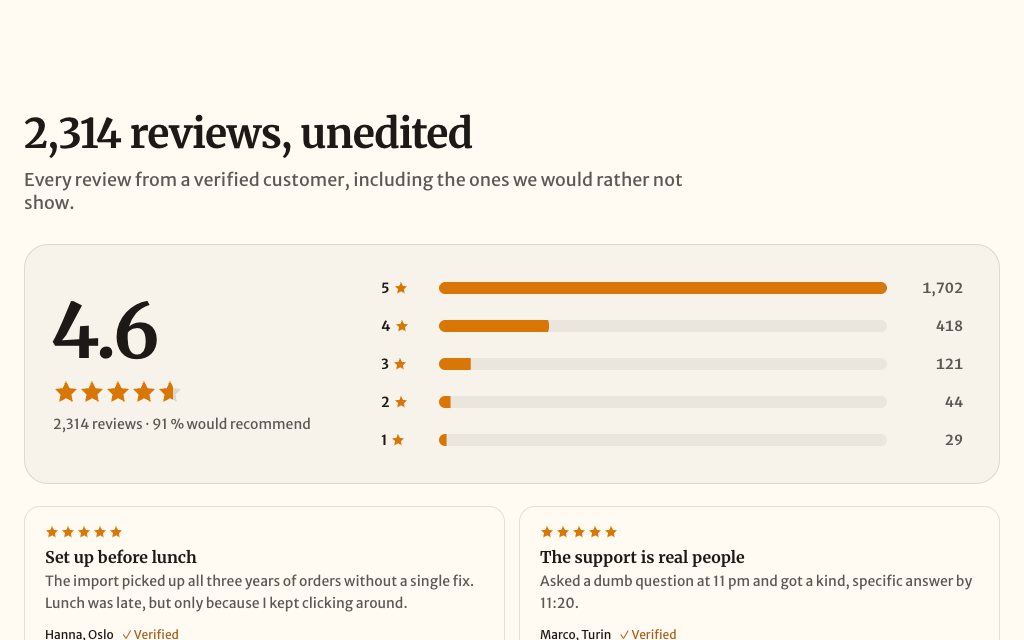
N° 0522 · testimonials
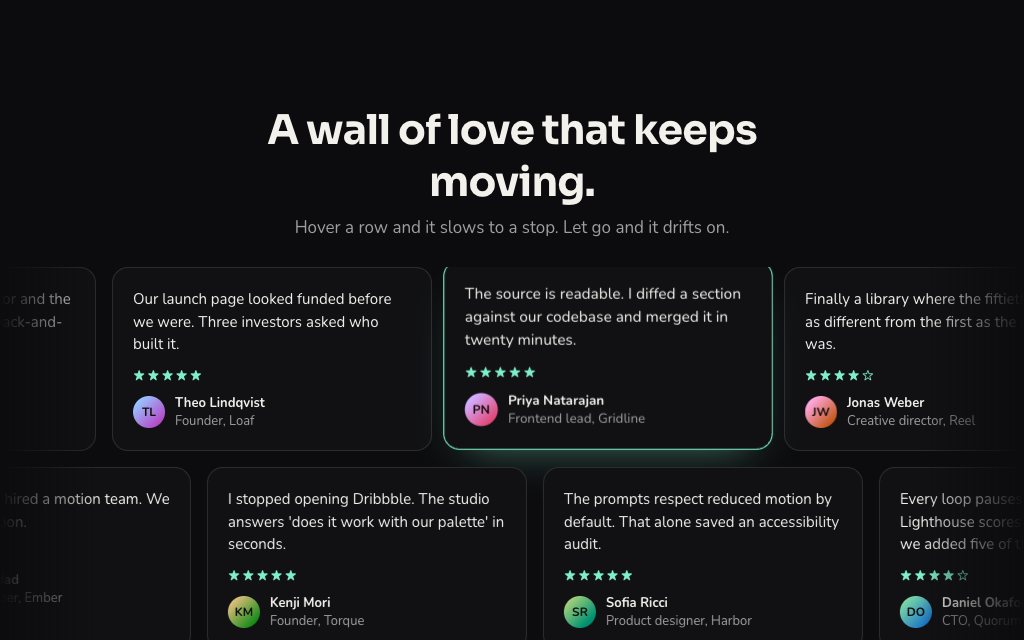
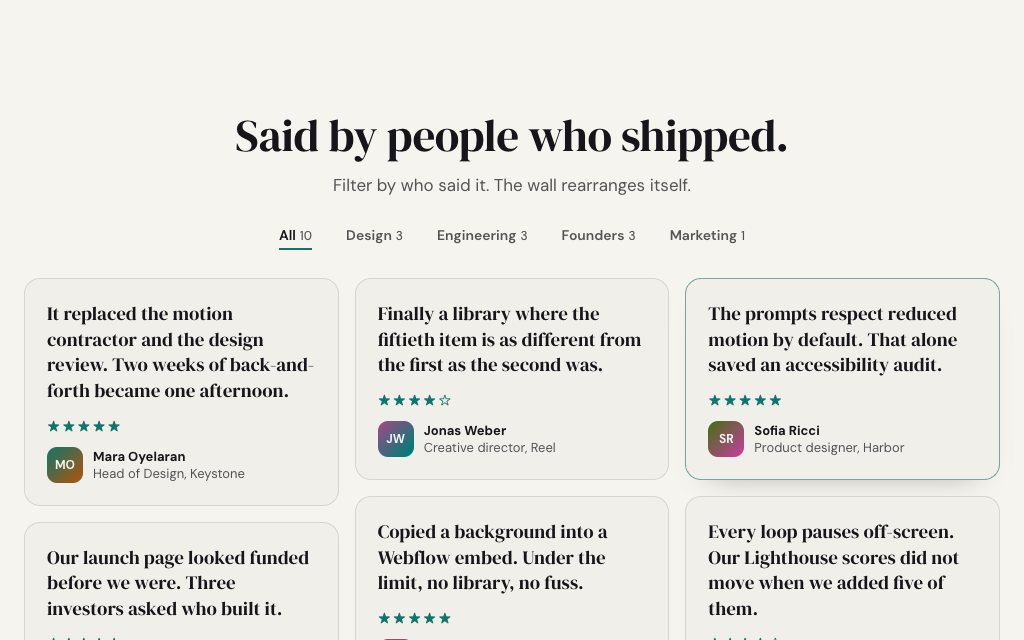
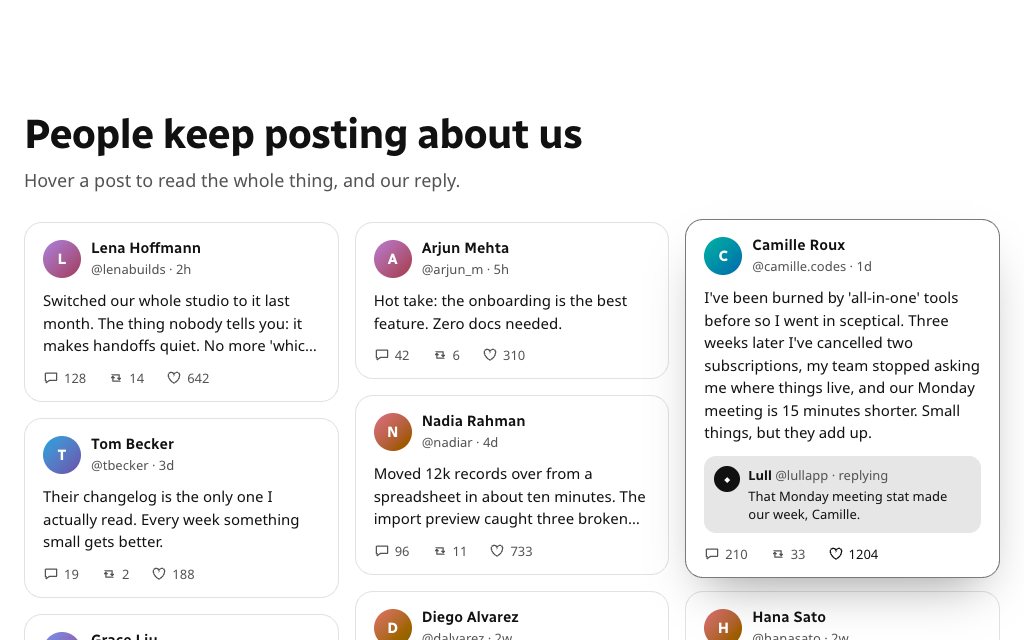
A review summary whose average counts up and stars fill to the exact fraction.
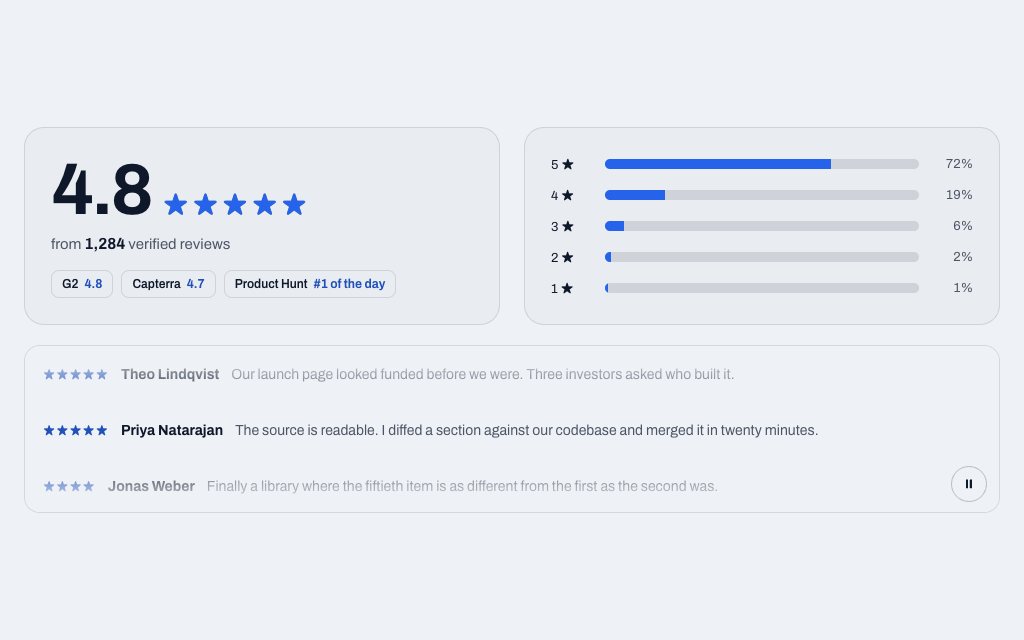
N° 0162 · testimonials
A reviews summary that counts its rating and total up as it scrolls into view.
Browse the full catalogue: Sections · Elements
Pick Shopify on the layer page, copy the prompt and paste it into Claude, Cursor or ChatGPT. Save the reply as sections/<name>.liquid in your theme's code editor, then add the section to any template from the theme customiser.
Yes. The prompt asks for the copy and images to come from section settings and for repeated items to be blocks, so they are editable in the theme customiser.
They are self-contained sections with their own styles and script, so they work in Online Store 2.0 themes such as Dawn. Map the colour tokens to your theme's settings if you want them to follow it.
Product Cards with Add-to-Stepper Morph, Size Picker with Fit Finder, Gallery with Hover Zoom Lens and Zoom Lens Image. Free layers are for personal projects; commercial use needs Pro or Lifetime.
12 layers · 3 free
12 layers · 2 free
10 layers · 4 free
12 layers · 4 free