N° 0617 · auth
10 layers · 4 free
Lovable can stand up a working app quickly, and the screens that make it feel finished are the ones people skip: sign-up, sign-in, a password reset, the first dashboard, settings, pricing. This collection gives each of those a considered design to prompt from.
There is a three-step sign-up where the product assembles itself beside the form, a sign-in split beside a street that lights up as the fields fill, a work-email SSO router, a calm password reset, a six-box code entry that handles paste and autofill, an analytics overview with a range brush, a kanban board you drive by drag or keyboard, a keyboard-first inbox, a settings page that tracks unsaved changes and a usage-based pricing page with a log-scale slider.
Pick React before copying: the prompt asks for a React page in TypeScript, one component per block, with the motion as hooks and the styles as one sheet. Paste it into Lovable and ask it to wire the forms to your auth and data.
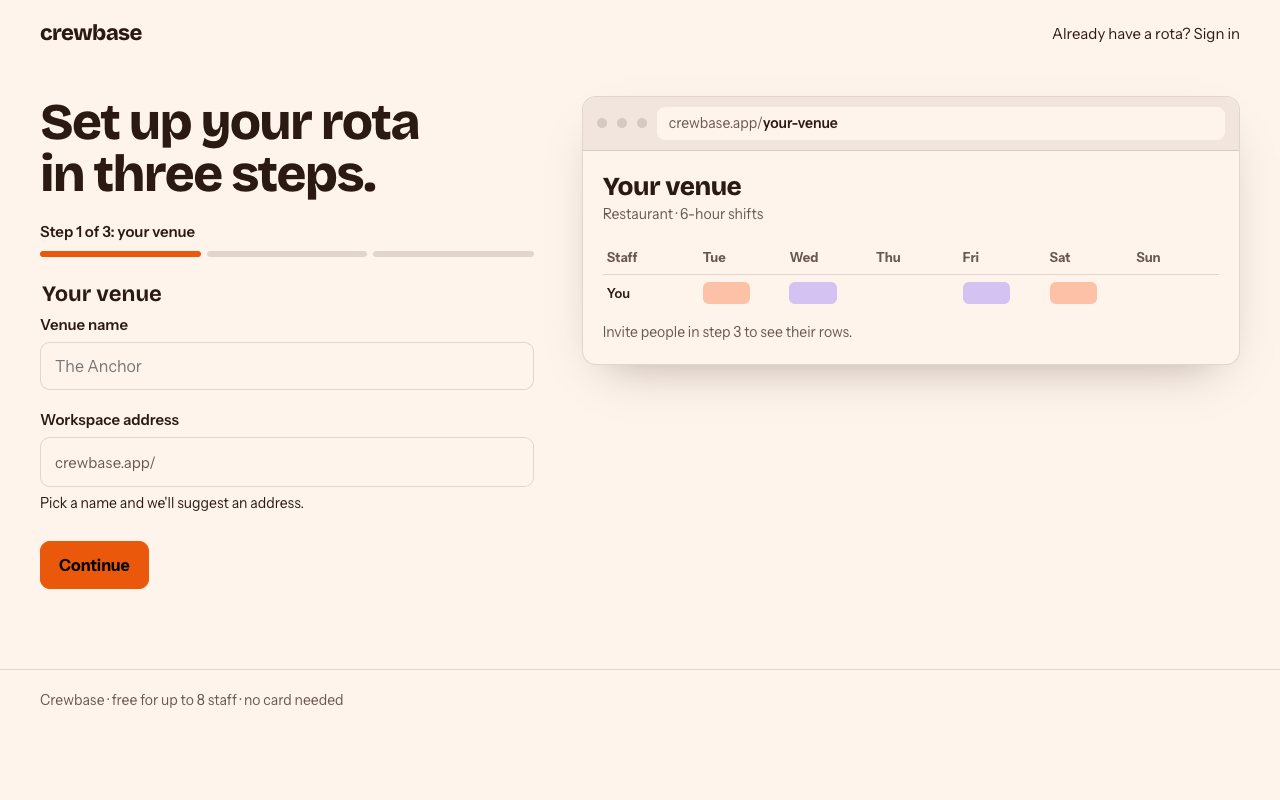
N° 0617 · auth
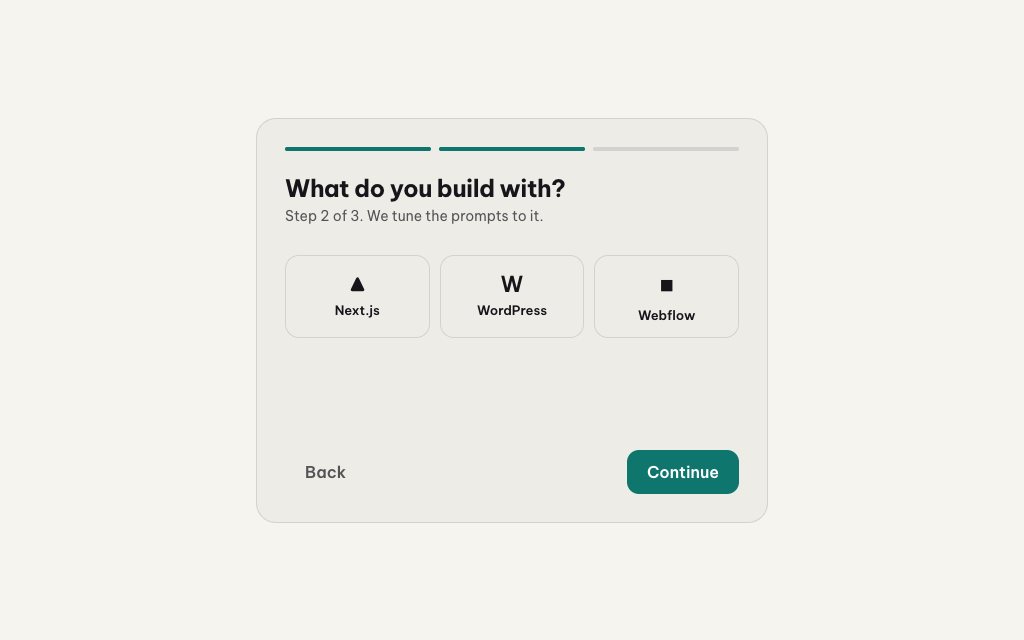
A three-step sign-up where the product assembles itself beside the form.
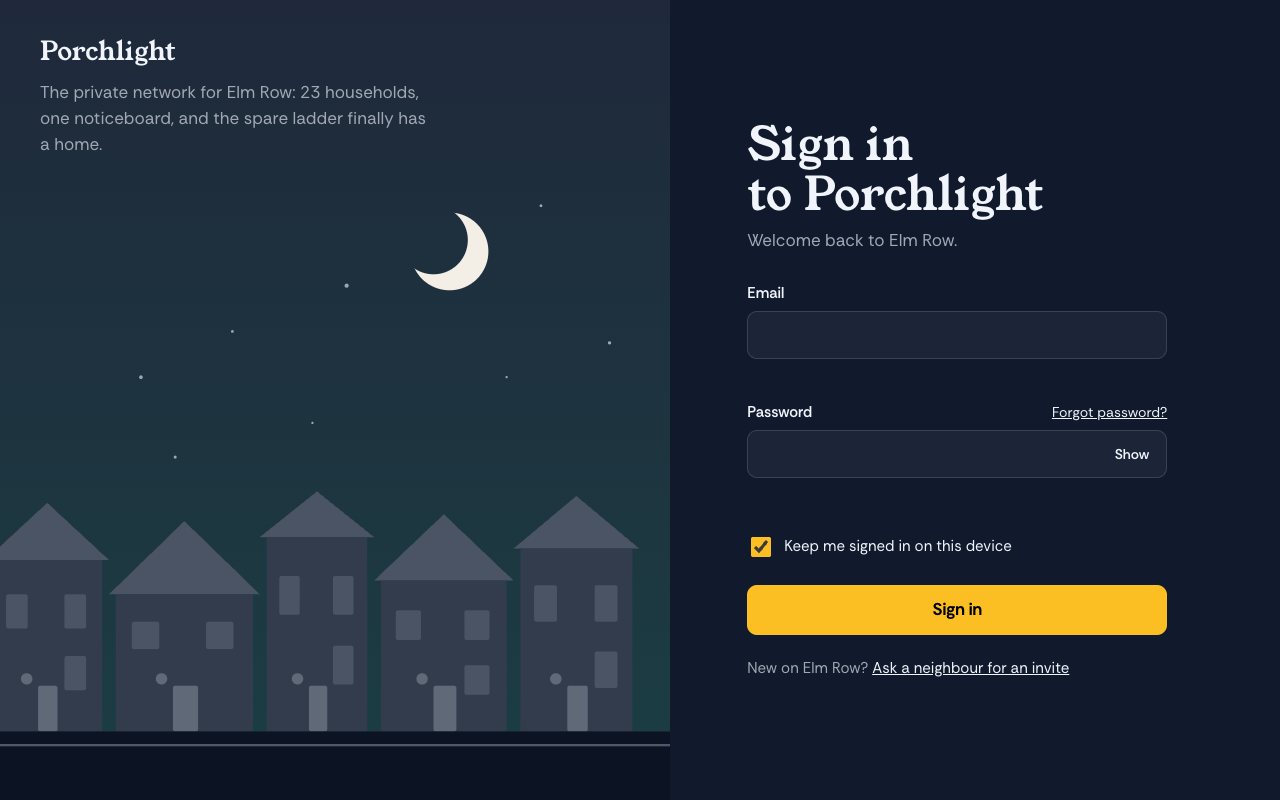
N° 0616 · auth
A sign-in split beside a night street that lights up as the fields become valid.
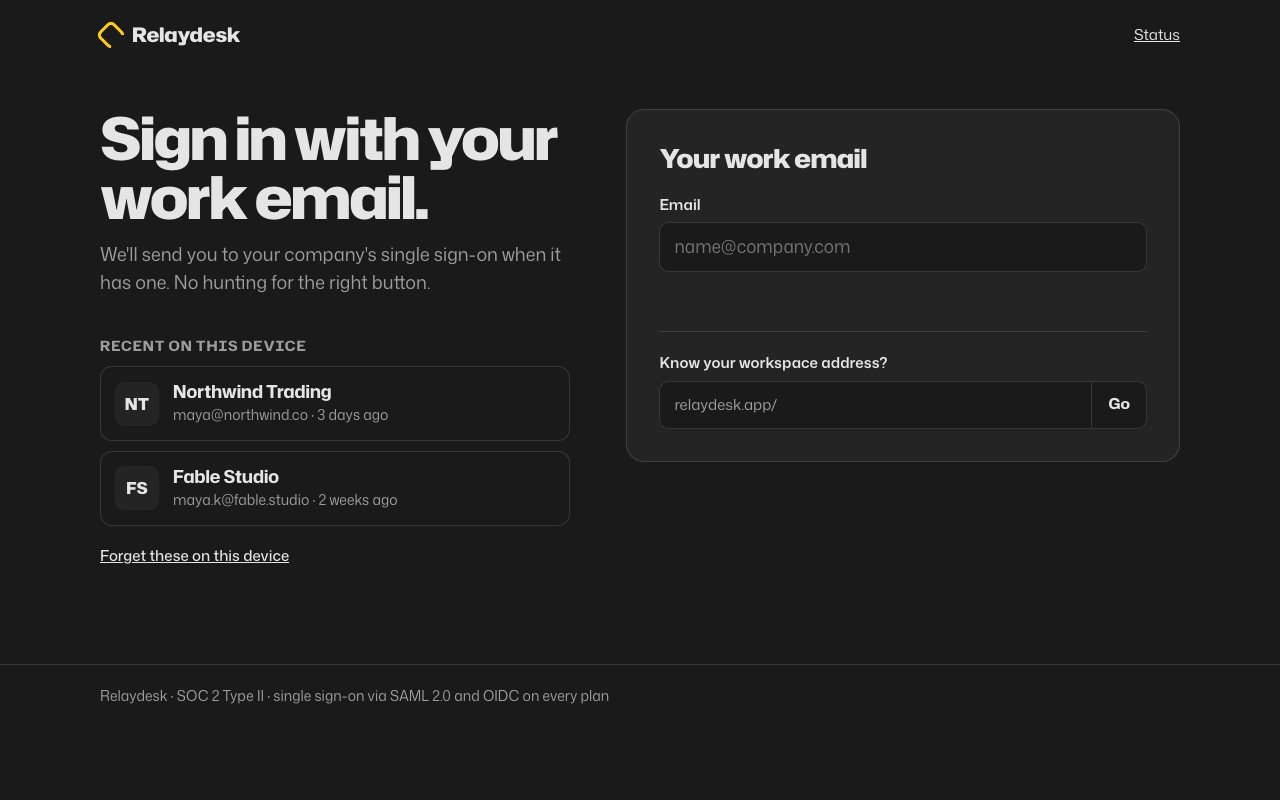
N° 0619 · auth
Sign-in that starts with your work email and routes to SSO from the domain.
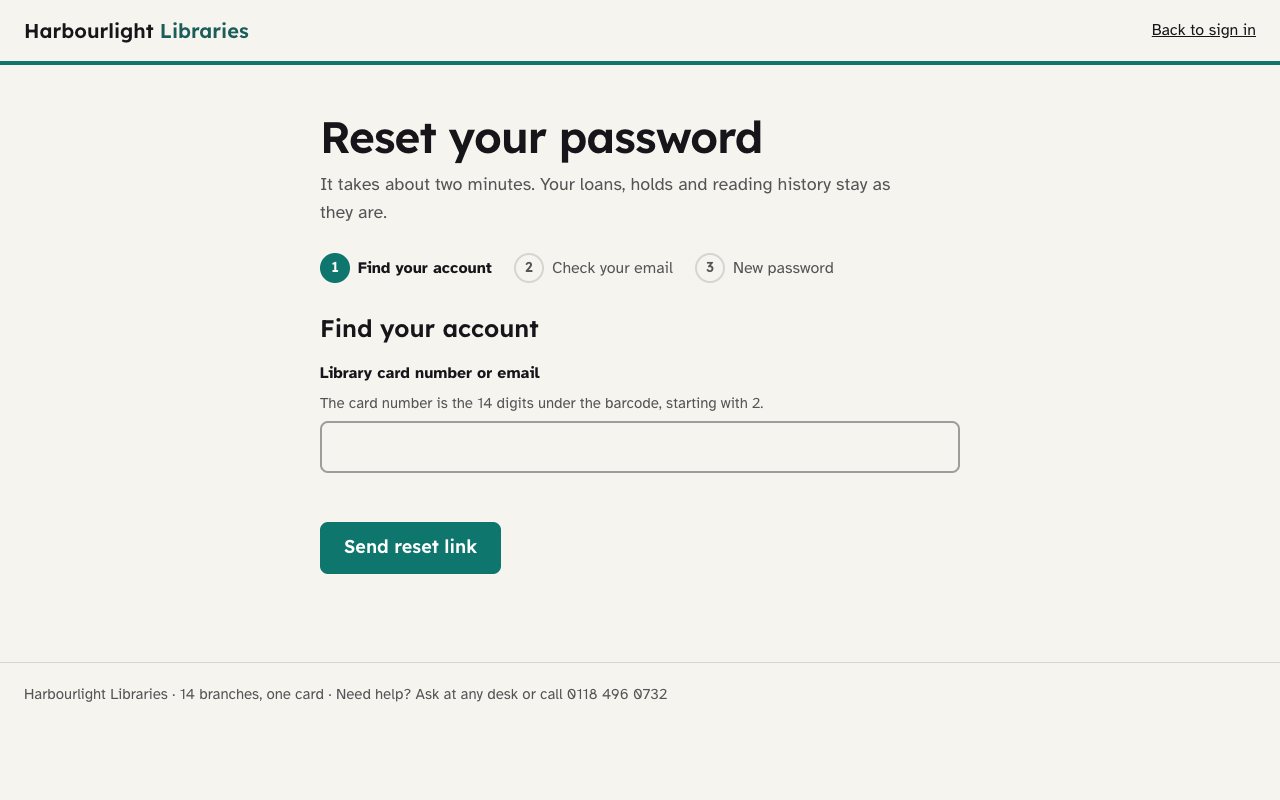
N° 0607 · auth
A password reset as one calm page in three steps, with live password rules.
N° 0606 · auth
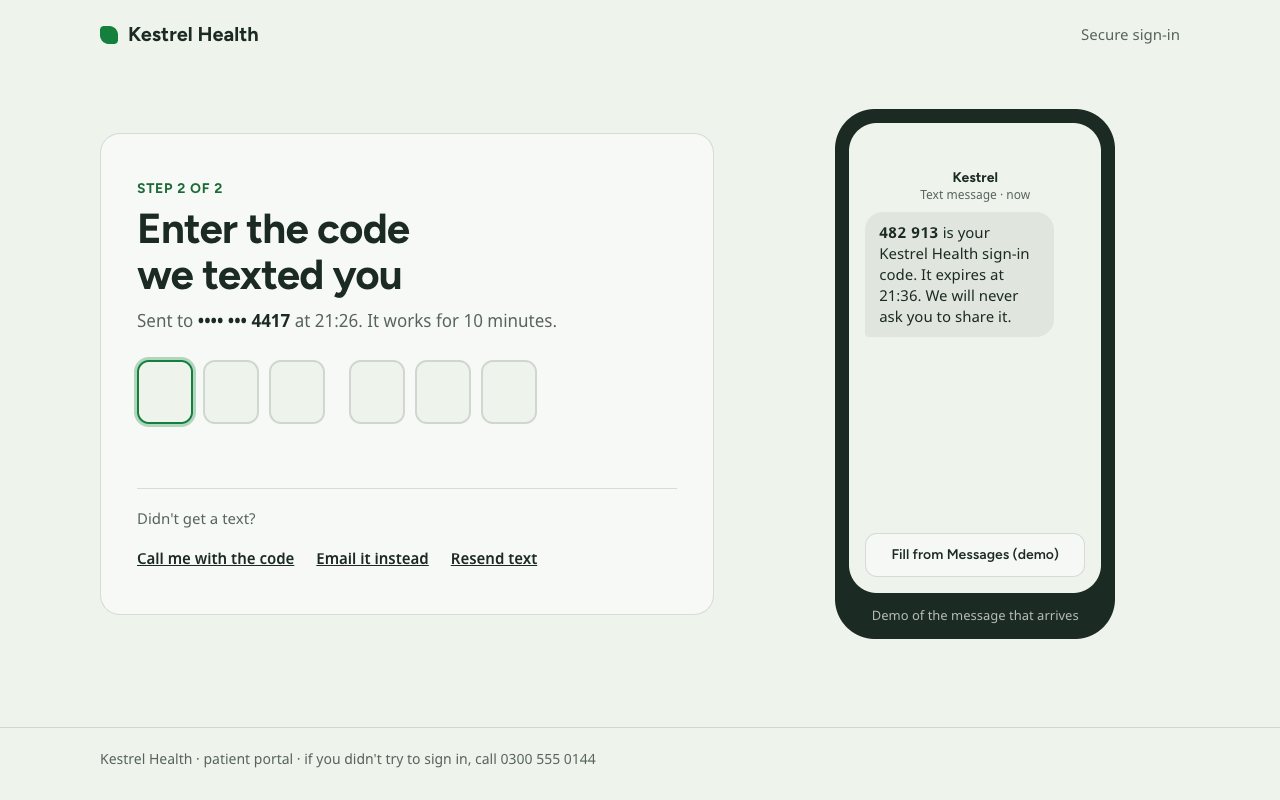
A verification step whose six code boxes handle typing, Backspace, paste and autofill.
N° 0573 · app-shell
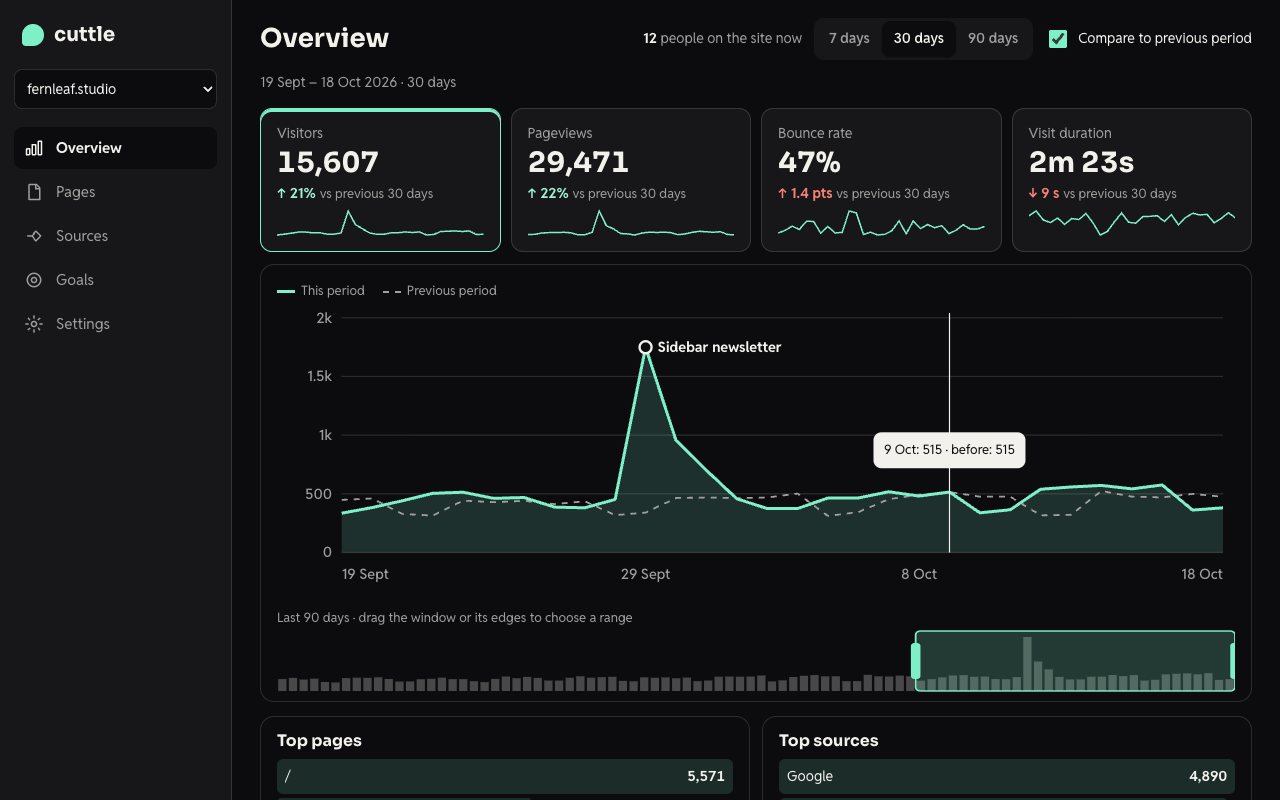
An analytics overview: KPI cards that double as chart tabs and a 90-day range brush.
N° 0593 · app-shell
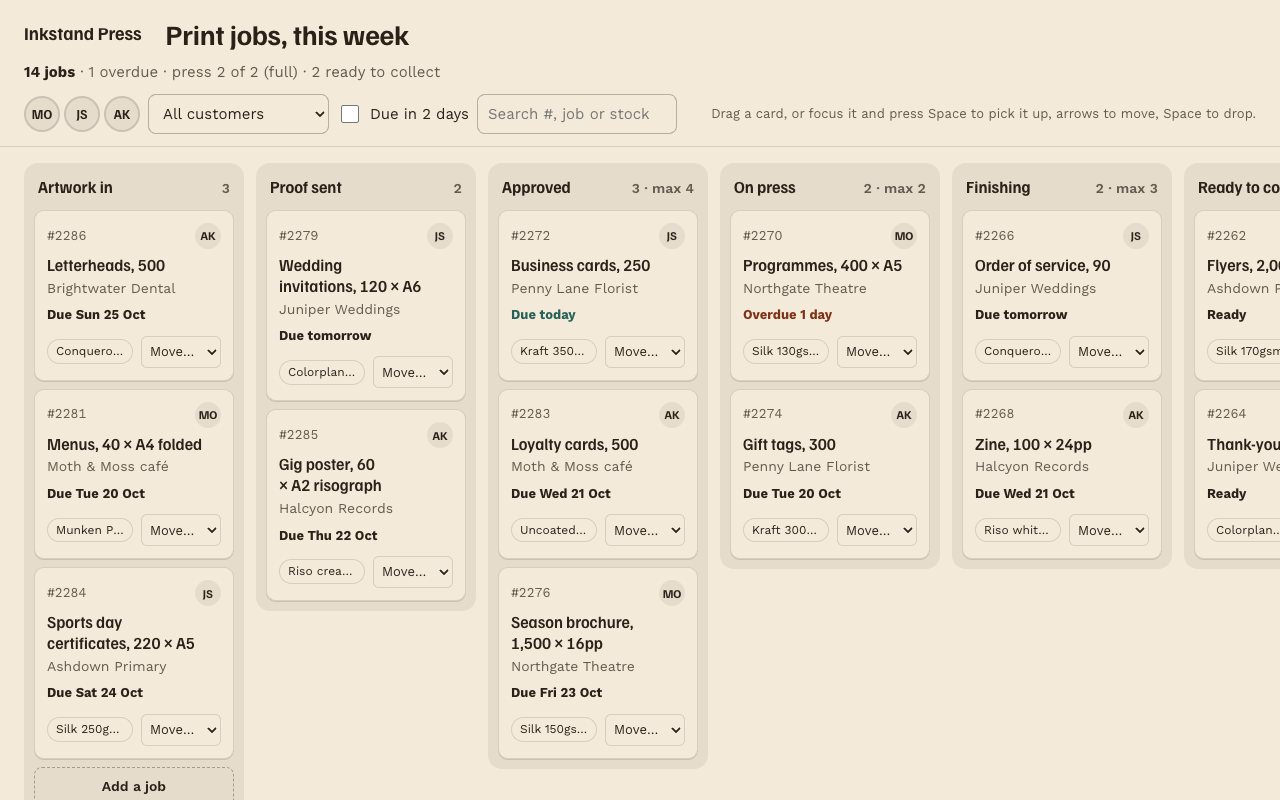
A job board with six columns; drag cards or move them from the keyboard.
N° 0591 · app-shell
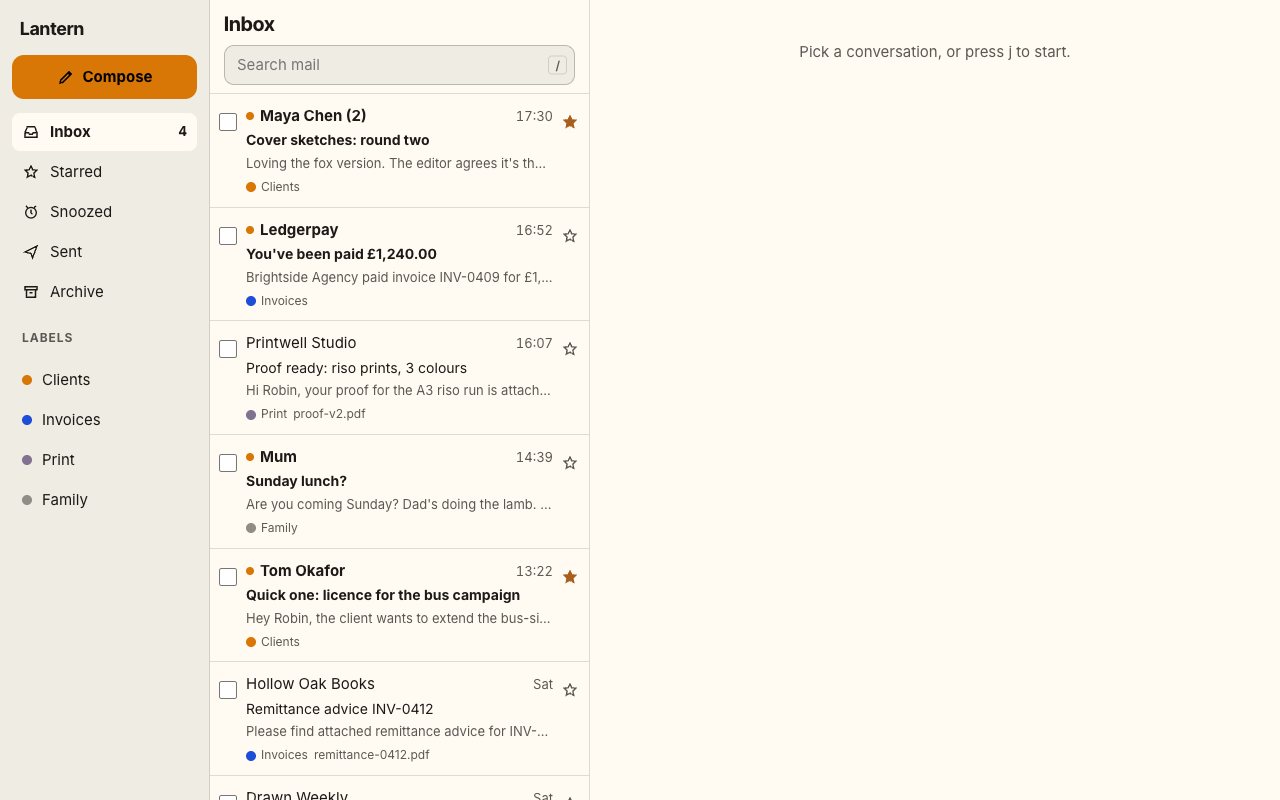
A three-pane inbox driven from the keyboard: j and k move, e archives, s stars.
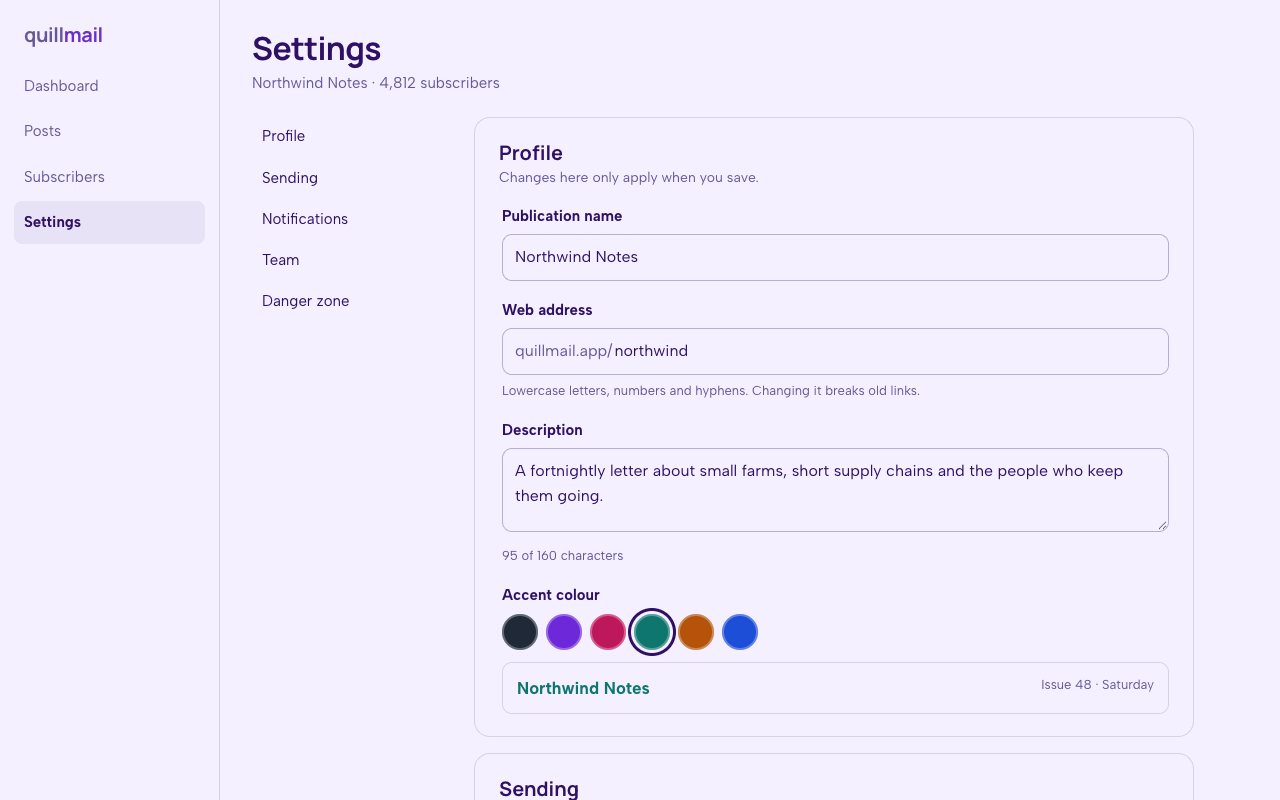
N° 0615 · app-shell
A settings page that keeps count of what you changed and what is unsaved.
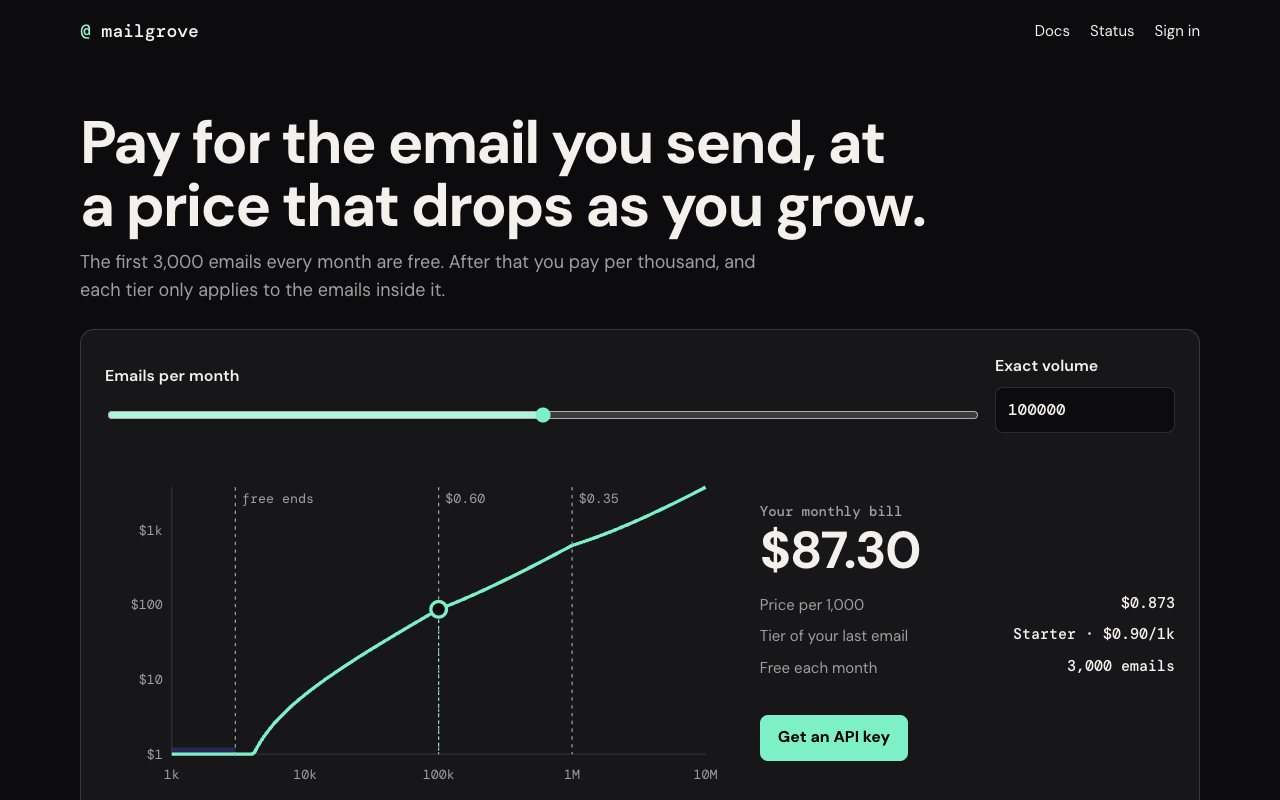
N° 0627 · pricing
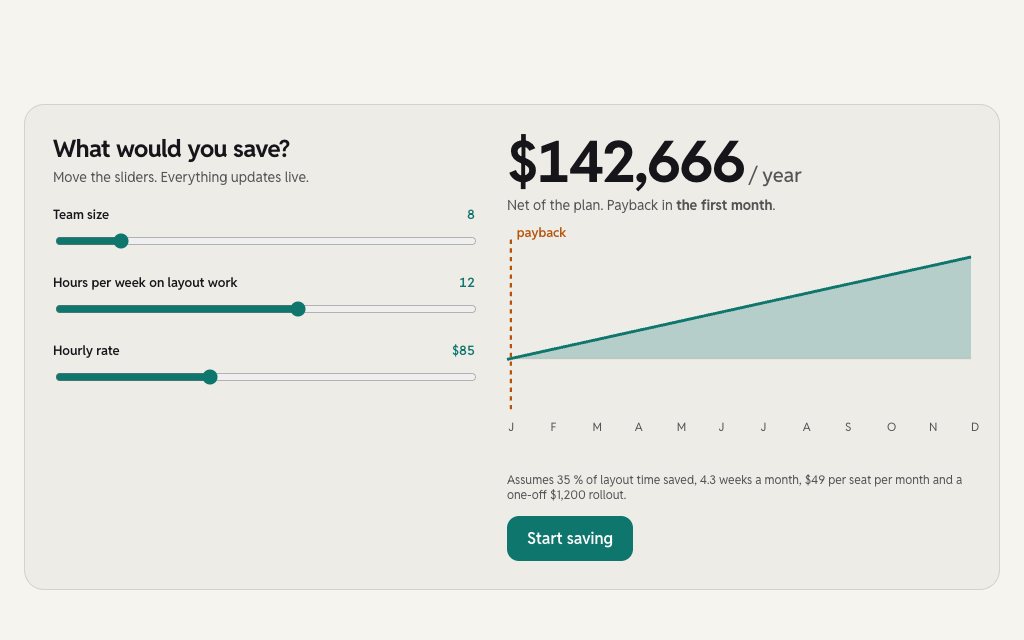
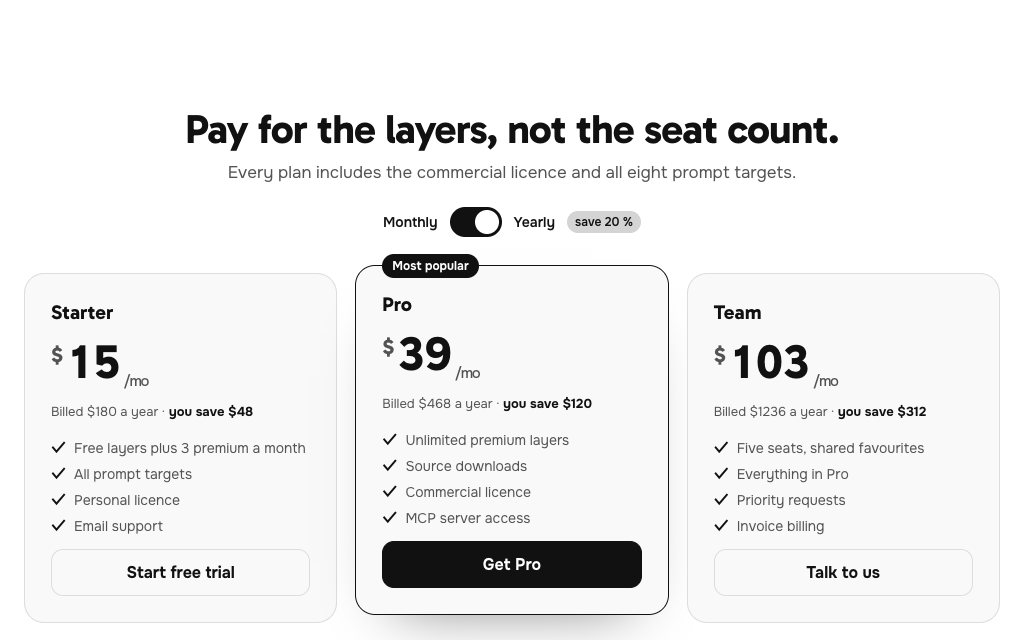
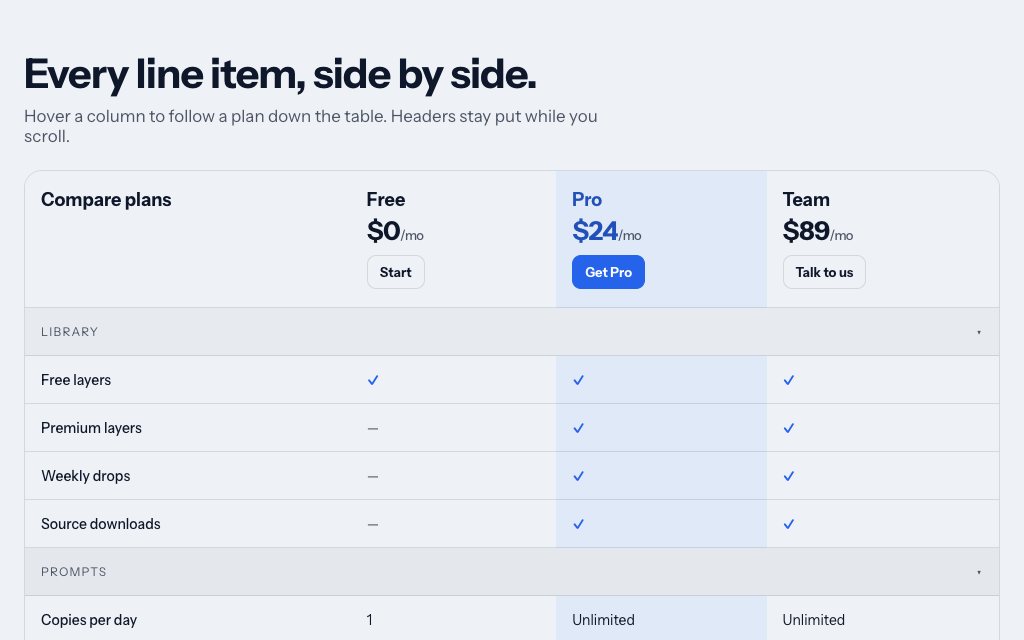
Usage pricing with a log-scale slider that moves a marker along the bill's cost curve.
Browse the full catalogue: Pages
Choose React on the layer page, copy the prompt and paste it into Lovable's chat. It builds the screen from the quoted design; then ask it to connect the form to your authentication or database.
No. They are front-end designs with validation, states and placeholder data. The backend (Supabase, your own API or another provider) is wired up in Lovable after the screen is built.
No. Tileio is an independent library of design layers and prompts. The prompts are plain text, so they work in Lovable and in any other AI coding tool that writes HTML, CSS and JavaScript.
Multi-step Sign-up, Password Reset, Print Shop Kanban Board and the usage-slider pricing page. Free layers are for personal projects; commercial use needs Pro or Lifetime.
12 layers · 5 free
10 layers · 2 free
12 layers · 4 free
10 layers · 4 free